> ## Documentation Index
> Fetch the complete documentation index at: https://www.plain.com/docs/llms.txt
> Use this file to discover all available pages before exploring further.
# Contact forms
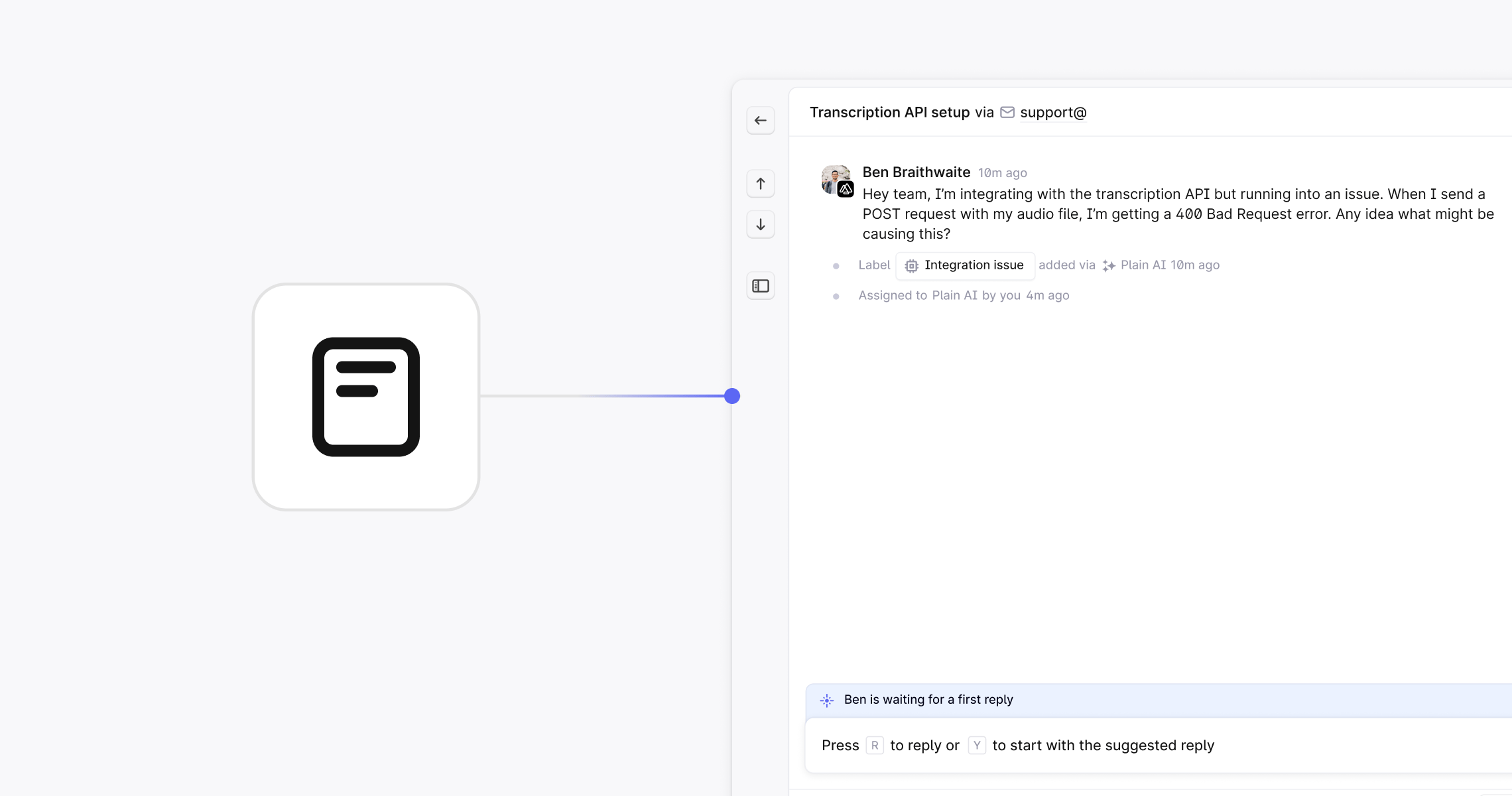
> Define exactly what a customer submits, and turn each submission into a structured thread.
Contact forms give you full control over how customer requests enter Plain. They let you pre-triage, structure, and prioritize conversations. Contact forms allow you to:
* Collect upfront information so threads get triaged to the right person or team, automatically.
* Add labels, SLAs, and thread metadata during submission so high-value requests get surfaced immediately.
* Gather key product or account details without follow-up questions, so your team can jump straight into solving.
 ## Getting started with contact forms
Plain does not provide any UI components or a drop-in script tag. Instead, you use your own UI components and then use Plain's API. Our [Typescript](/docs/graphql/sdk) [SDK](https://github.com/team-plain/typescript-sdk/) is a great place to get started.
When a contact form is submitted, you first [**create the**](/docs/graphql/customers/upsert) [**customer**](/docs/graphql/customers/upsert) in Plain and then [**create**](/docs/graphql/threads/create) [**a thread**](/docs/graphql/threads/create) in Plain.
Depending on your desired behavior, you can also do other things as part of the form submission, such as:
* [Add the customer to a](/docs/graphql/customers/customer-groups) [customer](/docs/graphql/customers/customer-groups) [group](/docs/graphql/customers/customer-groups)
* [Set](/docs/graphql/labels/add)[labels](/docs/graphql/labels/add)
* Add a priority to a thread
A contact form can take any shape, and can ask questions specific to your product.
### Examples you can customize
#### Floating contact form
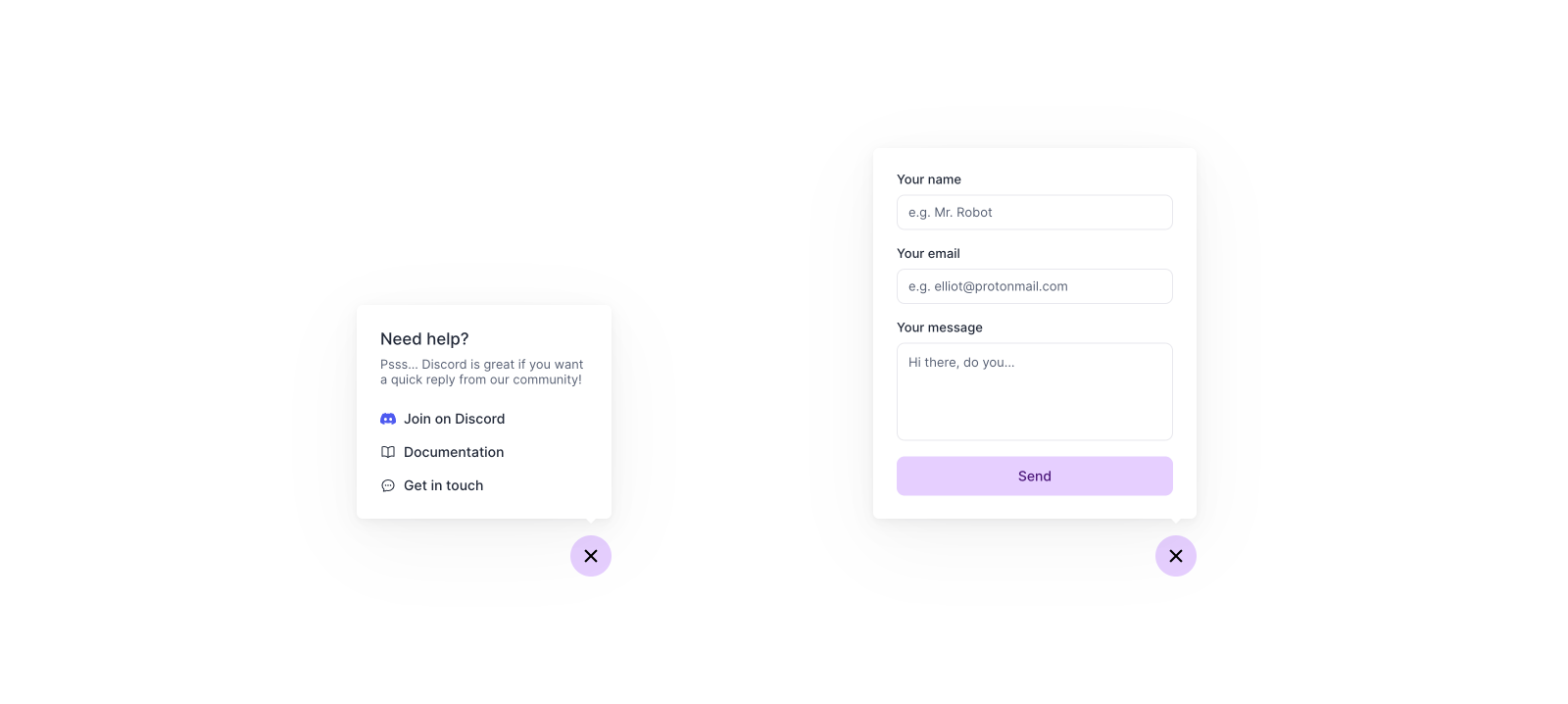
This shows a floating contact form (bottom right) built in **Next.js**.
[**View demo ↗**](https://example-nextjs-floating-form.vercel.app/) | [**View source on Github↗**](https://github.com/team-plain/example-nextjs-floating-form)
*Screenshot of the floating contact form*
## Getting started with contact forms
Plain does not provide any UI components or a drop-in script tag. Instead, you use your own UI components and then use Plain's API. Our [Typescript](/docs/graphql/sdk) [SDK](https://github.com/team-plain/typescript-sdk/) is a great place to get started.
When a contact form is submitted, you first [**create the**](/docs/graphql/customers/upsert) [**customer**](/docs/graphql/customers/upsert) in Plain and then [**create**](/docs/graphql/threads/create) [**a thread**](/docs/graphql/threads/create) in Plain.
Depending on your desired behavior, you can also do other things as part of the form submission, such as:
* [Add the customer to a](/docs/graphql/customers/customer-groups) [customer](/docs/graphql/customers/customer-groups) [group](/docs/graphql/customers/customer-groups)
* [Set](/docs/graphql/labels/add)[labels](/docs/graphql/labels/add)
* Add a priority to a thread
A contact form can take any shape, and can ask questions specific to your product.
### Examples you can customize
#### Floating contact form
This shows a floating contact form (bottom right) built in **Next.js**.
[**View demo ↗**](https://example-nextjs-floating-form.vercel.app/) | [**View source on Github↗**](https://github.com/team-plain/example-nextjs-floating-form)
*Screenshot of the floating contact form*
 #### Advanced contact form
This example uses structured inputs based on the topic and includes built-in categorization logic.
[**View demo ↗**](https://example-nextjs-advanced-contact-form.vercel.app/) | [**View source on Github↗**](https://github.com/team-plain/example-nextjs-advanced-contact-form)
Our Contact forms are available on all pricing plans: Foundation, Horizon, and Frontier.
#### Advanced contact form
This example uses structured inputs based on the topic and includes built-in categorization logic.
[**View demo ↗**](https://example-nextjs-advanced-contact-form.vercel.app/) | [**View source on Github↗**](https://github.com/team-plain/example-nextjs-advanced-contact-form)
Our Contact forms are available on all pricing plans: Foundation, Horizon, and Frontier.