> ## Documentation Index
> Fetch the complete documentation index at: https://www.plain.com/docs/llms.txt
> Use this file to discover all available pages before exploring further.
# Email
> Set up email in Plain in two steps: sending through DNS records, and receiving by forwarding.
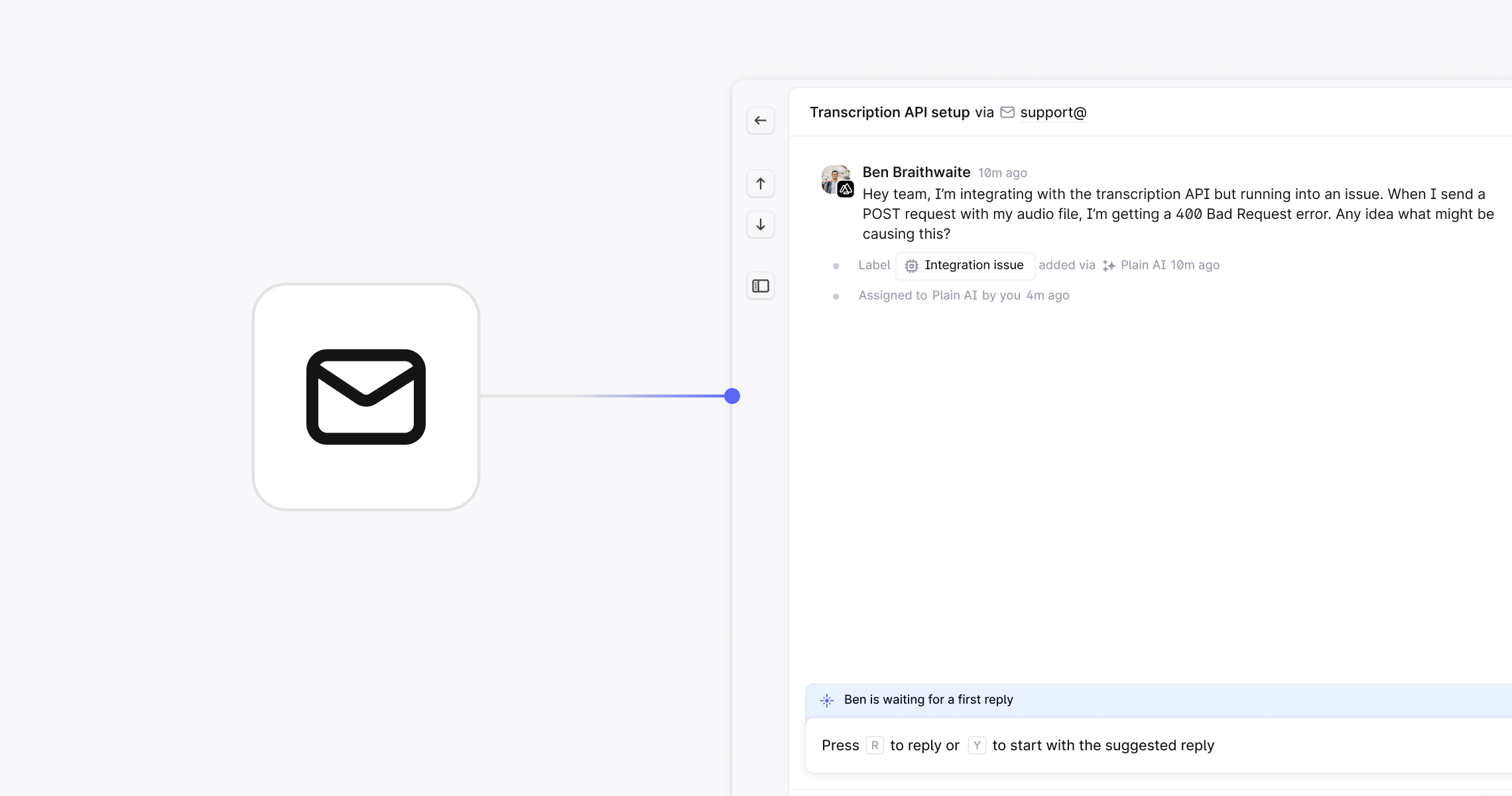
Getting email working in Plain takes two steps: setting up sending (DNS records) and setting up receiving (email forwarding). Once done, every customer email lands in Plain as a structured thread with assignments, SLAs, and full context.
 ## What you'll need
* **Admin access to your DNS settings**
Required to add two DNS records for email authentication.
* **Admin access to your email provider**
Required to configure forwarding. For example, if you use Google Workspace, you'll need access to the Admin Console.
## Choosing a support email address
Your support email must use your company's own domain. Public providers like `@gmail.com`, `@yahoo.com`, or `@icloud.com` are not supported.
Good options:
* `support@yourcompany.com`
* `help@yourcompany.com`
* `hello@yourcompany.com`
* `contact@yourcompany.com`
Personal addresses like `sonia@yourcompany.com` can work, but don't scale as well or communicate team-based support.
## Setup steps
Complete these in order:
1. **Set up email sending**. Add two DNS records so Plain can send authenticated emails from your domain. We recommend completing this step first; DNS changes need time to propagate before receiving will work correctly.
2. **Set up email receiving**. Forward emails from your support address to Plain so inbound messages appear as threads.
## Optional configuration
Once the basics are working, you can also:
* Add **alternate addresses** (e.g. `billing@`, `security@`) to handle multiple inboxes from one workspace
* Set up **BCC addresses** to automatically archive all outbound emails to customers
* Use **email discussions** to loop in colleagues or external parties on any thread without the customer seeing
## What you'll need
* **Admin access to your DNS settings**
Required to add two DNS records for email authentication.
* **Admin access to your email provider**
Required to configure forwarding. For example, if you use Google Workspace, you'll need access to the Admin Console.
## Choosing a support email address
Your support email must use your company's own domain. Public providers like `@gmail.com`, `@yahoo.com`, or `@icloud.com` are not supported.
Good options:
* `support@yourcompany.com`
* `help@yourcompany.com`
* `hello@yourcompany.com`
* `contact@yourcompany.com`
Personal addresses like `sonia@yourcompany.com` can work, but don't scale as well or communicate team-based support.
## Setup steps
Complete these in order:
1. **Set up email sending**. Add two DNS records so Plain can send authenticated emails from your domain. We recommend completing this step first; DNS changes need time to propagate before receiving will work correctly.
2. **Set up email receiving**. Forward emails from your support address to Plain so inbound messages appear as threads.
## Optional configuration
Once the basics are working, you can also:
* Add **alternate addresses** (e.g. `billing@`, `security@`) to handle multiple inboxes from one workspace
* Set up **BCC addresses** to automatically archive all outbound emails to customers
* Use **email discussions** to loop in colleagues or external parties on any thread without the customer seeing