> ## Documentation Index
> Fetch the complete documentation index at: https://www.plain.com/docs/llms.txt
> Use this file to discover all available pages before exploring further.
# Slack workflow forms
> Collect structured answers in Slack instead of free text, and turn each into a thread.
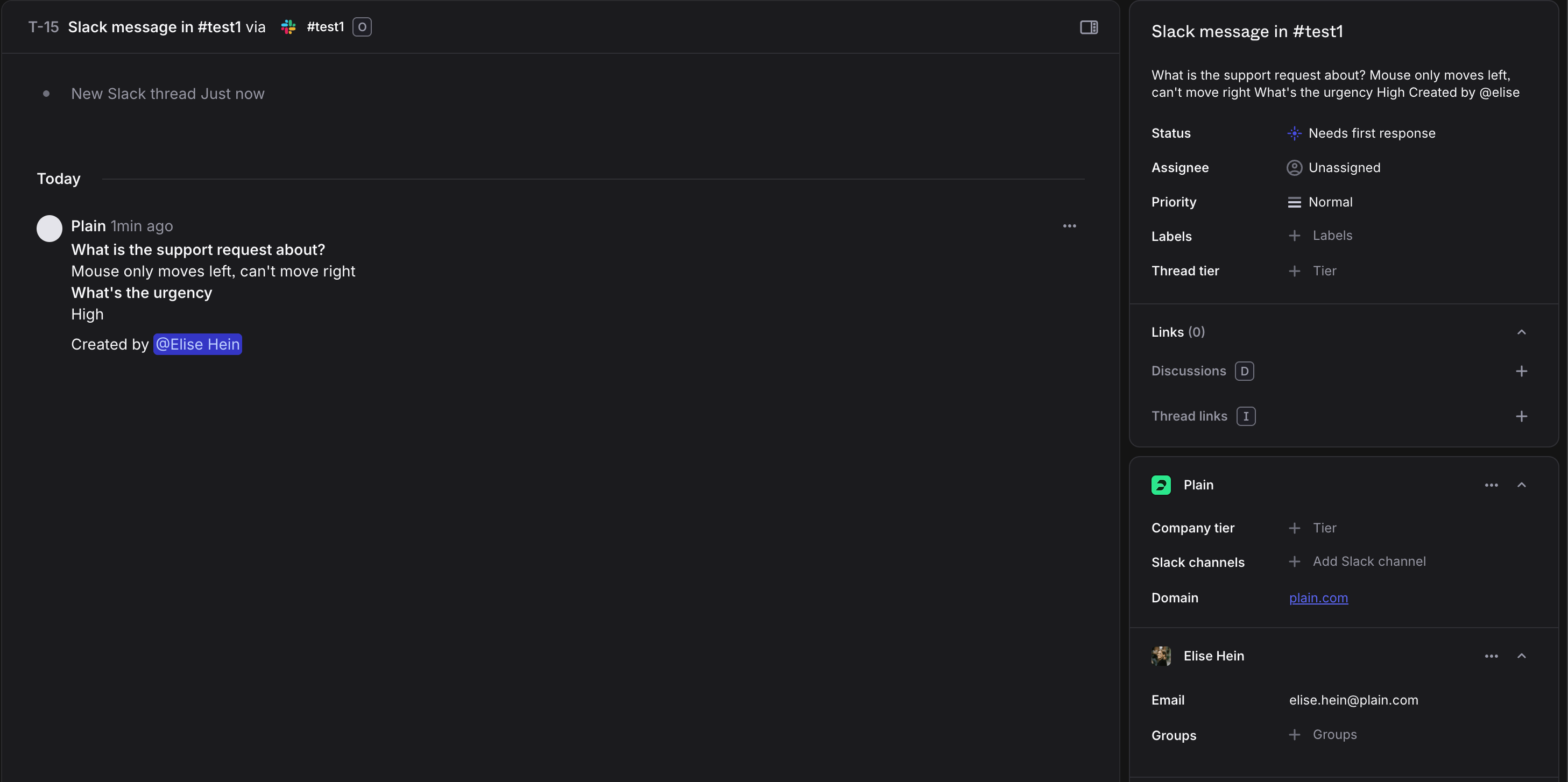
Slack contact forms allow you to create structured intake processes for customer threads. When integrated with Plain, these forms automatically convert Slack messages into Plain threads.
## Here's how to set this up
First, create a new Slack workflow that collects the information you need and make it post a message to the Slack channel:
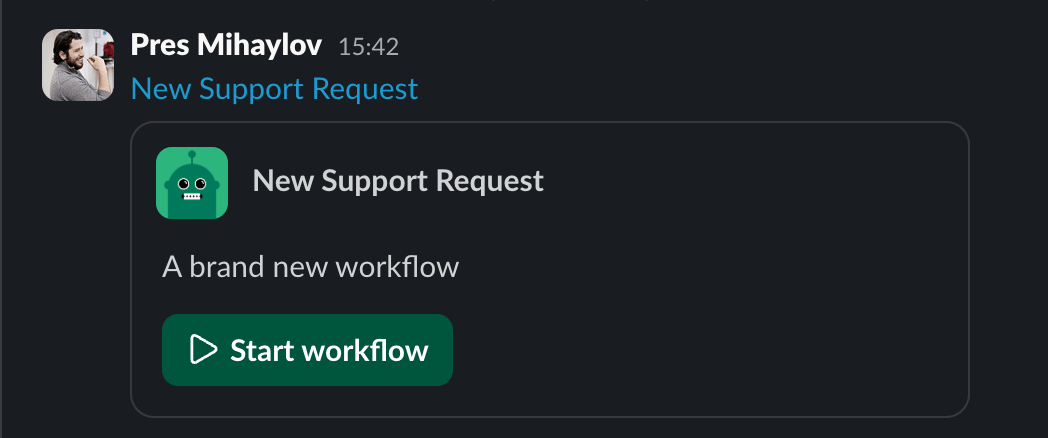
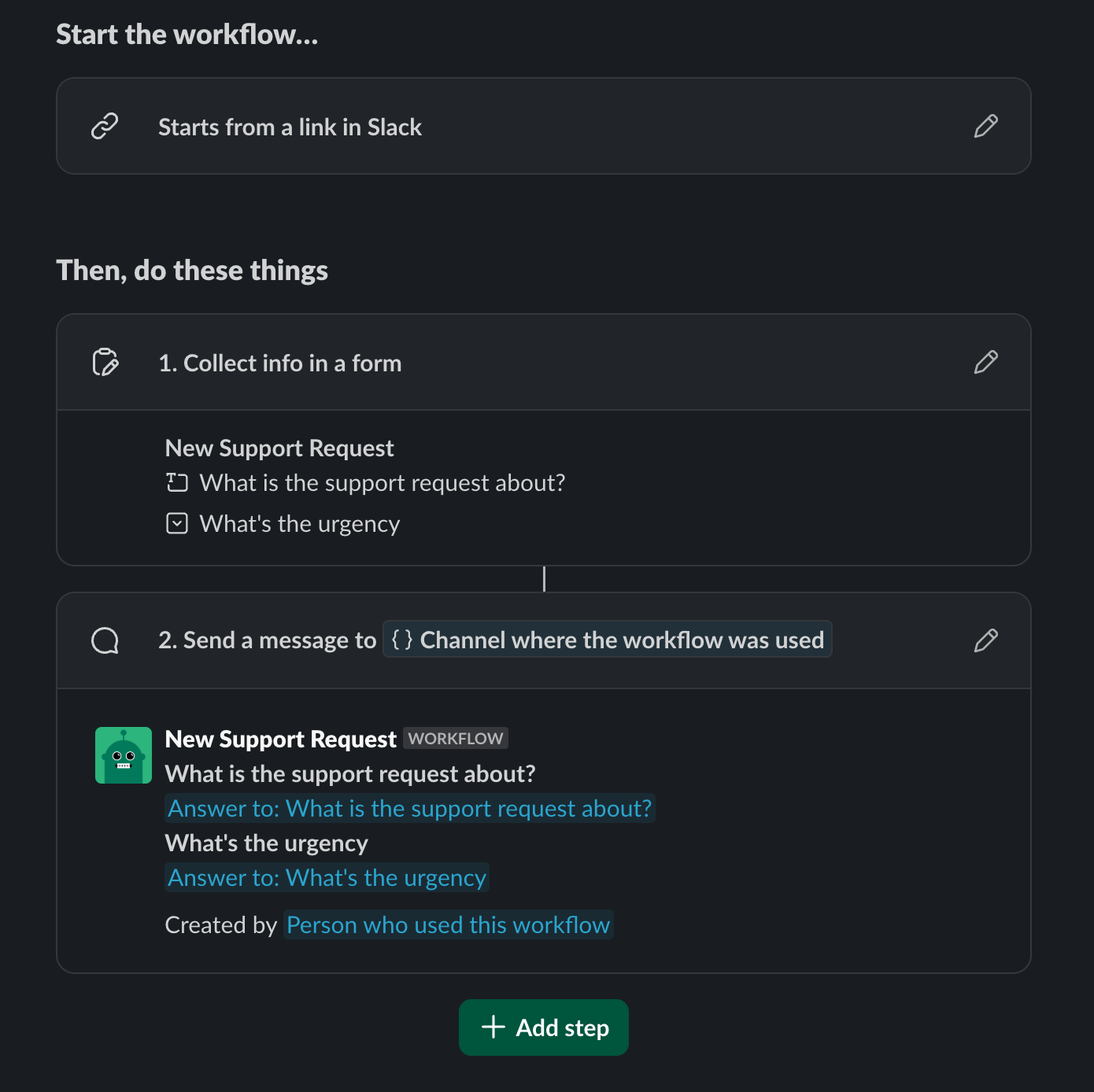 Afterwards, the workflow will be triggered whenever your customer uses the form.
 And this will create a thread in Plain once triggered: