> ## Documentation Index
> Fetch the complete documentation index at: https://www.plain.com/docs/llms.txt
> Use this file to discover all available pages before exploring further.
# Slack
> Sync messages from selected Slack channels into Plain as threads, and reply from Plain without leaving the queue.
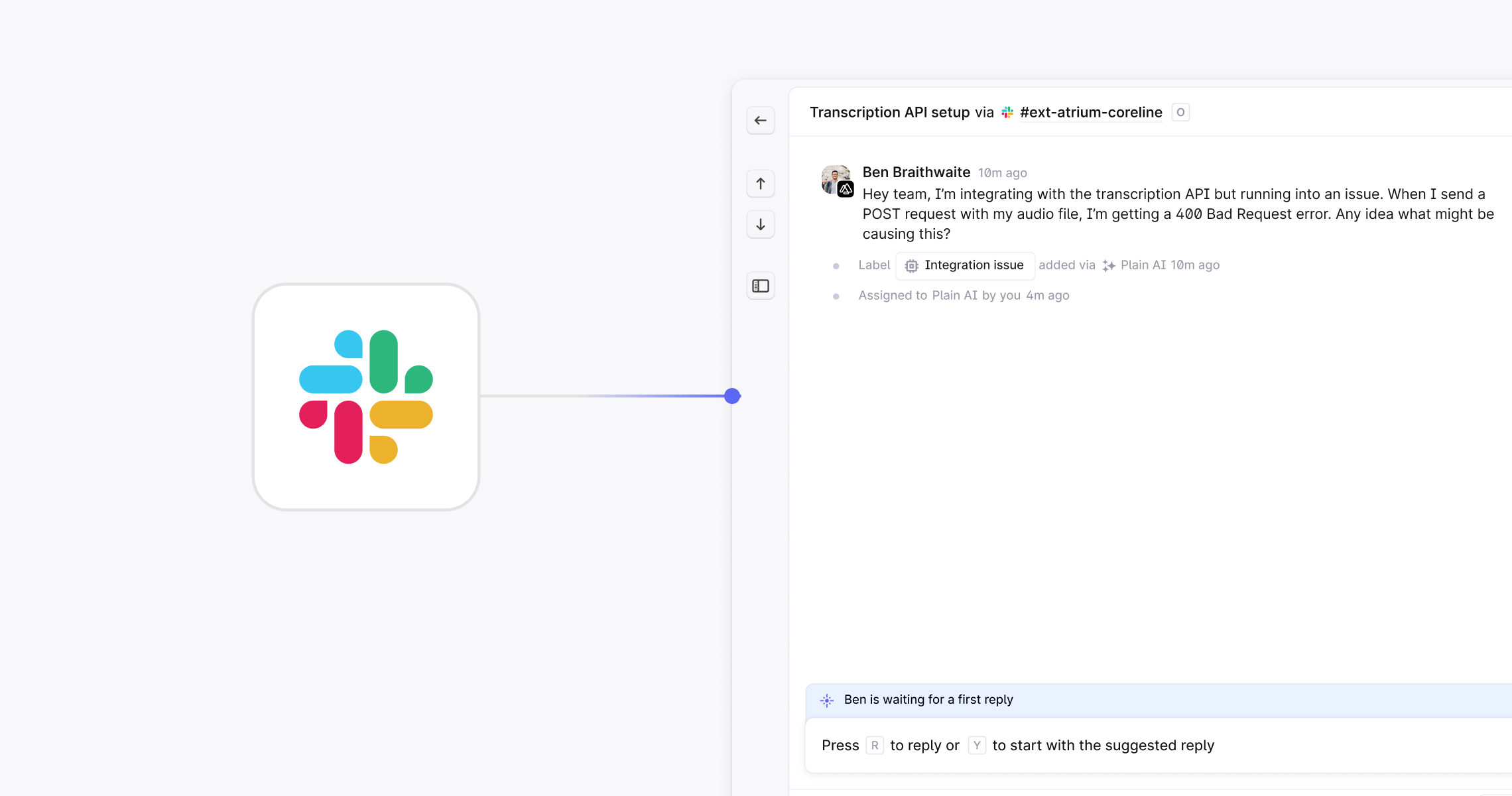
Plain syncs messages from the Slack channels you choose into Plain as [threads](/docs/product/platform/threads/what-is-a-thread). Your team triages and replies from Plain, and the reply posts back to Slack. Threads from Slack carry the same [labels](/docs/product/platform/labels), [SLAs](/docs/product/platform/slas), and [workflows](/docs/product/workflows) as every other channel, and can be linked to [Linear](/docs/product/integrations/linear), [Jira](/docs/product/integrations/jira), or [incident.io](/docs/product/integrations/incident.io).
 ## Set up Slack
In Plain, go to **Settings → Slack** and click **Connect to Slack**. Follow the prompts to authorize the right Slack workspace.
Grant permission for replies to be sent from your Slack profile. This is what lets Plain replies appear in Slack under your name.
In **Settings → Slack**, set up auto-join rules that match your channels by prefix or suffix.
To add a channel by hand instead, open it in Slack, type `/invite`, select **Add apps to this channel**, and choose **Plain**.
Each channel can be a Customer channel, a [Discussion](/docs/product/channels/slack-discussions) channel, or disabled. Set this in **Settings → Slack**.
Messages from connected channels appear as threads in Plain. Type your response in Plain and it posts back to Slack as if you typed it there.
[Ingestion modes](/docs/product/channels/slack-ingestion-modes) control which messages become threads, so a busy channel does not have to create one per message.
## Sidekick in Slack
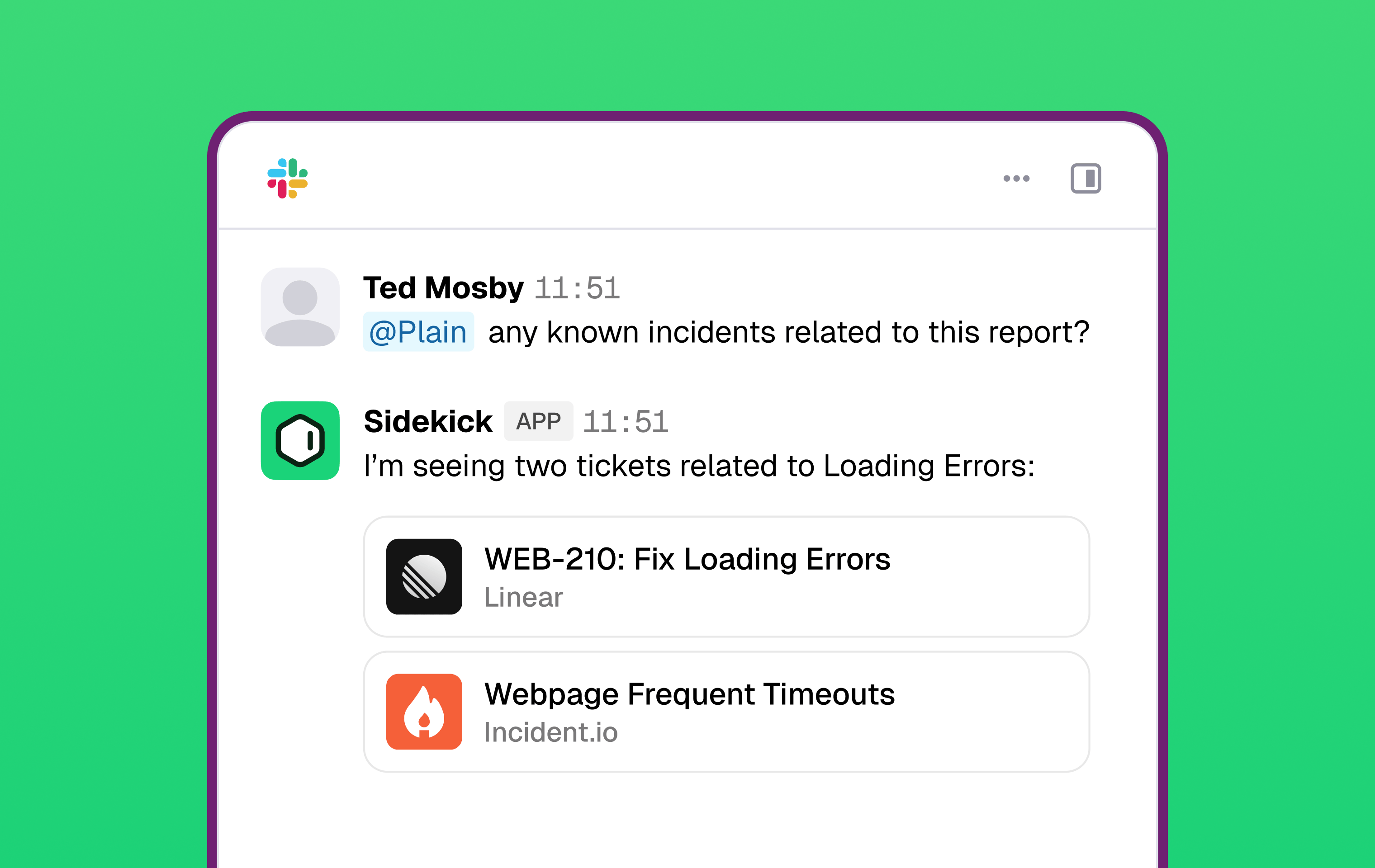
[Sidekick](/docs/product/agents/sidekick), Plain's assistant agent, works from Slack. Mention Plain in a connected channel and it answers there, with access to your knowledge sources, tool integrations, and support history.
Sidekick posts under its own identity and avatar, so it is clear when a reply came from AI rather than a person.
To enable it, a workspace Admin or Owner goes to **Settings → AI → Sidekick → Integrations → Slack**. Plain then creates an `#ask-plain` channel. Add Sidekick to other channels, such as `#engineering` or `#incidents`, from the connected-channels list on the same page.
## Set up Slack
In Plain, go to **Settings → Slack** and click **Connect to Slack**. Follow the prompts to authorize the right Slack workspace.
Grant permission for replies to be sent from your Slack profile. This is what lets Plain replies appear in Slack under your name.
In **Settings → Slack**, set up auto-join rules that match your channels by prefix or suffix.
To add a channel by hand instead, open it in Slack, type `/invite`, select **Add apps to this channel**, and choose **Plain**.
Each channel can be a Customer channel, a [Discussion](/docs/product/channels/slack-discussions) channel, or disabled. Set this in **Settings → Slack**.
Messages from connected channels appear as threads in Plain. Type your response in Plain and it posts back to Slack as if you typed it there.
[Ingestion modes](/docs/product/channels/slack-ingestion-modes) control which messages become threads, so a busy channel does not have to create one per message.
## Sidekick in Slack
[Sidekick](/docs/product/agents/sidekick), Plain's assistant agent, works from Slack. Mention Plain in a connected channel and it answers there, with access to your knowledge sources, tool integrations, and support history.
Sidekick posts under its own identity and avatar, so it is clear when a reply came from AI rather than a person.
To enable it, a workspace Admin or Owner goes to **Settings → AI → Sidekick → Integrations → Slack**. Plain then creates an `#ask-plain` channel. Add Sidekick to other channels, such as `#engineering` or `#incidents`, from the connected-channels list on the same page.
 ## AI in Slack
Every AI feature in Plain works on Slack threads, the same as on any other channel. See [Ari](/docs/product/agents/ari) for customer-facing replies and [AI triage](/docs/product/platform/ai-triage) for automatic labeling and prioritization.
AI can generate inaccurate responses, so review them before they reach a customer. Every AI feature in Plain is opt-in.
## CSAT in Slack
You can send [CSAT surveys](/docs/product/platform/csat) to customers who contacted you through Slack, with no extra setup per channel.
## Internal collaboration
[Slack discussions](/docs/product/channels/slack-discussions) let you start an internal Slack thread with your team from a thread in Plain. When the team resolves it, mark the discussion resolved and the thread returns to **Close the loop** status, so the customer still gets an answer.
## Structured intake
[Slack contact forms](/docs/product/channels/slack-contact-forms) collect structured answers instead of a free-text message, and turn each submission into a thread with its fields already set.
## Automation
[Workflows](/docs/product/workflows) act on Slack threads like any other: auto-triage, prioritization, labeling, and routing all run on triggers and conditions you define.
## AI in Slack
Every AI feature in Plain works on Slack threads, the same as on any other channel. See [Ari](/docs/product/agents/ari) for customer-facing replies and [AI triage](/docs/product/platform/ai-triage) for automatic labeling and prioritization.
AI can generate inaccurate responses, so review them before they reach a customer. Every AI feature in Plain is opt-in.
## CSAT in Slack
You can send [CSAT surveys](/docs/product/platform/csat) to customers who contacted you through Slack, with no extra setup per channel.
## Internal collaboration
[Slack discussions](/docs/product/channels/slack-discussions) let you start an internal Slack thread with your team from a thread in Plain. When the team resolves it, mark the discussion resolved and the thread returns to **Close the loop** status, so the customer still gets an answer.
## Structured intake
[Slack contact forms](/docs/product/channels/slack-contact-forms) collect structured answers instead of a free-text message, and turn each submission into a thread with its fields already set.
## Automation
[Workflows](/docs/product/workflows) act on Slack threads like any other: auto-triage, prioritization, labeling, and routing all run on triggers and conditions you define.