> ## Documentation Index
> Fetch the complete documentation index at: https://www.plain.com/docs/llms.txt
> Use this file to discover all available pages before exploring further.
# AI generate Help Center articles
> Turn a good answer in a thread into a draft Help Center article in a few keystrokes.
When your team writes a great answer to a customer, that knowledge shouldn't stay buried in a thread. Plain can generate a draft help article from any thread in a few keystrokes, pulling the context from the thread and structuring it as a ready-to-edit article.
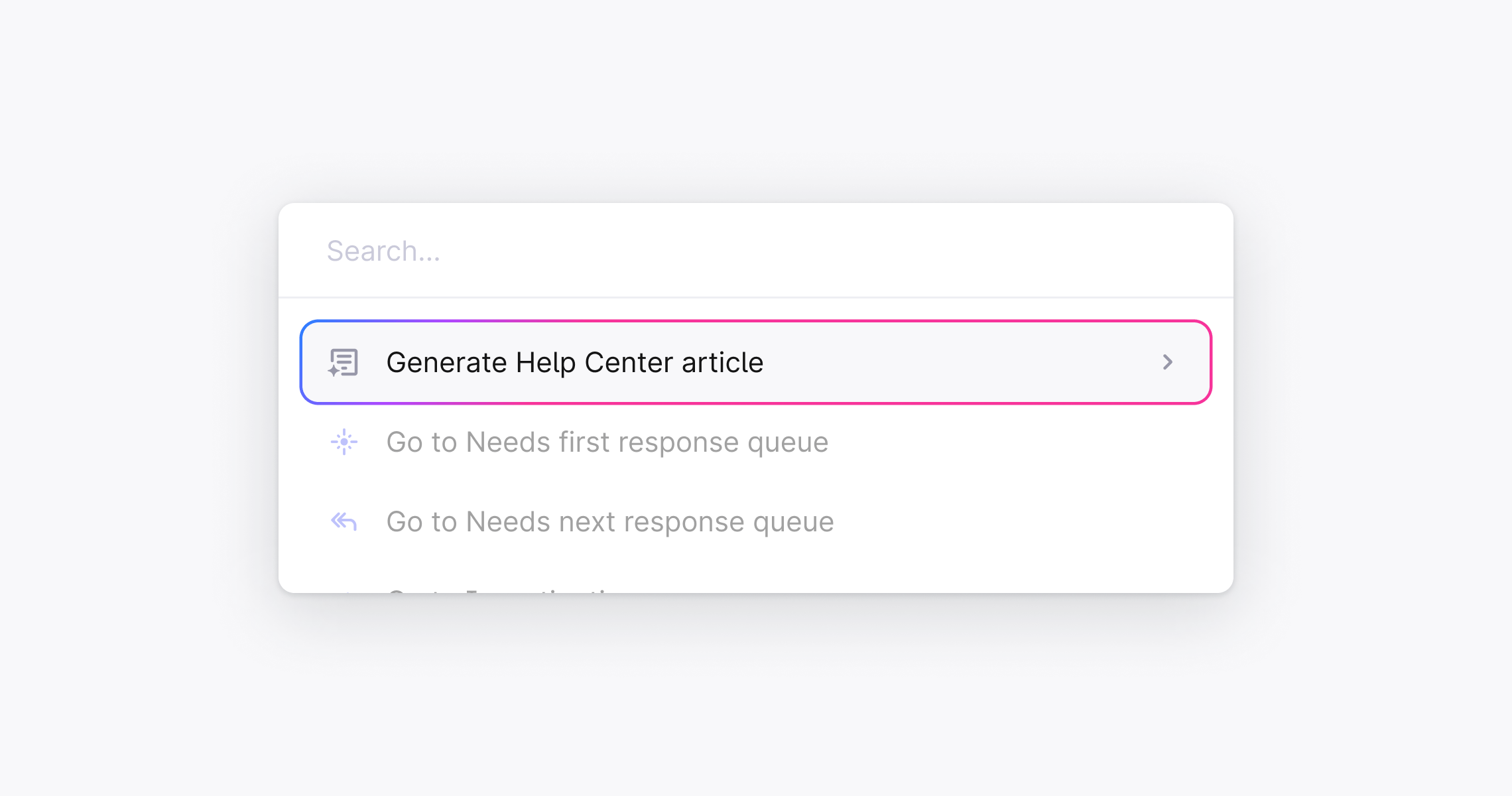 ## Generate an article from a support thread
1. **Open any thread** in Plain
2. Press ⌘ + K (or Ctrl + K on Windows) to open the command palette
3. Type **"Generate Help Center article"** and select it
4. Choose the **Help Center** you want to publish to
5. Plain opens the Knowledge Base editor with the article already generated, including a suggested title and structured content drawn from the thread
## Review and publish
Once the article is generated, review it before publishing:
* **Highlight any text** and click the **✨ icon** to refine it with AI, rewrite, shorten, expand, simplify, or enter a custom prompt
* Edit manually as you would any article
* When you're happy, change the status to **Published** and click **Save**
See [Knowledge base →](/docs/product/help-center/help-center-knowledge-base) for the full list of Edit with AI actions and formatting options.
## Generate an article from a support thread
1. **Open any thread** in Plain
2. Press ⌘ + K (or Ctrl + K on Windows) to open the command palette
3. Type **"Generate Help Center article"** and select it
4. Choose the **Help Center** you want to publish to
5. Plain opens the Knowledge Base editor with the article already generated, including a suggested title and structured content drawn from the thread
## Review and publish
Once the article is generated, review it before publishing:
* **Highlight any text** and click the **✨ icon** to refine it with AI, rewrite, shorten, expand, simplify, or enter a custom prompt
* Edit manually as you would any article
* When you're happy, change the status to **Published** and click **Save**
See [Knowledge base →](/docs/product/help-center/help-center-knowledge-base) for the full list of Edit with AI actions and formatting options.