> ## Documentation Index
> Fetch the complete documentation index at: https://www.plain.com/docs/llms.txt
> Use this file to discover all available pages before exploring further.
# Knowledge base
> Write and manage the articles behind your Help Center and Ask AI.
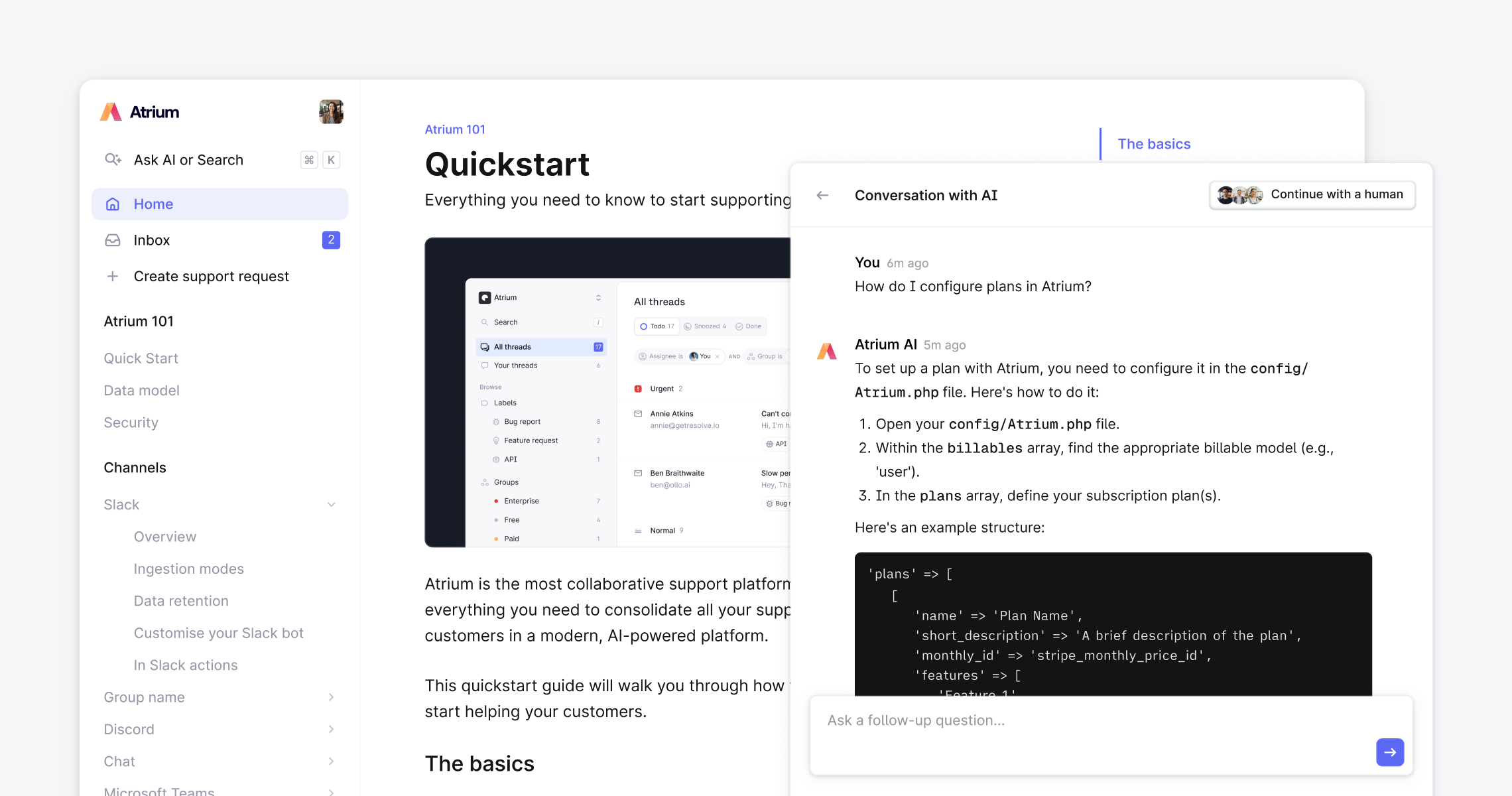
Plain's knowledge base is where you create and manage the help articles that power your public Help Center, Ask AI, as well as features including [Ari](/docs/product/agents/ari) and [Sidekick](/docs/product/agents/sidekick). Articles are written in a rich text editor, no code needed, and published instantly.
 ## Creating and organizing articles
Create new articles and organize them into groups from the **Help Center sidebar**.
* Click **New article** to start writing, or generate one from a support thread (see [Turn answers into articles →](/docs/product/help-center/ai-generate-help-center-articles))
* Group articles into categories to build clear navigation for your customers
* **Drag and drop** to reorder articles and groups at any time
* Articles are **Draft** by default, they're not visible to customers or Ask AI until you publish them
* Change status to **Published** and click **Save** to make an article live instantly
## Edit with AI
Refine an article with AI. When you hover over any section of your article, click the **✨ icon** to choose an editing action:
* **Tidy up**: Clean up awkward phrasing
* **Shorten**: Make text more concise
* **Expand on this**: Add more detail or context
* **Simplify**: Use more accessible language
* **Fix spelling and grammar**: Correct typos and errors
* **Fix tone**: Adjust tone to match your brand
You can also enter a **custom prompt** to make more tailored changes.
## Formatting options
The editor supports a range of formatting to help you create rich, informative articles:
* Headings (H1-3)
* Basic text formatting (**bold**, *italic*, ~~strikethrough~~ etc.)
* Links
* Lists
* Tables
* Collapsible sections
* Quotes
* Custom HTML for embeds/iframes etc.
* Images
* Code blocks with syntax highlighting:
```js theme={null}
function doThing() {
console.log('hello world');
}
```
* Callouts
Example info callout
Example warning callout
Example success callout
Example tip callout
This is a table:
| Table heading | Table heading | Table heading |
| --------------- | ------------- | ------------- |
| | | |
| Example content | | |
## Creating and organizing articles
Create new articles and organize them into groups from the **Help Center sidebar**.
* Click **New article** to start writing, or generate one from a support thread (see [Turn answers into articles →](/docs/product/help-center/ai-generate-help-center-articles))
* Group articles into categories to build clear navigation for your customers
* **Drag and drop** to reorder articles and groups at any time
* Articles are **Draft** by default, they're not visible to customers or Ask AI until you publish them
* Change status to **Published** and click **Save** to make an article live instantly
## Edit with AI
Refine an article with AI. When you hover over any section of your article, click the **✨ icon** to choose an editing action:
* **Tidy up**: Clean up awkward phrasing
* **Shorten**: Make text more concise
* **Expand on this**: Add more detail or context
* **Simplify**: Use more accessible language
* **Fix spelling and grammar**: Correct typos and errors
* **Fix tone**: Adjust tone to match your brand
You can also enter a **custom prompt** to make more tailored changes.
## Formatting options
The editor supports a range of formatting to help you create rich, informative articles:
* Headings (H1-3)
* Basic text formatting (**bold**, *italic*, ~~strikethrough~~ etc.)
* Links
* Lists
* Tables
* Collapsible sections
* Quotes
* Custom HTML for embeds/iframes etc.
* Images
* Code blocks with syntax highlighting:
```js theme={null}
function doThing() {
console.log('hello world');
}
```
* Callouts
Example info callout
Example warning callout
Example success callout
Example tip callout
This is a table:
| Table heading | Table heading | Table heading |
| --------------- | ------------- | ------------- |
| | | |
| Example content | | |
Example content | *Example content* | **Example content** |
This is a collapsible section
Content inside your section
This is a quote
> Example quote content