> ## Documentation Index
> Fetch the complete documentation index at: https://www.plain.com/docs/llms.txt
> Use this file to discover all available pages before exploring further.
# Incident.io
> Link threads to incident.io incidents and follow up automatically when they resolve.
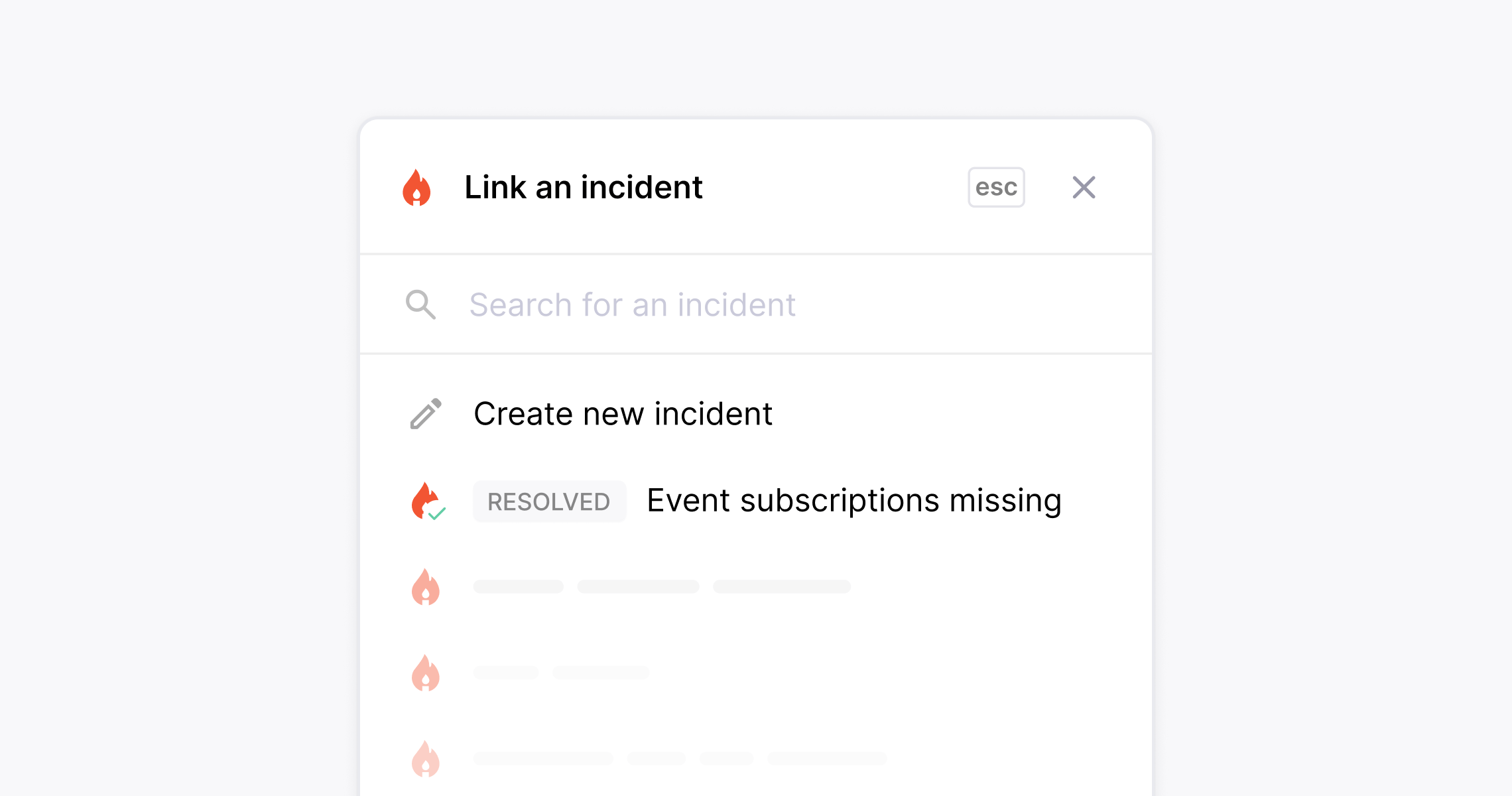
Plain's [incident.io](https://incident.io) integration allows you to coordinate with engineering during incidents while keeping customers in the loop. Link support threads to active incidents, track incoming requests, and follow up automatically when the incident is resolved.
 ## How to set it up
1. Go to **Settings → Incident.io**
2. Connect your Incident.io account
3. During setup, you'll be asked to [create an API key](https://docs.incident.io/integrations/api-create-incident) in Incident.io. Make sure it has these permissions:
* View data (e.g. incidents and org settings)
* Create incidents
* Edit incidents
4. Once connected, use the **Thread links** panel in any thread to create a new incident, link to an existing one, or set incident details like severity, team, and service.
When an incident is resolved in Incident.io, Plain automatically moves all linked threads to your **Close the Loop** list, so your team can follow up with customers.
The Incident.io integration is available on Horizon and Frontier plans.
## How to set it up
1. Go to **Settings → Incident.io**
2. Connect your Incident.io account
3. During setup, you'll be asked to [create an API key](https://docs.incident.io/integrations/api-create-incident) in Incident.io. Make sure it has these permissions:
* View data (e.g. incidents and org settings)
* Create incidents
* Edit incidents
4. Once connected, use the **Thread links** panel in any thread to create a new incident, link to an existing one, or set incident details like severity, team, and service.
When an incident is resolved in Incident.io, Plain automatically moves all linked threads to your **Close the Loop** list, so your team can follow up with customers.
The Incident.io integration is available on Horizon and Frontier plans.