> ## Documentation Index
> Fetch the complete documentation index at: https://www.plain.com/docs/llms.txt
> Use this file to discover all available pages before exploring further.
# AI triage
> Let Plain AI label, prioritize, and summarize new threads before anyone reads them.
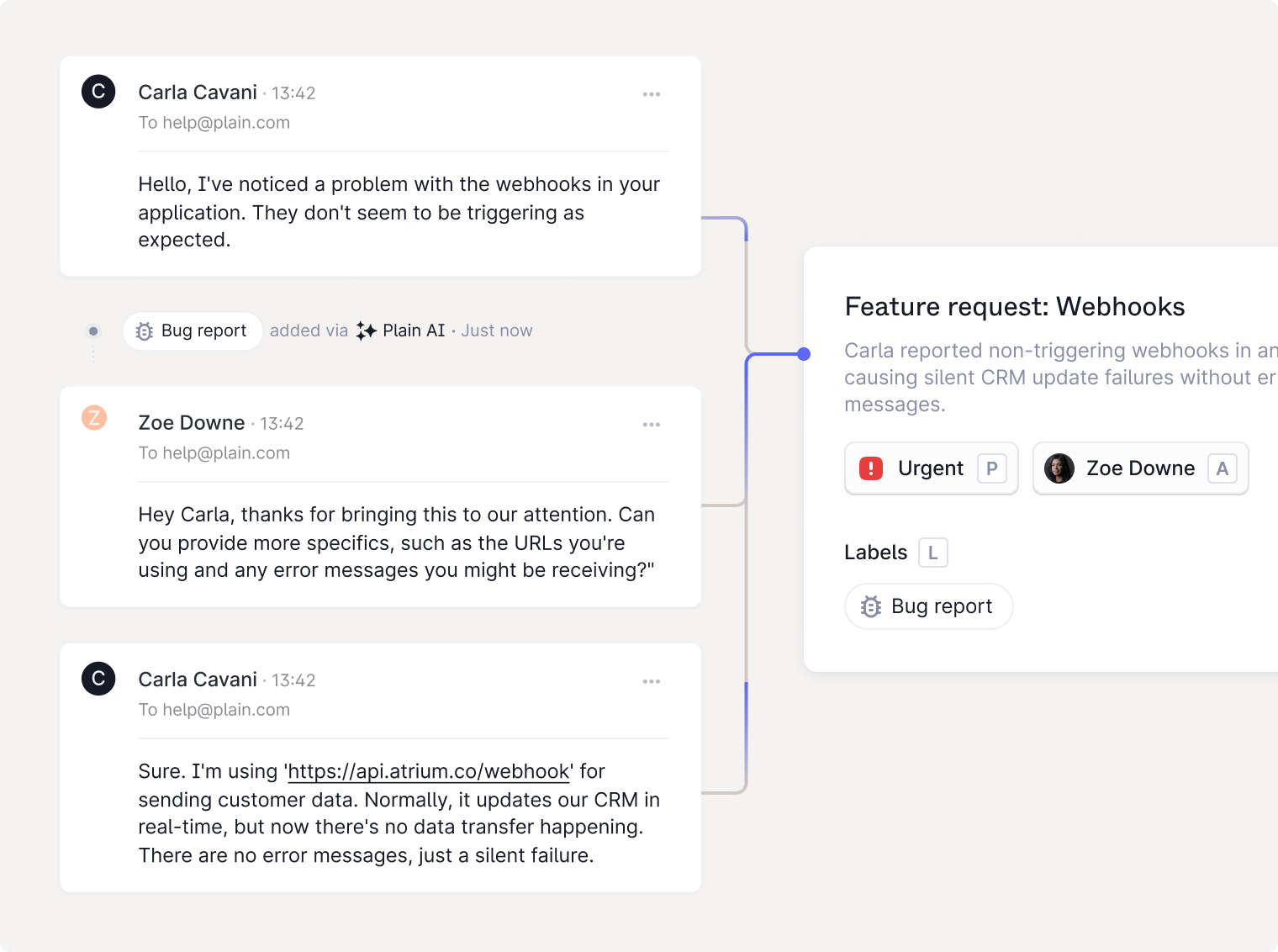
Auto-triage automatically handles the first layer of triage: labeling, prioritizing, summarizing, and surfacing similar issues.
 ## Auto-labeling
When a new thread is created, Plain AI will automatically assign 1–2 labels based on the content of the request. If a thread is already labeled (via API or form), auto-labeling won't override it.
If you want to exclude a label from auto-labeling, you can uncheck the **Can be applied by Plain AI** setting on the label.
## Thread titles
In Slack and other real-time channels, threads arrive with no subject line. Auto-generated thread titles solve this by creating short, descriptive summaries for each conversation.
## Urgency detection (Beta)
Plain AI automatically detects when a thread is urgent, flagging threads that mention downtime, blockers, or critical impact.
## Thread catch-ups
Plain AI automatically generates and keeps an up-to-date summary for each thread, so you can see what happened without re-reading the full timeline.
## Similar threads (Beta)
To prevent duplicate work and speed up resolution, Plain AI can show **similar threads** in the thread details panel.
## Auto-labeling
When a new thread is created, Plain AI will automatically assign 1–2 labels based on the content of the request. If a thread is already labeled (via API or form), auto-labeling won't override it.
If you want to exclude a label from auto-labeling, you can uncheck the **Can be applied by Plain AI** setting on the label.
## Thread titles
In Slack and other real-time channels, threads arrive with no subject line. Auto-generated thread titles solve this by creating short, descriptive summaries for each conversation.
## Urgency detection (Beta)
Plain AI automatically detects when a thread is urgent, flagging threads that mention downtime, blockers, or critical impact.
## Thread catch-ups
Plain AI automatically generates and keeps an up-to-date summary for each thread, so you can see what happened without re-reading the full timeline.
## Similar threads (Beta)
To prevent duplicate work and speed up resolution, Plain AI can show **similar threads** in the thread details panel.