> ## Documentation Index
> Fetch the complete documentation index at: https://www.plain.com/docs/llms.txt
> Use this file to discover all available pages before exploring further.
# Companies
> Companies group customers by their email domain and carry tier and SLA settings.
A company groups customers by their email domain, so your team sees which account a thread belongs to and the company's tier and SLA apply automatically.
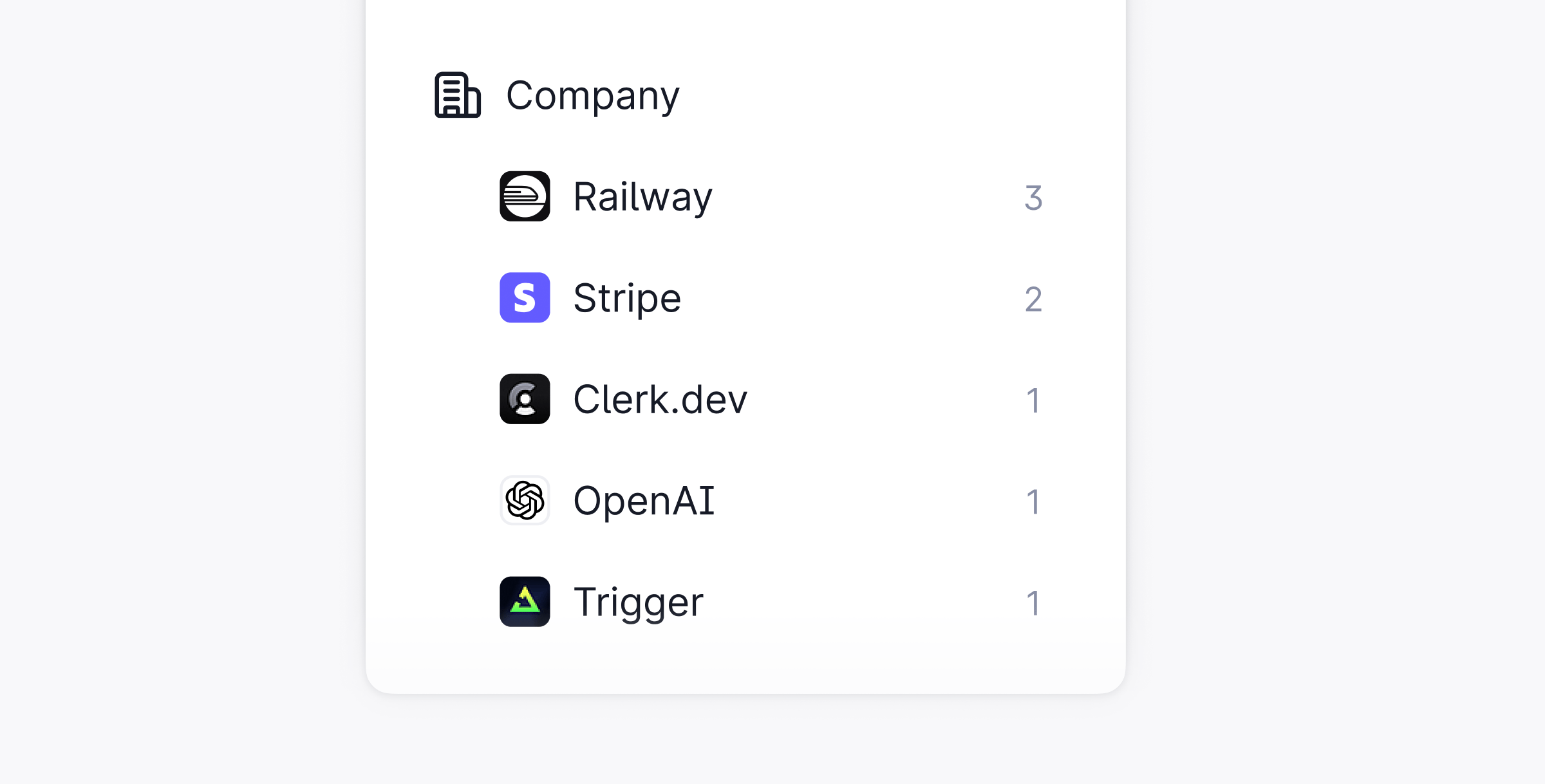 In Plain you can see what company a customer belongs to, so you have more context when providing support.
The company is automatically set based on the email domain of the customer and is visible throughout the support app. For example if a customer has the email with the domain **@nike.com** then their company will be **Nike**.
You can browse threads by company in Plain as well as associate a company with a tier to manage their SLAs.
Companies can also be listed and updated [**via the API**](/docs/graphql/companies).
## Viewing your company in Plain
Each Company has a Company page in Plain where you can add or see the following information:
* Domain
* Contract Value
* Account Owner
* Tier
* Support Volume (# of threads within the past 30 days)
* Individual customers
* Open issues (via Linear, JIRA, etc.)
* Open threads
You can also favorite a company so that it always appears in your lefthand sidebar.
In Plain you can see what company a customer belongs to, so you have more context when providing support.
The company is automatically set based on the email domain of the customer and is visible throughout the support app. For example if a customer has the email with the domain **@nike.com** then their company will be **Nike**.
You can browse threads by company in Plain as well as associate a company with a tier to manage their SLAs.
Companies can also be listed and updated [**via the API**](/docs/graphql/companies).
## Viewing your company in Plain
Each Company has a Company page in Plain where you can add or see the following information:
* Domain
* Contract Value
* Account Owner
* Tier
* Support Volume (# of threads within the past 30 days)
* Individual customers
* Open issues (via Linear, JIRA, etc.)
* Open threads
You can also favorite a company so that it always appears in your lefthand sidebar.