> ## Documentation Index
> Fetch the complete documentation index at: https://www.plain.com/docs/llms.txt
> Use this file to discover all available pages before exploring further.
# Tenants
> Organize customers to mirror how your product is structured, and bring external data onto them with tenant fields.
A tenant mirrors how your own product groups its users, so a thread can be scoped to a whole account rather than one person.
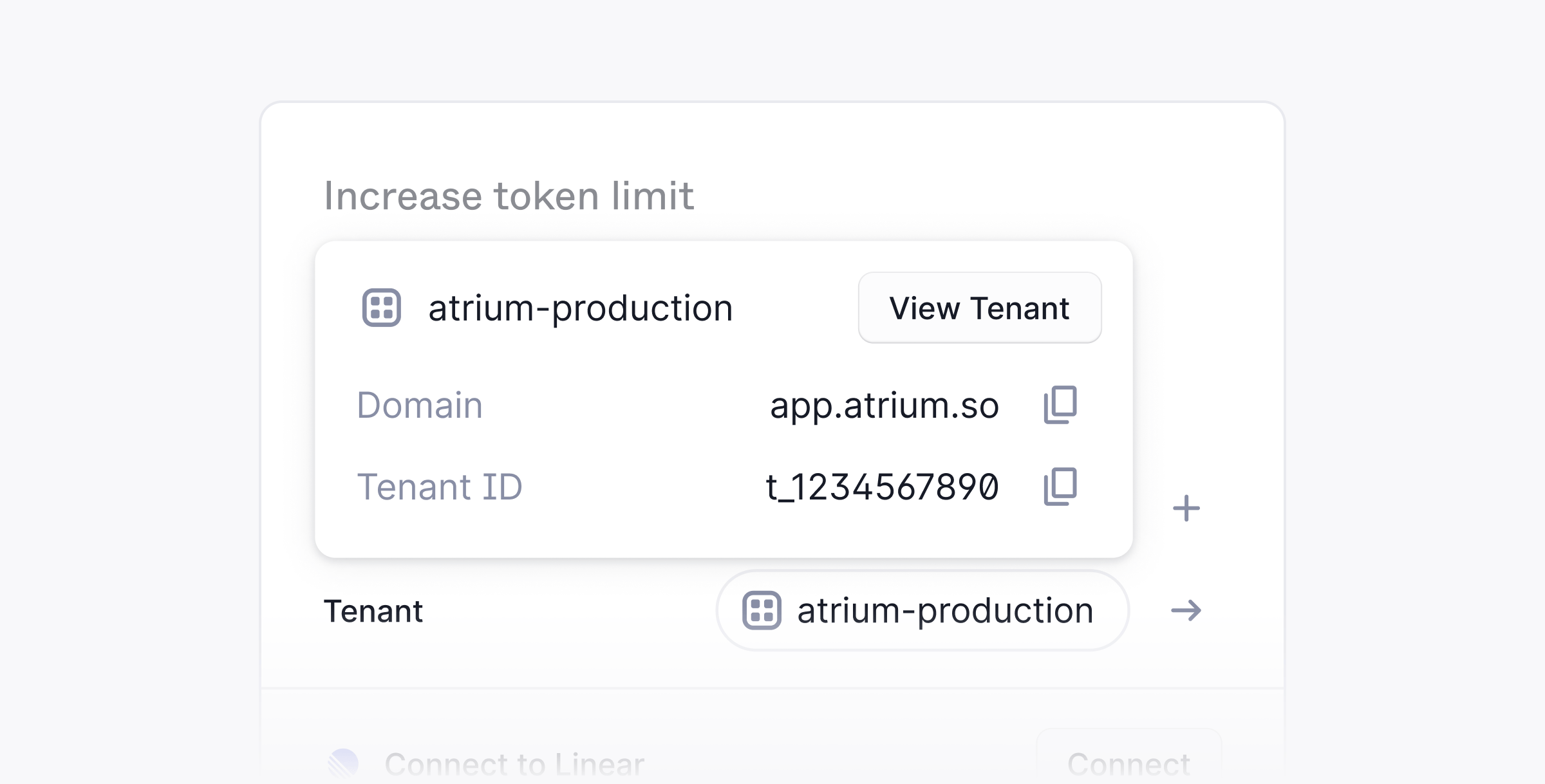 In Plain, in addition to [**company support**](/docs/product/platform/companies), you can also organize your customers to mirror how your product is structured.
For example, if in your product all of your customers belong to a team/org/account/workspace then you would create a tenant per team/org/account/workspace.
Tenants are primarily useful if you are a larger support team building a headless support portal or if you have support SLAs tied to different tiers of customers.
Tenants can be [**created via the API**](/docs/graphql/tenants) or created automatically based on a customer's email domain. When a customer contacts you, Plain matches their email domain to an existing tenant or creates a new one with no manual API call needed.
## Viewing your tenants in Plain
Each Tenant has a Tenant page in Plain where you can add or see the following information:
* Tier
* External ID
* URL
* Support Volume (# of threads within the past 30 days)
* Individual customers
* Open threads
You can also favorite a Tenant so that it always appears in your lefthand sidebar.
## Tenant fields
Once you have tenants set up, Tenant Fields let you add more context to them.
Tenant Fields let you bring customer data from your external systems, like your CRM or your own database, directly into Plain. A Tenant represents a customer company or account, and Tenant Fields give you the context you already rely on elsewhere, right where you are working.
### Why it's useful
With Tenant Fields, every conversation has the right context: see customer details at a glance without switching tabs, filter queues and reports by data from external systems, and automate workflows based on customer data.
### How it works
Tenant Fields are a one way sync from your external systems into Plain. They are read only in the UI. You can toggle the visibility of a field by going to **Settings → Tenant Fields.**
### Supported field types
* **Boolean**: true or false
* **Text**: free form text
* **Number**: integers or decimals
* **Date and time**: a specific date and time
* **Dropdown (single select)**: choose one option from a predefined list
* **Multi select**: choose multiple options from a predefined list
In Plain, in addition to [**company support**](/docs/product/platform/companies), you can also organize your customers to mirror how your product is structured.
For example, if in your product all of your customers belong to a team/org/account/workspace then you would create a tenant per team/org/account/workspace.
Tenants are primarily useful if you are a larger support team building a headless support portal or if you have support SLAs tied to different tiers of customers.
Tenants can be [**created via the API**](/docs/graphql/tenants) or created automatically based on a customer's email domain. When a customer contacts you, Plain matches their email domain to an existing tenant or creates a new one with no manual API call needed.
## Viewing your tenants in Plain
Each Tenant has a Tenant page in Plain where you can add or see the following information:
* Tier
* External ID
* URL
* Support Volume (# of threads within the past 30 days)
* Individual customers
* Open threads
You can also favorite a Tenant so that it always appears in your lefthand sidebar.
## Tenant fields
Once you have tenants set up, Tenant Fields let you add more context to them.
Tenant Fields let you bring customer data from your external systems, like your CRM or your own database, directly into Plain. A Tenant represents a customer company or account, and Tenant Fields give you the context you already rely on elsewhere, right where you are working.
### Why it's useful
With Tenant Fields, every conversation has the right context: see customer details at a glance without switching tabs, filter queues and reports by data from external systems, and automate workflows based on customer data.
### How it works
Tenant Fields are a one way sync from your external systems into Plain. They are read only in the UI. You can toggle the visibility of a field by going to **Settings → Tenant Fields.**
### Supported field types
* **Boolean**: true or false
* **Text**: free form text
* **Number**: integers or decimals
* **Date and time**: a specific date and time
* **Dropdown (single select)**: choose one option from a predefined list
* **Multi select**: choose multiple options from a predefined list