> ## Documentation Index
> Fetch the complete documentation index at: https://www.plain.com/docs/llms.txt
> Use this file to discover all available pages before exploring further.
# Priorities
> Order your queue by urgency, and set SLA targets per priority.
Priorities help your team focus on what matters most by organizing support threads by urgency. This is especially helpful when volume is high or service levels vary by customer tier.
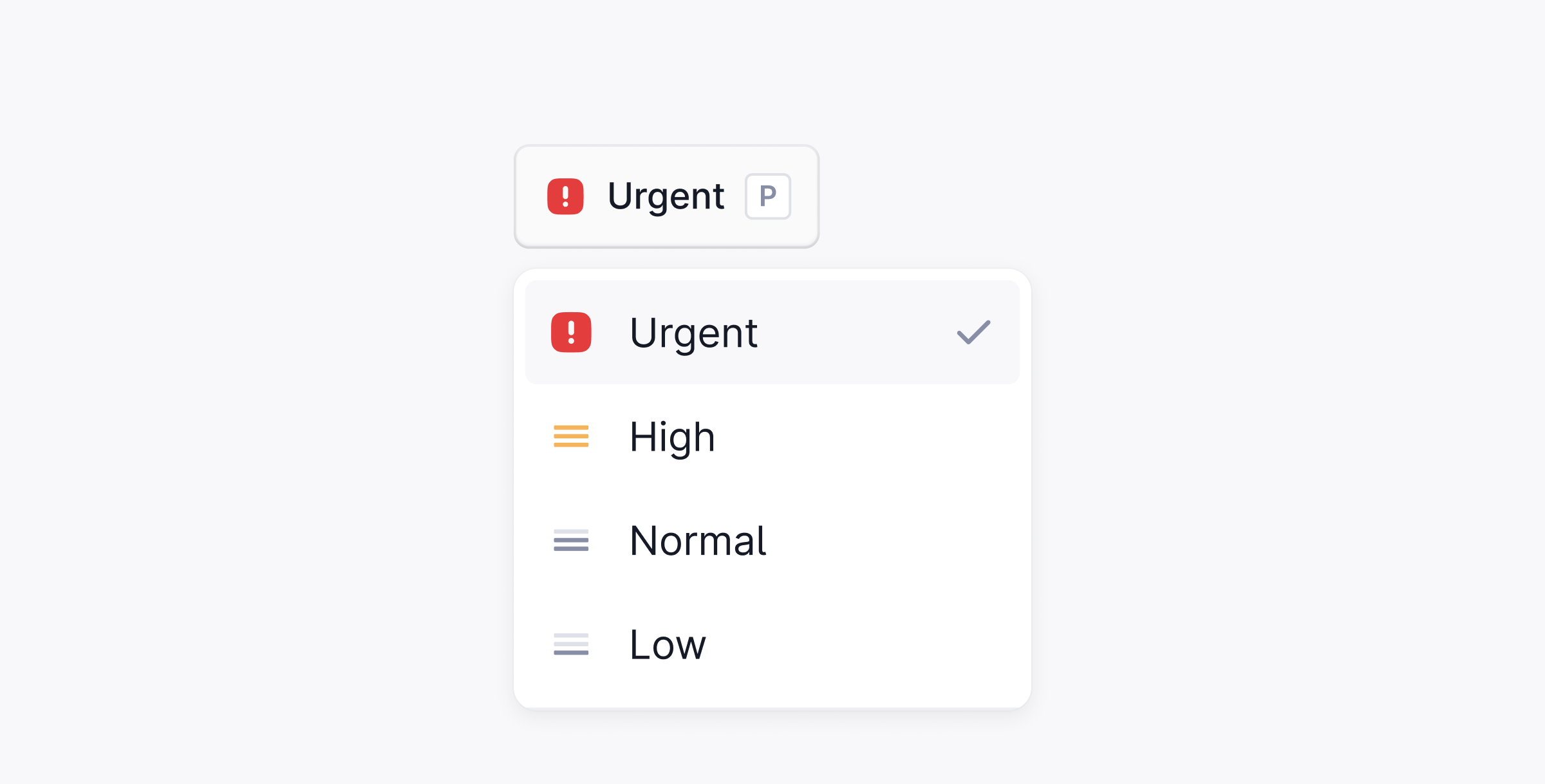 ## Priority levels
| Level | When to use |
| ------ | ------------------------------------------ |
| Urgent | Downtime, security threats, or data loss |
| High | Blocked workflows or time-sensitive issues |
| Medium | Standard requests |
| Low | Routine questions and follow-ups |
## Set priority
There are three ways to set a priority on a thread:
* Press `P` while viewing the thread.
* Open the command palette with ⌘ + K and search for **Set priority**.
* Select a priority from the dropdown in the thread header.
## Automate with workflows
Priorities can be set automatically using Workflows. For example, automatically marking a thread as **Urgent** when it contains specific keywords or comes from a high-tier customer.
## Priority levels
| Level | When to use |
| ------ | ------------------------------------------ |
| Urgent | Downtime, security threats, or data loss |
| High | Blocked workflows or time-sensitive issues |
| Medium | Standard requests |
| Low | Routine questions and follow-ups |
## Set priority
There are three ways to set a priority on a thread:
* Press `P` while viewing the thread.
* Open the command palette with ⌘ + K and search for **Set priority**.
* Select a priority from the dropdown in the thread header.
## Automate with workflows
Priorities can be set automatically using Workflows. For example, automatically marking a thread as **Urgent** when it contains specific keywords or comes from a high-tier customer.