> ## Documentation Index
> Fetch the complete documentation index at: https://www.plain.com/docs/llms.txt
> Use this file to discover all available pages before exploring further.
# Saved views
> Shared workspace queues, with filters, sorting, grouping and board or table layouts.
A saved view is a shared queue: a set of filters, sorting, and grouping that everyone in the workspace can open.
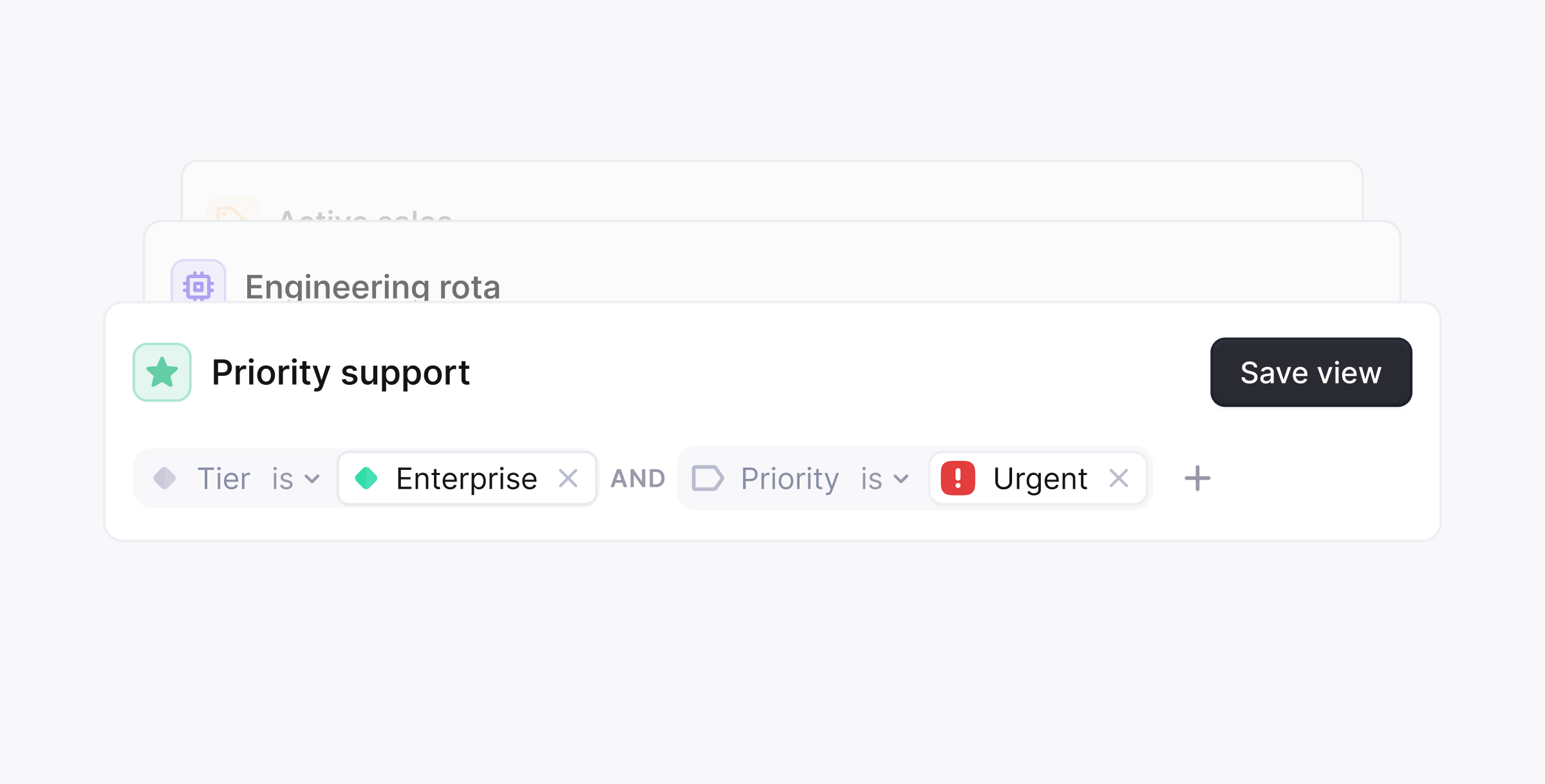 **Saved Views** let you build customized support queue views shared across your **entire workspace**: ideal for teams to track what matters most.
**Use cases:**
* Triage by Tier, or channel
* Dashboards for Sales or Success teams
* Monitor breaching SLAs
* Shared queue ownership
**Display options:**
* **Board View**: great for visual triage and drag-and-drop workflows
* **Table View**: ideal for scanning high volumes of threads
**To create a Saved View:**
1. Go to **Views** in the sidebar
2. Click **Create view**
3. Set your filters, sort/group preferences, layout, and fields
4. Save and favorite the view
## Filters
Saved views support nested filter logic, so a view can be as broad or as narrow as you need.
**Available filters:**
* Assignee, Participant, Label, Status
* Company, Tenant, Tier, Priority
* Group, Channel, Thread field
* Created at, CSAT sentiment, tenant field
## Filter operators
Each filter supports:
* **is**: include threads that match the value
* **is not**: exclude threads that match the value
Example:
* Label **is not** `spam`
## Combining filters
You can choose how filter blocks are combined:
* **Match all**: all filter blocks must match (combined with AND)
* **Match any**: any filter block can match (combined with OR)
This lets you control how strict or broad a saved view should be.
## Repeating filter blocks
You can add the same filter block multiple times. This is useful when you want to apply different conditions to the same field.
Example logic:
* Threads with label `security` **AND** threads with either `bug` or `feature request`
This would be represented as:
* One label block containing `bug` and `feature request`
* A second label block containing `security`
* The blocks combined with **AND**
**Sorting options:**
* Status changed (oldest/newest)
* Closest to SLA breach
* Priority or most recent message
**Grouping options:**
* Priority, Status, Company, Label
* Tier, Channel, Assignee, Group
Saved Views are shared across your workspace. They are not currently personal or private.
**Saved Views** let you build customized support queue views shared across your **entire workspace**: ideal for teams to track what matters most.
**Use cases:**
* Triage by Tier, or channel
* Dashboards for Sales or Success teams
* Monitor breaching SLAs
* Shared queue ownership
**Display options:**
* **Board View**: great for visual triage and drag-and-drop workflows
* **Table View**: ideal for scanning high volumes of threads
**To create a Saved View:**
1. Go to **Views** in the sidebar
2. Click **Create view**
3. Set your filters, sort/group preferences, layout, and fields
4. Save and favorite the view
## Filters
Saved views support nested filter logic, so a view can be as broad or as narrow as you need.
**Available filters:**
* Assignee, Participant, Label, Status
* Company, Tenant, Tier, Priority
* Group, Channel, Thread field
* Created at, CSAT sentiment, tenant field
## Filter operators
Each filter supports:
* **is**: include threads that match the value
* **is not**: exclude threads that match the value
Example:
* Label **is not** `spam`
## Combining filters
You can choose how filter blocks are combined:
* **Match all**: all filter blocks must match (combined with AND)
* **Match any**: any filter block can match (combined with OR)
This lets you control how strict or broad a saved view should be.
## Repeating filter blocks
You can add the same filter block multiple times. This is useful when you want to apply different conditions to the same field.
Example logic:
* Threads with label `security` **AND** threads with either `bug` or `feature request`
This would be represented as:
* One label block containing `bug` and `feature request`
* A second label block containing `security`
* The blocks combined with **AND**
**Sorting options:**
* Status changed (oldest/newest)
* Closest to SLA breach
* Priority or most recent message
**Grouping options:**
* Priority, Status, Company, Label
* Tier, Channel, Assignee, Group
Saved Views are shared across your workspace. They are not currently personal or private.