
Every support conversation starts with missing context

Published On
A customer writes in about a billing issue. The agent reads the message, opens Stripe, finds the customer, checks their subscription status, checks the latest invoice, goes back to the ticket, and starts typing a reply.
That's six steps before anyone has said anything useful. And that's a simple case.
For usage disputes, the agent adds your admin panel. For bugs, they add Sentry. For account questions, your internal user directory. More tabs, more context switches, more chances to miss something or copy the wrong ID. It works, but it's slow, error prone, and brutal for onboarding.
What customer cards change
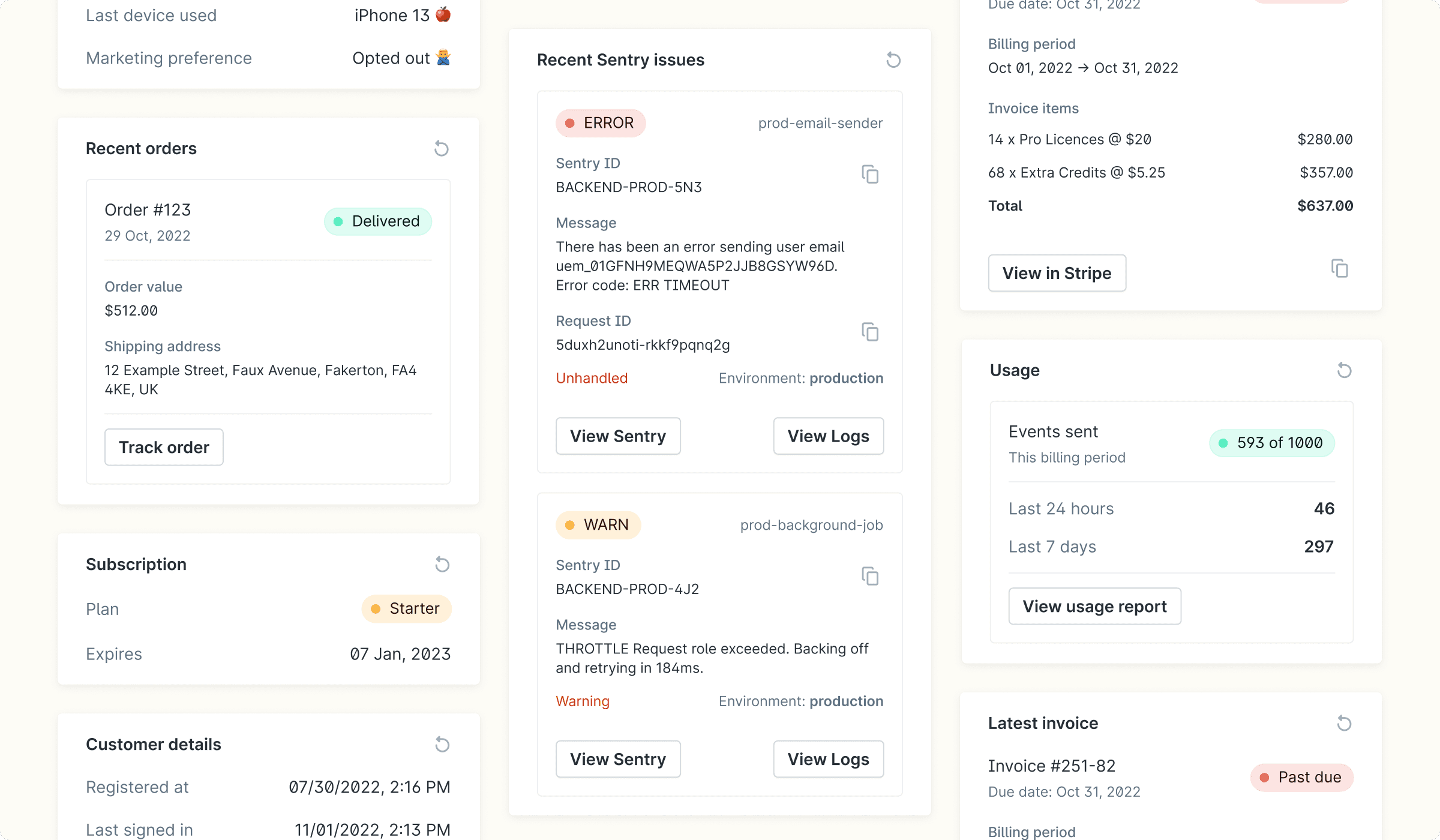
Customer cards pull live data from your systems into Plain, right next to the conversation. Your API returns whatever matters for that customer (subscription tier, recent invoices, active errors) and Plain displays it the moment an agent opens a thread.
When agents stop spending time finding information and start spending time on the actual problem, response times drop. Onboarding goes from "here's a list of 8 tools and their logins" to "open the thread, read the card."
You control what goes on a card. Your API decides. A billing card shows plan and invoice data. An error card shows recent Sentry exceptions. You build what your team actually needs, not what a vendor decided to include.
Context was the first problem. Action is the second.
Getting the right data in front of agents solves half the problem. The other half: agents still leave Plain to do things. They see the billing issue on the card, then open Stripe to resync it. Same thing with errors and Sentry, or account changes that require a Slack command.
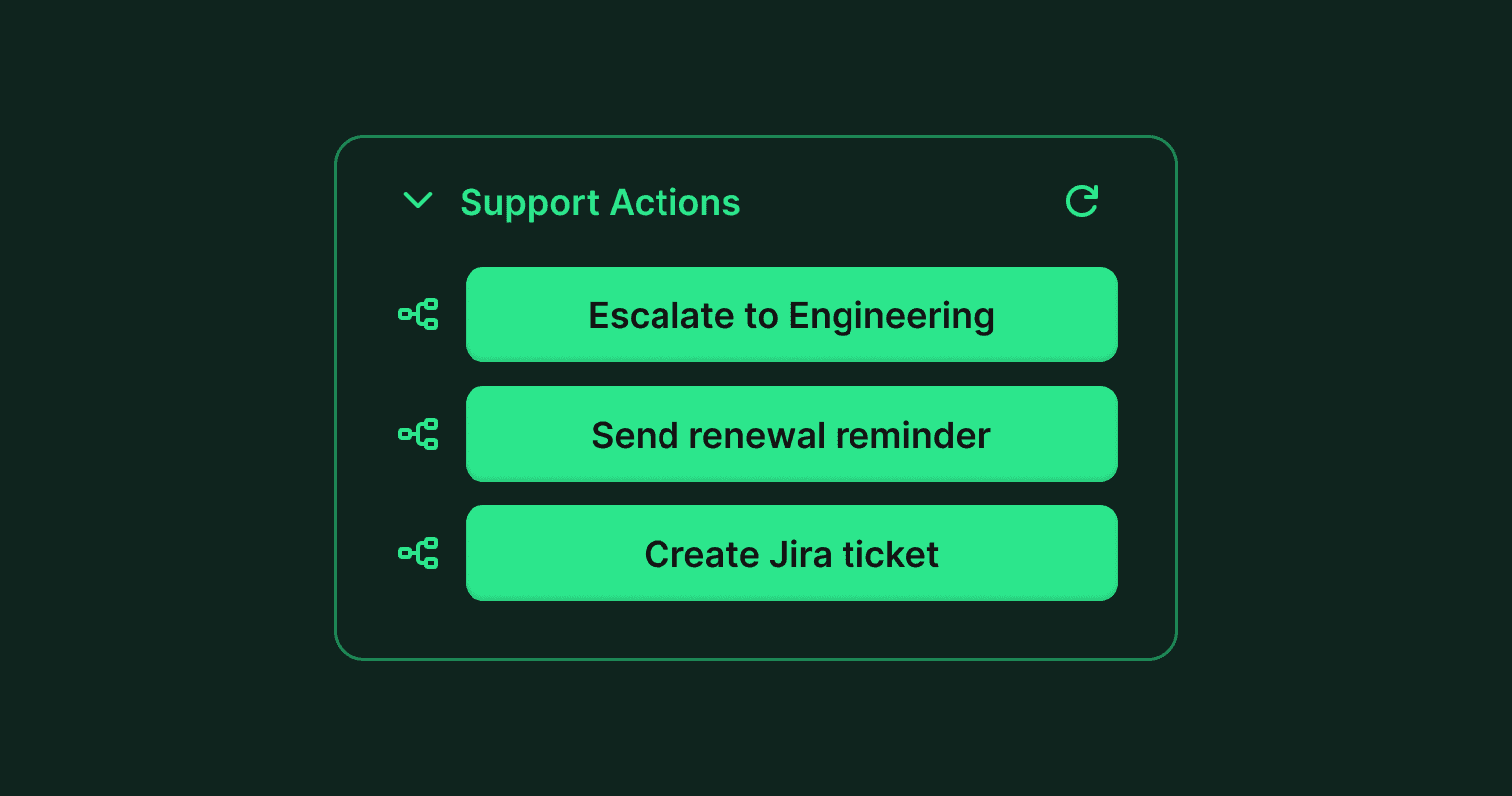
Customer cards now support workflow buttons. A button on a card triggers a Plain workflow in one click, in the context of the current thread.
Your API controls when a button appears. Show a "Resync billing" button only when the subscription status looks off. Show an "Escalate to engineering" button when the error count crosses a threshold.
Put them on the card and your team has everything they need in one place.
What this looks like in practice
A customer writes in: "I was charged twice this month."
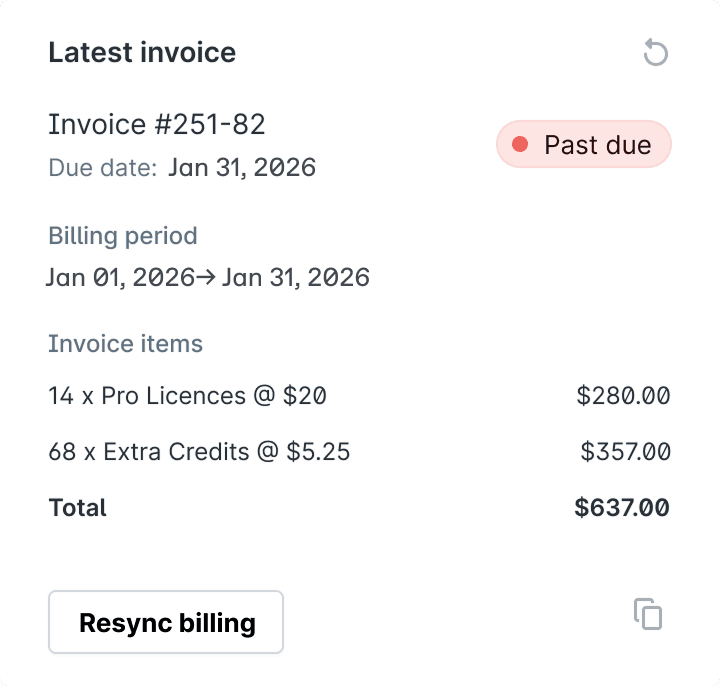
The agent opens the thread. The invoice card shows two charges, one with a "Past due" badge. The subscription card shows a plan that renewed and then resynced incorrectly.
The agent clicks "Resync billing" on the card. The workflow runs, the subscription corrects, and the agent replies to the customer.
Done. A new hire can do this on day one.
Who should build customer cards
If your support team regularly opens a second tool to look up customer data, build a card. And if they open a third tool to act on what they find, that's where workflow buttons come in.
The help center article has a few working examples (subscription status, invoices, usage, Sentry errors, account details, order history, and a workflow button) that you can point at your workspace right now.
If you build any customer cards, let us know. We'd love to check them out!