
New ways to track work, focus on conversations, and run a cleaner queue

Published On
This month, we want to highlight four upgrades that change how Plain feels day to day so support teams run faster and respond with more context.
Tasks: keep customer work moving
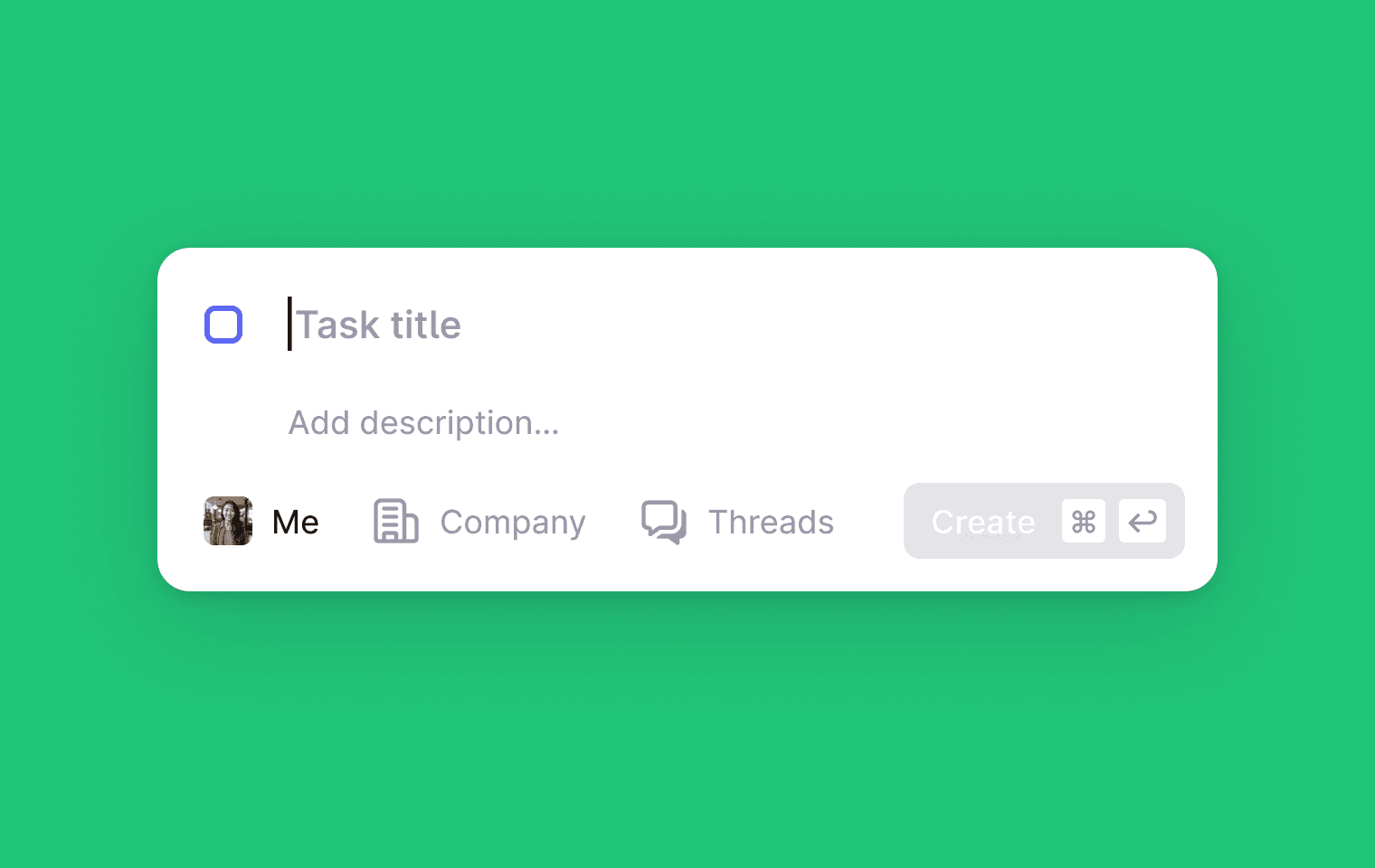
Support threads cover the conversation. Tasks cover the follow-through.
Create a task for anything that needs an internal action, a reminder, or a customer follow-up, and keep it linked to the thread/company so the context stays together.
Use cases we built Tasks for:
“Can someone sanity-check this with engineering?” - Create a task tied to the thread, assign it to the right teammate (engineering, product, security), and keep the answer connected to the customer conversation.
“We’re waiting on the customer to try a workaround.” - Track the follow-up as a task so it doesn’t disappear when the queue moves on.
“This is work, but it’s not really a thread.” - Internal actions like account changes, billing checks, or operational follow-ups now have a home next to your support work.
How to start: head to Tasks in the side nav, or press T anywhere.
Threads, redesigned for focus
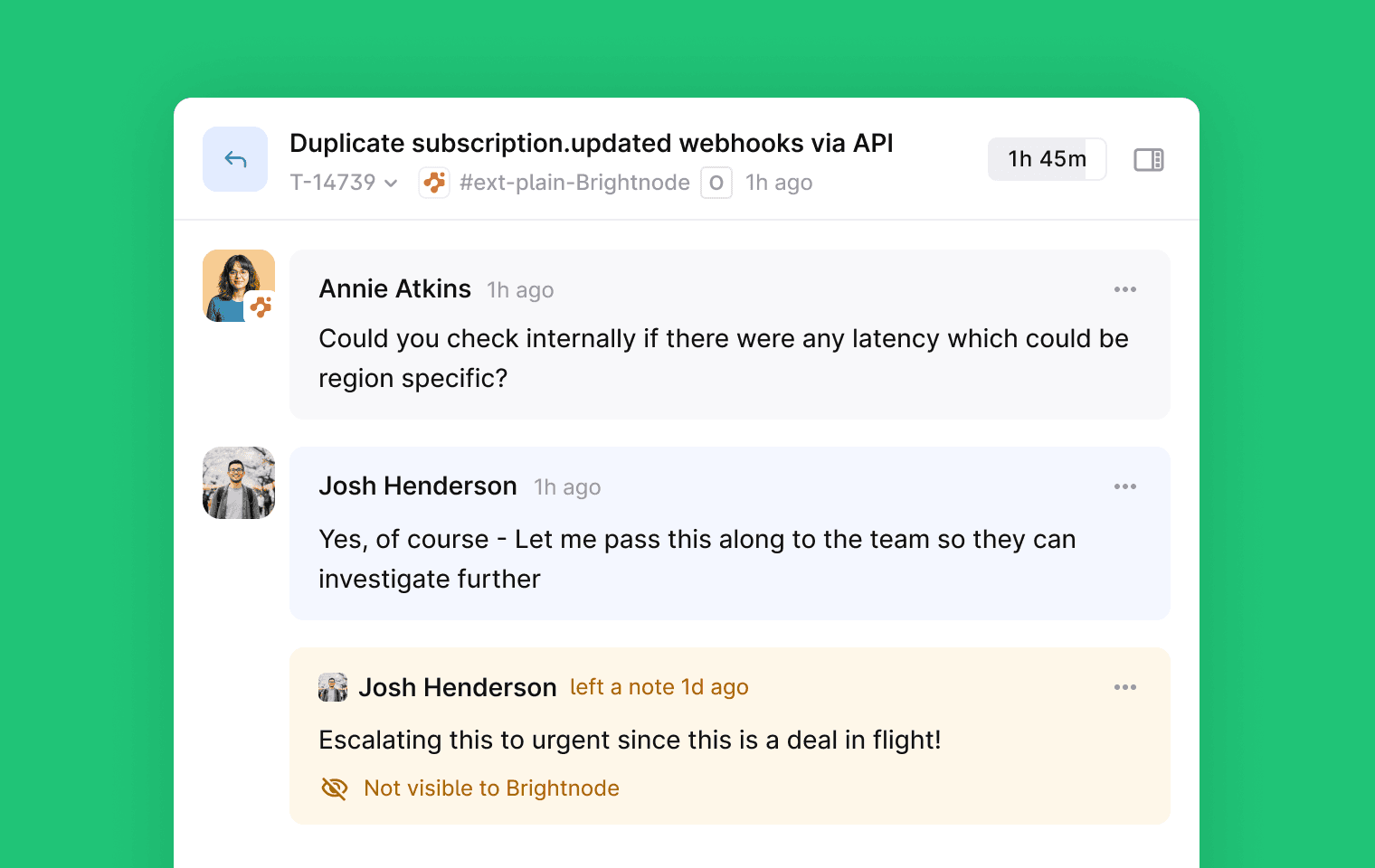
The thread page is where support agents spend most of their day. Every conversation, every context switch, every decision runs through this view. When it's cluttered, work feels heavy. When it's clear, you move faster.
We redesigned it to shift focus back to what matters: the conversation. Customer and agent messages now stand out. Status changes, label updates, priority shifts—the operational noise that used to compete for attention—are visually toned down and unified. You can scan a long thread and immediately find where the conversation left off.
This also fixes how threads render on mobile. No more awkward line wrapping or pinching to read a message. For teams doing support on the go or triaging from their phone, it's a meaningful improvement.
No new buttons, no new settings. Just a better version of the view you already use.
Plain just got a lot faster
Plain is noticeably faster now, especially in larger workspaces. We rebuilt how data sync works so you’re no longer pulling the whole workspace every time you open the app.
Instead of syncing your entire workspace on every visit, Plain now fetches only what’s changed since your last session.
What you’ll notice right away:
Faster load times for big queues and busy workspaces
Thread-heavy pages load twice as much content at once
Non-critical data loads on demand, so pages feel fast without losing detail
Filter updates and thread counts calculate in the background, so switching between views feels instant
Improvements across themes, timestamps, and local database operations
This is the kind of upgrade you don’t have to think about, but you’ll feel it all day.
Advanced filtering with condition logic
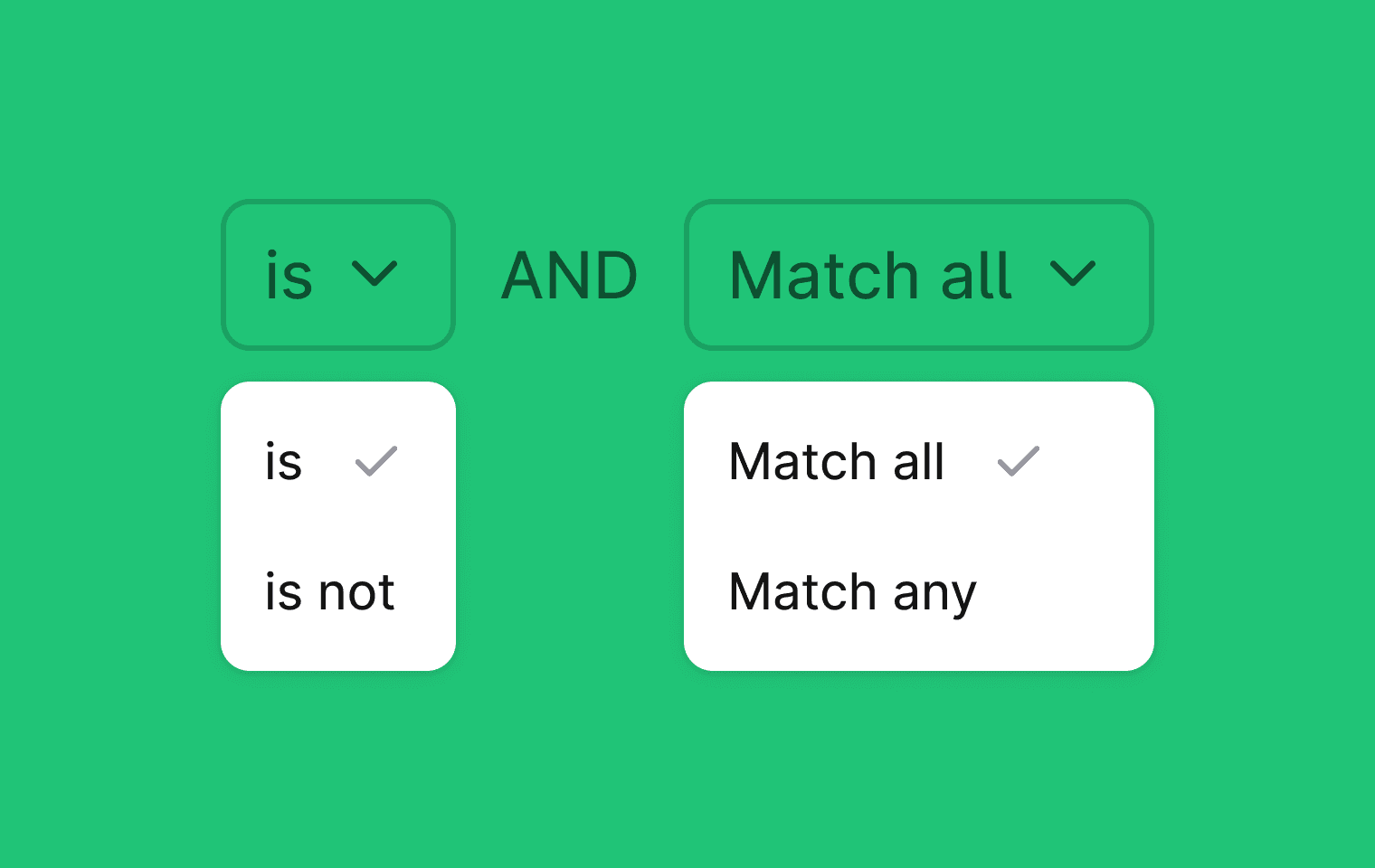
Filtering is how teams actually run their queue. We added condition logic so you can build filters with AND/OR and exclusions without hacks or extra views. You can now:
Match values positively or negatively:
is / is not (single value)
is one of / is none of (multiple values)
Control how conditions combine:
Match all (AND)
Match any (OR)
Stack condition blocks to create precise filters
Example: “threads with label security AND label is one of bug or feature request”
Once you’ve built a filter, you can save it as a view and share it so everyone on the team is working from the same setup.
How to try it: go to any thread view → Filter → Add condition.
What these features unlock
Taken together, these changes make Plain better for the teams that are moving fast and scaling up:
Tasks keep follow-through tied to the original context (including work that involves other teams)
A redesigned thread view reduces visual noise so you can focus on the conversation
Performance upgrades reduce friction all day, especially in big workspaces
Advanced filters make it easier to run a clean queue with less manual effort
If you’re already using Plain, you should see these improvements immediately.
If you’re evaluating tools, this is a good snapshot of what we care about: building the foundations that make support work feel calm, fast, and controlled.