
Workflows: Build real automations without writing code

Published On
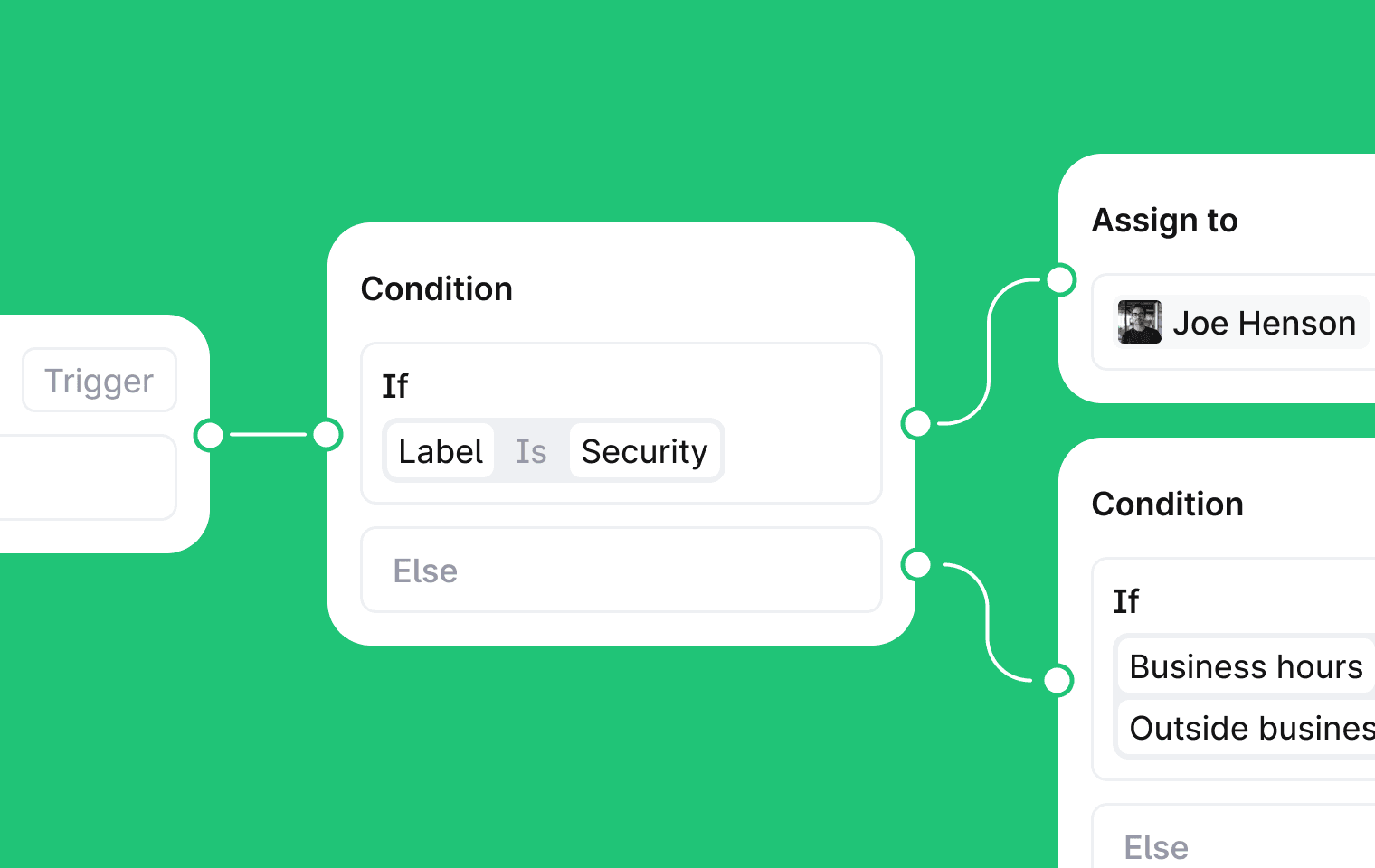
Today we're launching the next phase of Plain Workflows: a visual builder for multi-step, branching automations. Route threads, escalate after delays, branch on conditions, and chain actions together, all without code.
If you've been using workflow rules, they've been auto-migrated into the new builder. Everything you had still works. You can now do a lot more with it.
How it works
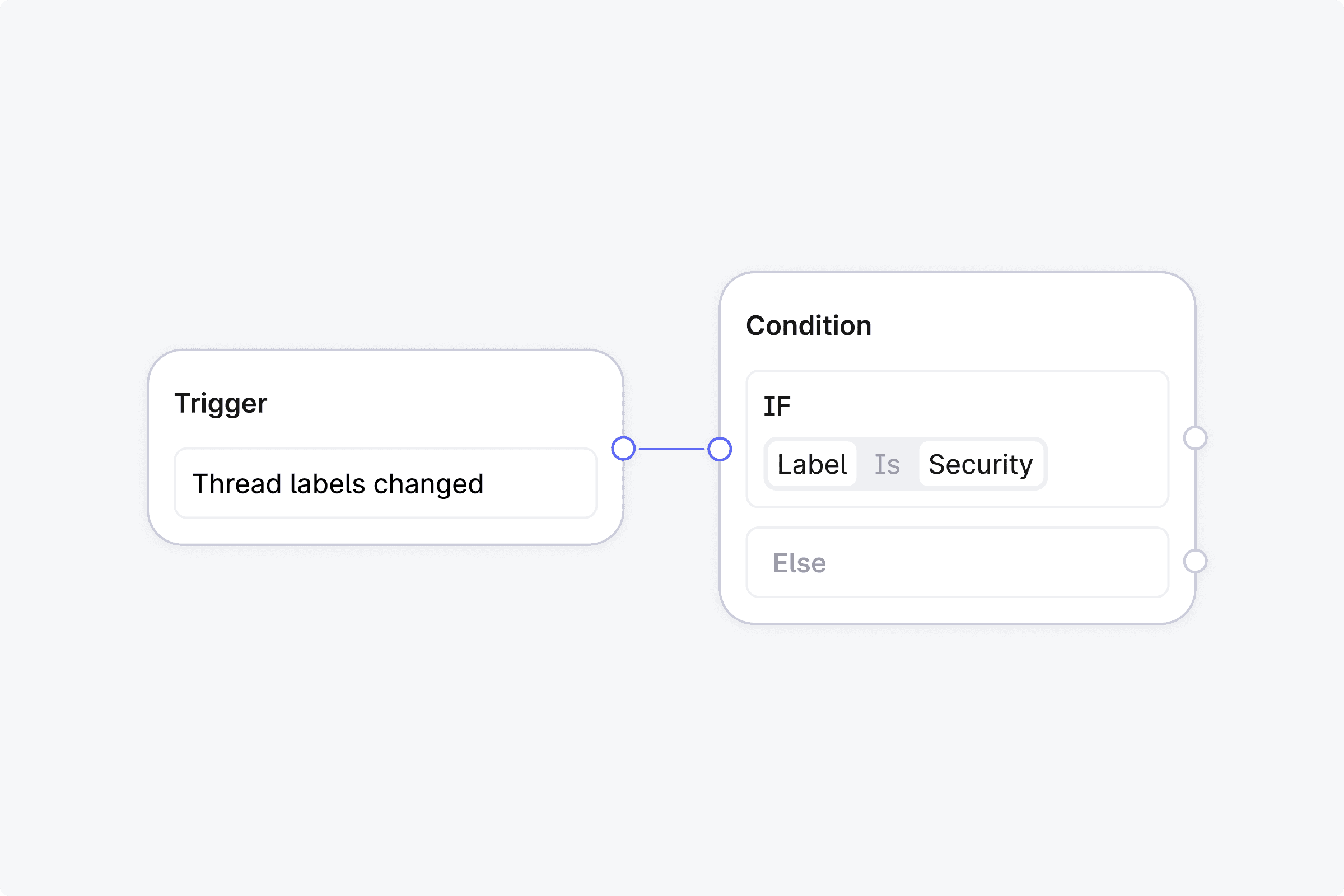
Every workflow starts with a trigger. You can kick one off manually on a specific thread, or set it to fire automatically when something happens: a thread is created, a message comes in, a status changes, labels update, priority shifts, or a thread field is set.
From there, you build with three types of steps.
Condition steps check something about the thread (priority, tier, labels, channel, customer email domain, custom fields, or an AI evaluation of the conversation) and branch the workflow into a Yes path and a No path.
Action steps do the work: assign the thread to a user or team, set priority, change status, apply labels, send a message to the customer, leave an internal note, add the customer to a group, or fire an HTTP request to any external service. That last one means your workflows can talk to Slack, Linear, PagerDuty, or your own internal APIs.
Wait steps pause the workflow for a set duration, anywhere from seconds to days. Each wait step can have a cancel condition. If the condition is met before time runs out (say, the customer replies), the workflow takes a different path. If not, it continues.
You build all of this on a visual canvas. Steps can only move forward, no loops, so workflows are always predictable and easy to reason about.
What teams are building
Routing
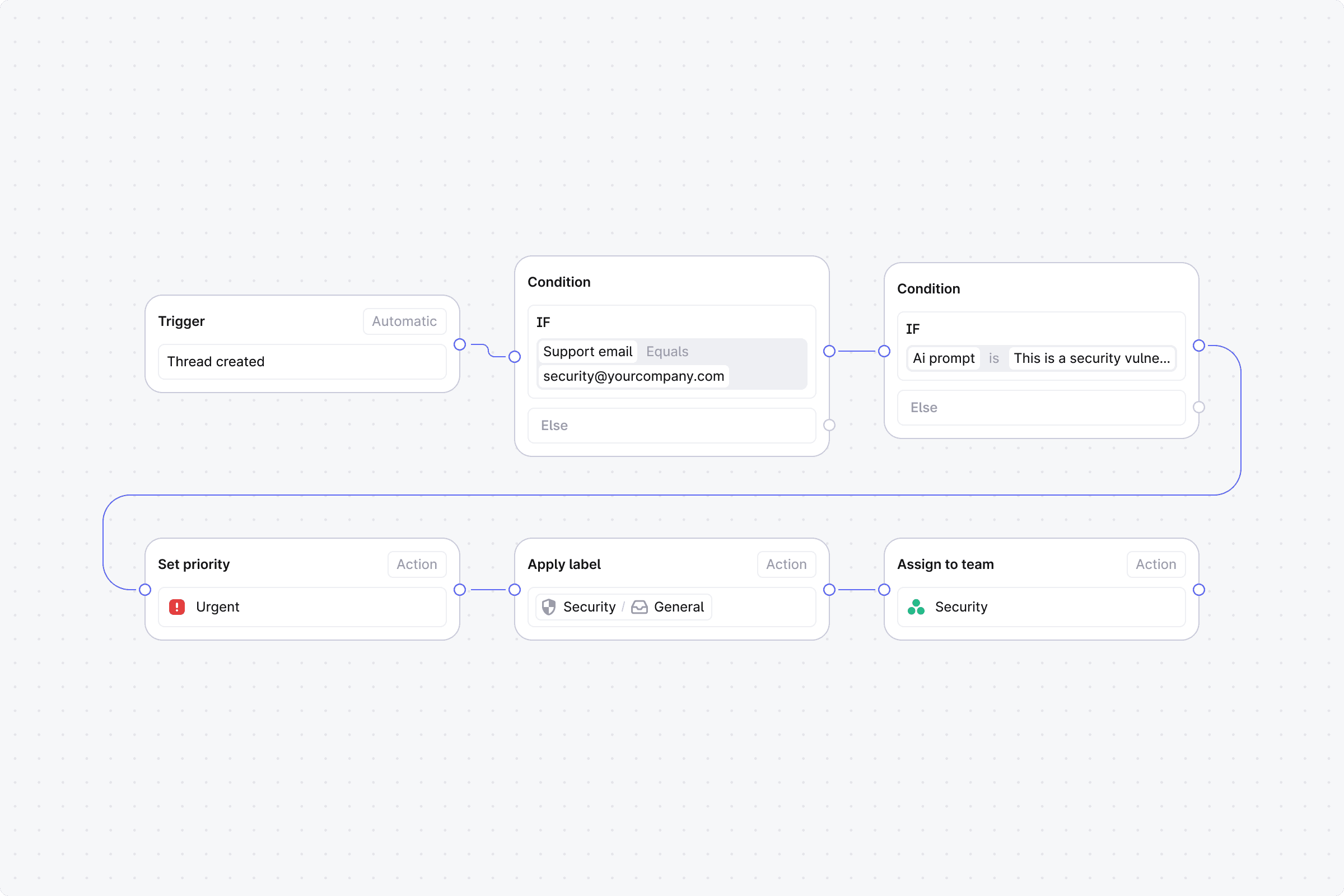
A thread hits security@. The first condition confirms the support email address. The second uses AI to evaluate the message: is this a vulnerability report or a general inquiry?
Vulnerability reports get marked urgent and assigned to the security lead. Everything else gets labeled and routed to the broader security team.
No one on the team has to read and sort every security@ email manually. The right threads reach the right people as they come in.
Closing the loop
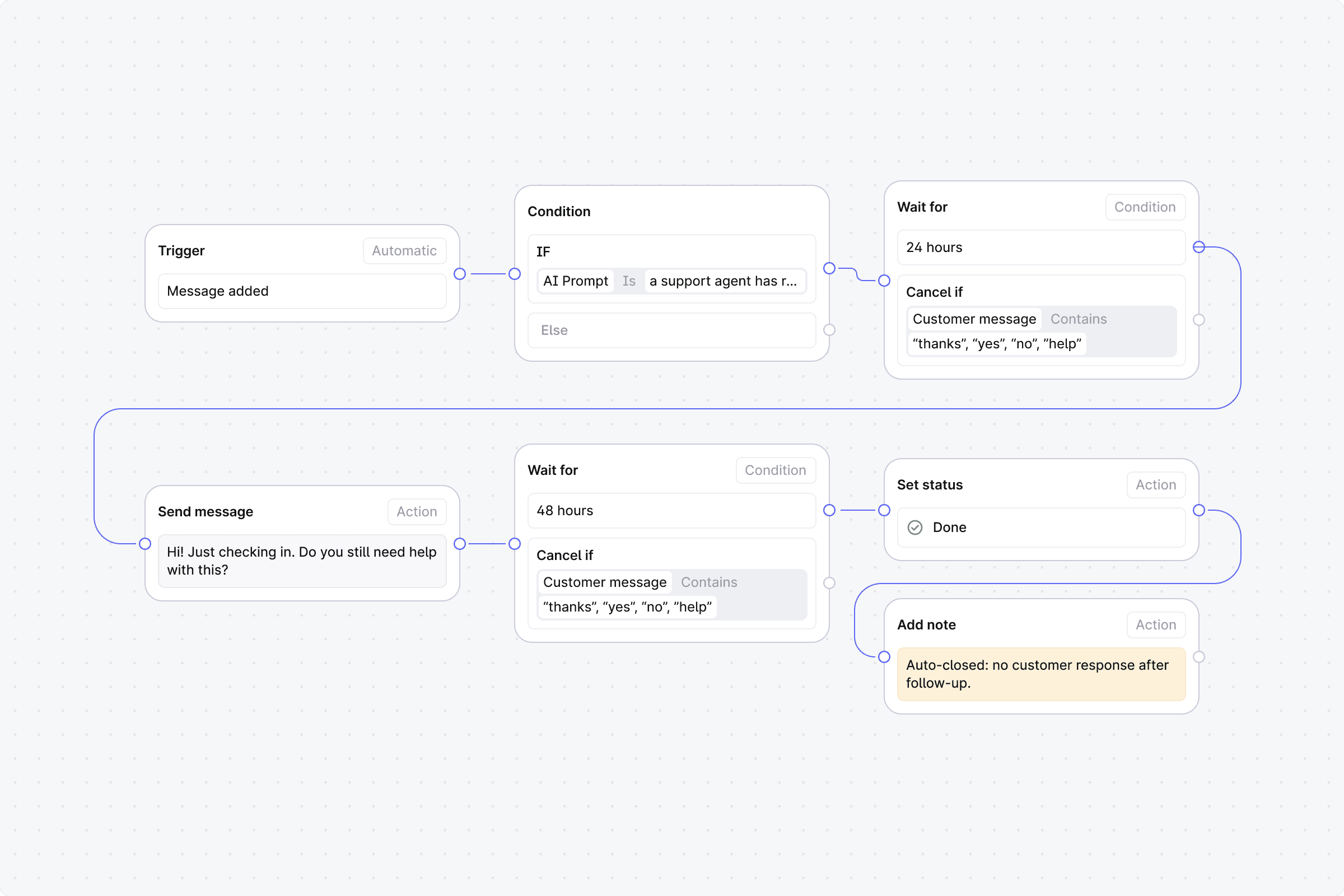
An agent replies to a thread. The workflow waits 24 hours. If the customer responds, it ends. If not, it sends a message: "Hi! Just checking in, do you still need help with this?" Then it waits another 48 hours. Still nothing? It closes the thread and leaves a note for the team.
Threads don't stay open indefinitely waiting on a customer who's moved on. The team gets a clean queue without having to chase each one down.
Why this matters
Support engineers are builders. They design systems, create processes, and make judgment calls that directly shape the customer experience. But the moment a process needs more than a simple rule, it becomes an engineering ticket or a manual workaround.
Workflows give support teams the ability to build and own their automations. Real logic, real branching, real time-based behavior. No waiting on anyone else. The support team designs it, ships it, and iterates on it.
That's how it should work.
Get started
Head to Workflows in the sidebar to create your first one, or check out the help center docs for a full walkthrough of triggers, conditions, actions, and wait steps.
If you have questions, we're around. Reach out to our team anytime.