
Plain Now Supports SSO and SCIM

Published On
Your team handles customer conversations, account details, and internal notes. Your security team needs to know who has access and control it centrally. That's what SSO and SCIM are for.
They're not a nice-to-have. For most growing support teams, they're a compliance requirement.
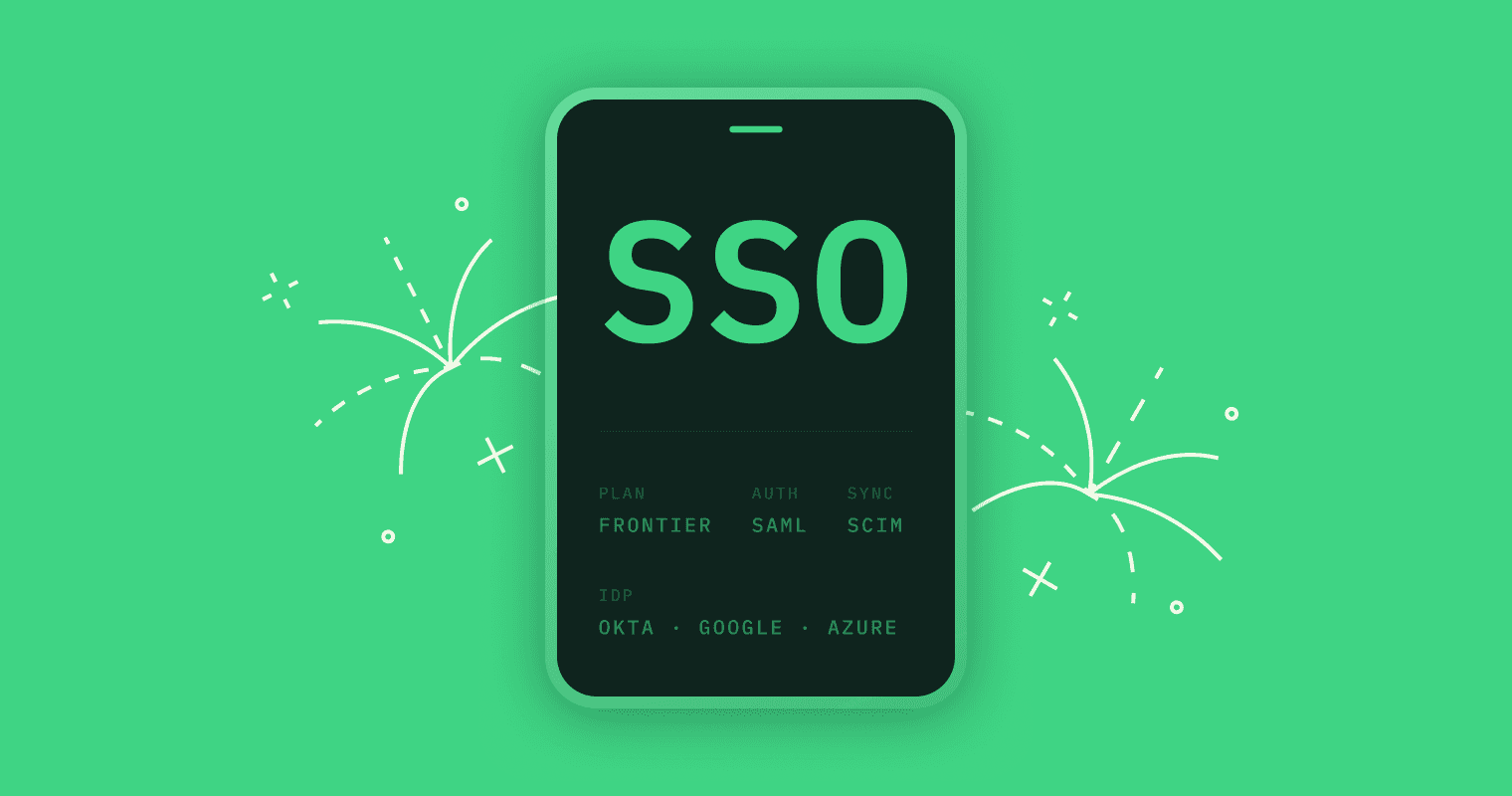
Plain now supports SAML SSO and SCIM directory sync.
What we shipped
SAML Single Sign-On. Your team signs into Plain with the same identity provider they use for everything else: Okta, Azure AD, Google Workspace, OneLogin, or any SAML-compatible provider. Once enabled, SSO becomes the required authentication method for your workspace.
SCIM Directory Sync. When someone joins your company, they get access to Plain automatically. When someone leaves, they lose it. Your identity provider is the source of truth, and Plain stays in sync with it.
Role mapping. You can map your IdP groups to roles in Plain. Users provisioned without a matching role are assigned to a free seat with no charges until you assign them a role. If a user maps to multiple roles, the most permissive one is assigned.
Domain verification. Before enabling SSO, you verify ownership of your domain. This ensures no one can claim your team's email addresses through an unverified provider.
How it works
Configure everything in Settings → SSO inside Plain. Setup takes minutes: verify your domain, connect your identity provider, and you're live.
Why this matters for support teams
Support tools hold sensitive customer data. SSO and SCIM are how your security team controls who has access to it.
Compliance. SSO is how companies maintain SOC 2 compliance, pass security audits, and meet the access-control requirements their own customers expect. It's not a feature preference. It's a fundamental requirement.
Centralized access control. One place to enforce MFA, session policies, and password requirements. When someone leaves, their access to Plain revokes with every other tool, not whenever someone remembers to do it manually.
Scaling without friction. New agents show up with the right role on day one. Contractors, seasonal hires, engineers rotating through on-call support: all provisioned and deprovisioned automatically.
Whole-company visibility. Anyone in your org can sign in with their company credentials, land in a free Viewer seat, and see support threads immediately. No manual invites, no separate logins blocking adoption from product, engineering, or sales.
Simpler migrations. If you're moving off Zendesk, Intercom, or Freshdesk, your IT team doesn't need to build a parallel auth setup. Same IdP, same provisioning, same offboarding. Just a better support tool on the other end.
Get started
SSO and SCIM are available now on our Frontier plan. Setup instructions are in our help center.
Questions? Talk to our team.