
Manual Triggers for Workflows
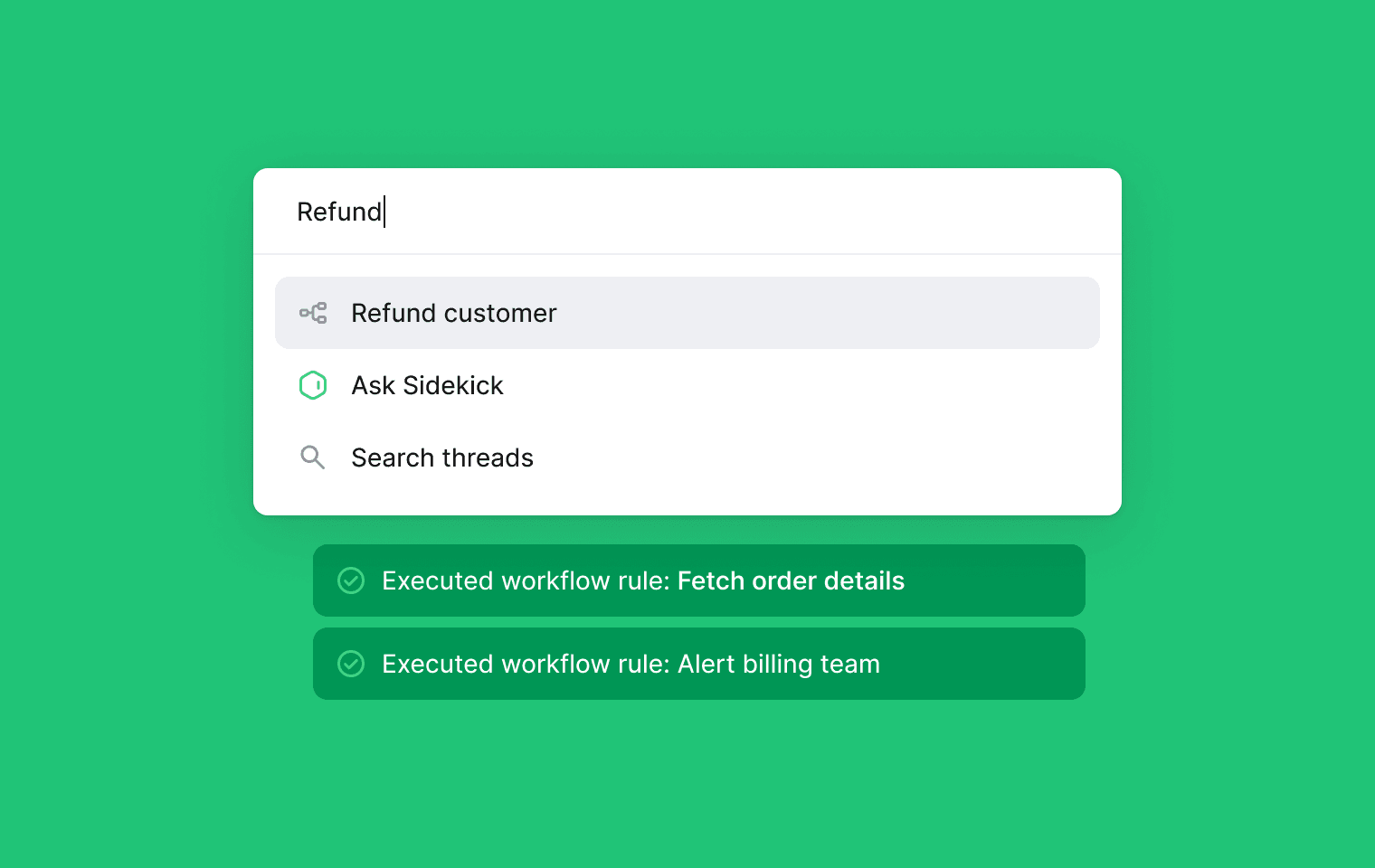
You can now trigger any workflow rule manually using Command + K when viewing a thread. This gives your support team more control over when rules run and works especially well when paired with actions like Send HTTP request.
Use it to trigger an incident, kick off a refund, schedule a meeting, or fetch data to enrich a thread and post it back as a note, whatever your workflow needs.
To use manual triggers: Create a workflow rule, set the trigger type to Manual, and configure it as usual. Then press Command K from a thread, search for your workflow, and run it from the menu.
Designed, built and written by

David Leyland
Engineering