
Custom Skills
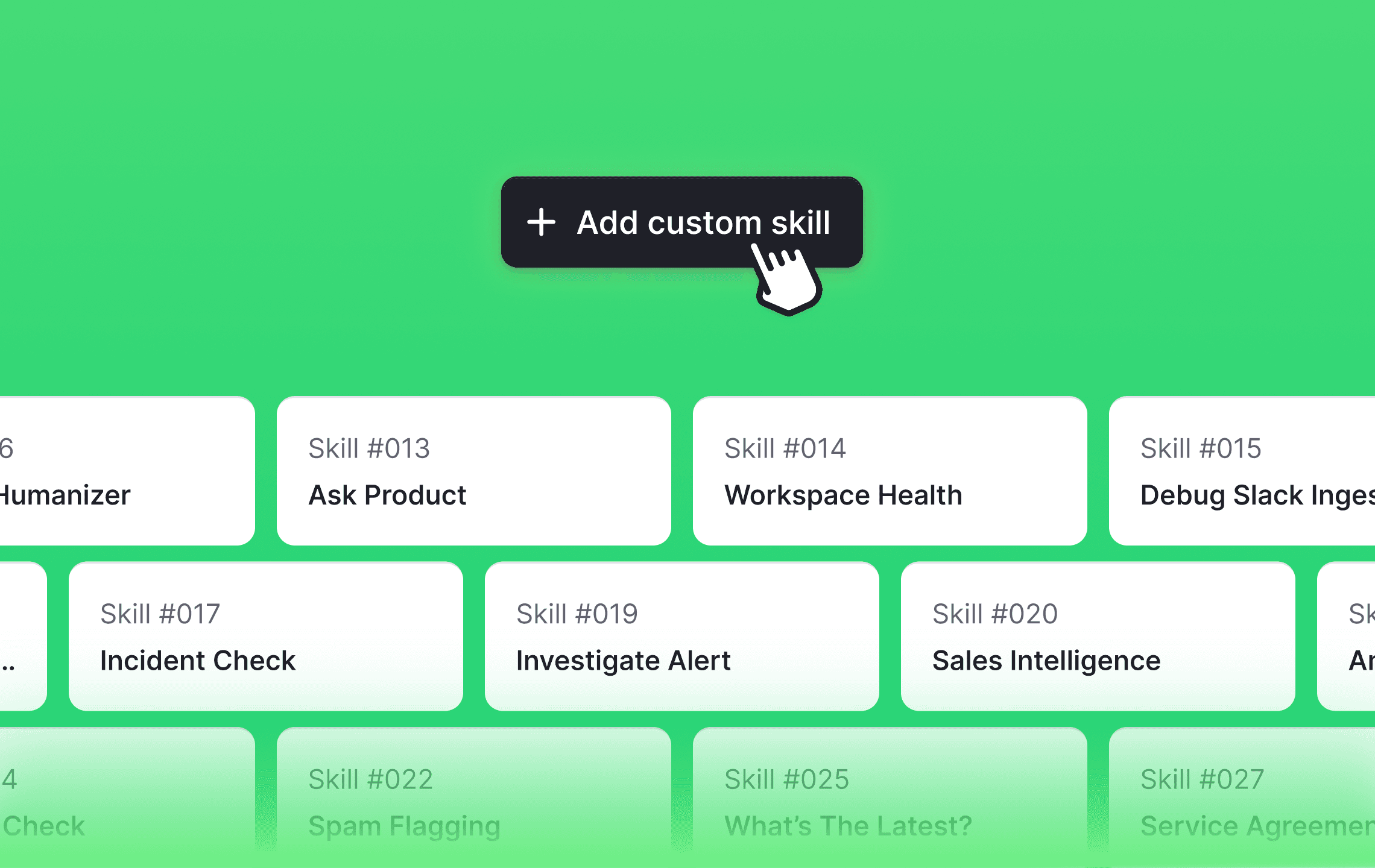
Teach Sidekick the routines your team runs over and over. Write a skill once and everyone in your workspace can use it.
Ask Sidekick to build it.
Go to Sidekick → Skills, hit “Add custom skill”, and choose “Build with Sidekick”. Describe what you want, work it out together in chat, and Sidekick saves the finished skill to your workspace. You can also write one yourself in the same place, and edit, disable, or delete any skill later.
Tell Sidekick when to use it.
A skill is a name, the instructions Sidekick follows, and a line describing when the skill applies. That last part means Sidekick can reach for the right skill on its own, so your team doesn’t have to remember which ones exist.
Two skills built in.
Every workspace starts with Draft reply, which turns your investigation into a ready-to-send customer reply in your workspace tone, and Plain docs, which answers questions about how Plain itself works.
Run one by asking.
Ask for a skill by name in a Sidekick session, or let Sidekick reach for it on its own. Skills are available wherever Sidekick is: on a thread, on the Sidekick page, in a connected Slack channel, and in a workflow.
Designed, built and written by

Jacob Cutts
Engineering