
Sidekick is now in Slack
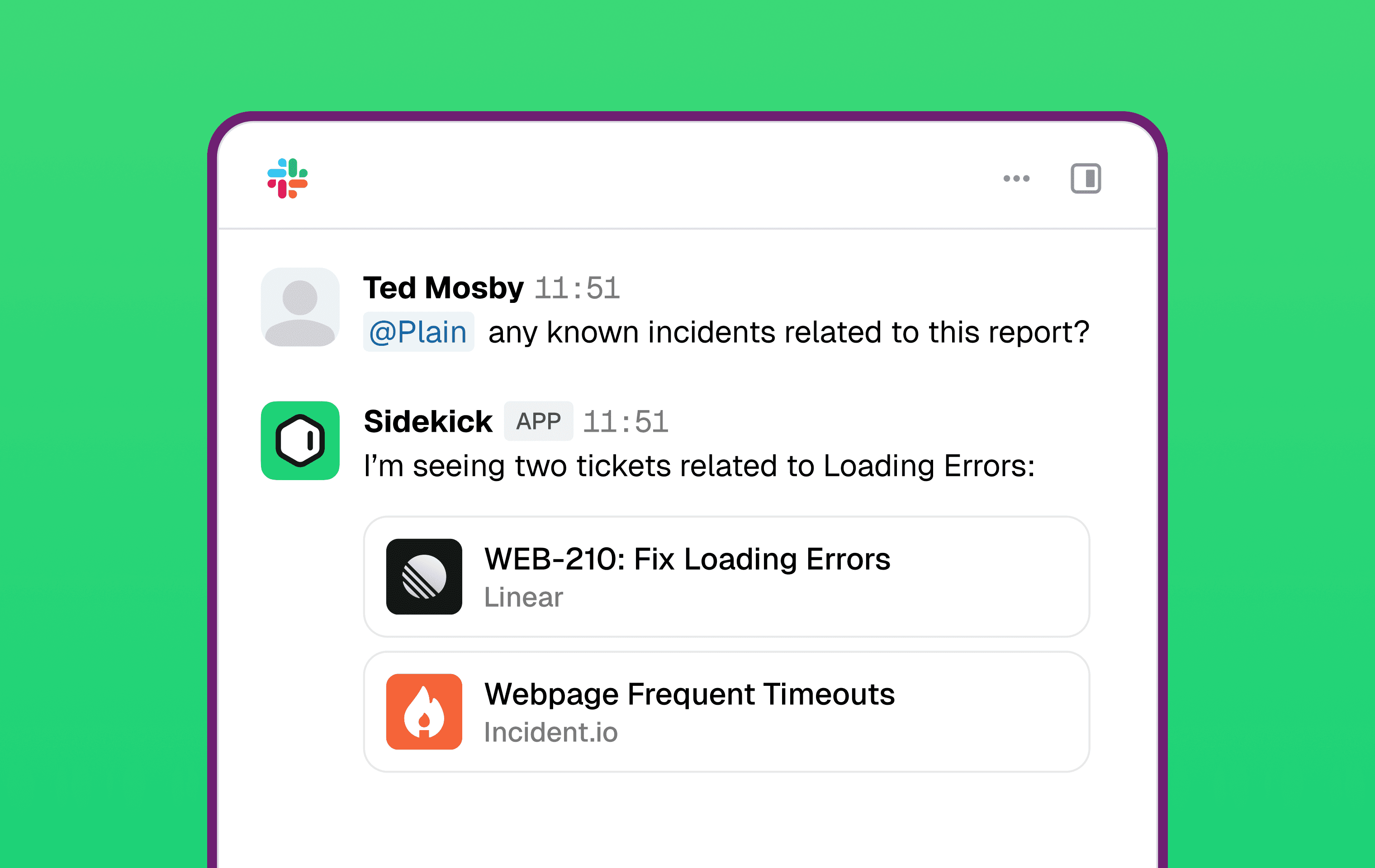
Sidekick is now available directly in Slack. @mention Plain in any connected channel and it responds in the thread — with full access to your knowledge sources, tool integrations, and support history.
Sidekick in Slack has access to the same tool catalog as Sidekick in Plain:
Plain built-ins (always on): threads, customers, tenants, help center search and reading
Connectable integrations: Slack, Datadog, Linear, Notion, Incident.io, and others. Whatever the workspace has connected in Sidekick Settings → Integrations is available
A few things worth knowing:
Everyone can use it, not just users with Plain accounts — a Plain account isn't required, as long as their email matches your workspace domain.
Slack-specific instructions — set a separate behavior prompt for how Sidekick responds in Slack, independent of its in-app instructions, under Plain AI → Sidekick.
Team-internal only — Sidekick responds to Plain users in internal channels. Slack Connect channels and DMs are not supported.
To enable it, go to Settings → AI → Sidekick → Integrations → Slack and click Add to Slack. Once connected, Plain automatically creates an #ask-plain channel where your team can start immediately. To add Sidekick to other channels, select them from the connected-channels list on the same page.
Designed, built and written by

Preslav Mihaylov
Engineering

Dimitra Zuccarelli
Engineering