
Sidekick in Workflows

When a thread matches your workflow’s conditions, Sidekick starts working on it immediately, so the investigation, summary, or draft reply is already waiting when your team opens the thread.
Add the Start Sidekick discussion action to any workflow and write the first message Sidekick should receive. For example: “Investigate this thread. Check Sentry for matching errors, search Linear for related issues, and post your findings as a note.” The message reaches Sidekick exactly as you write it, and Sidekick reads the thread itself. This step always ends the workflow.
When it fires, Plain opens a discussion on the thread, visible to your whole workspace with Workflow as the sender. These are full Sidekick sessions: they can read from every integration your workspace has connected, take actions governed by your approval policies, and anyone on the team can jump in and continue the conversation.
Workflows can also run on a schedule.
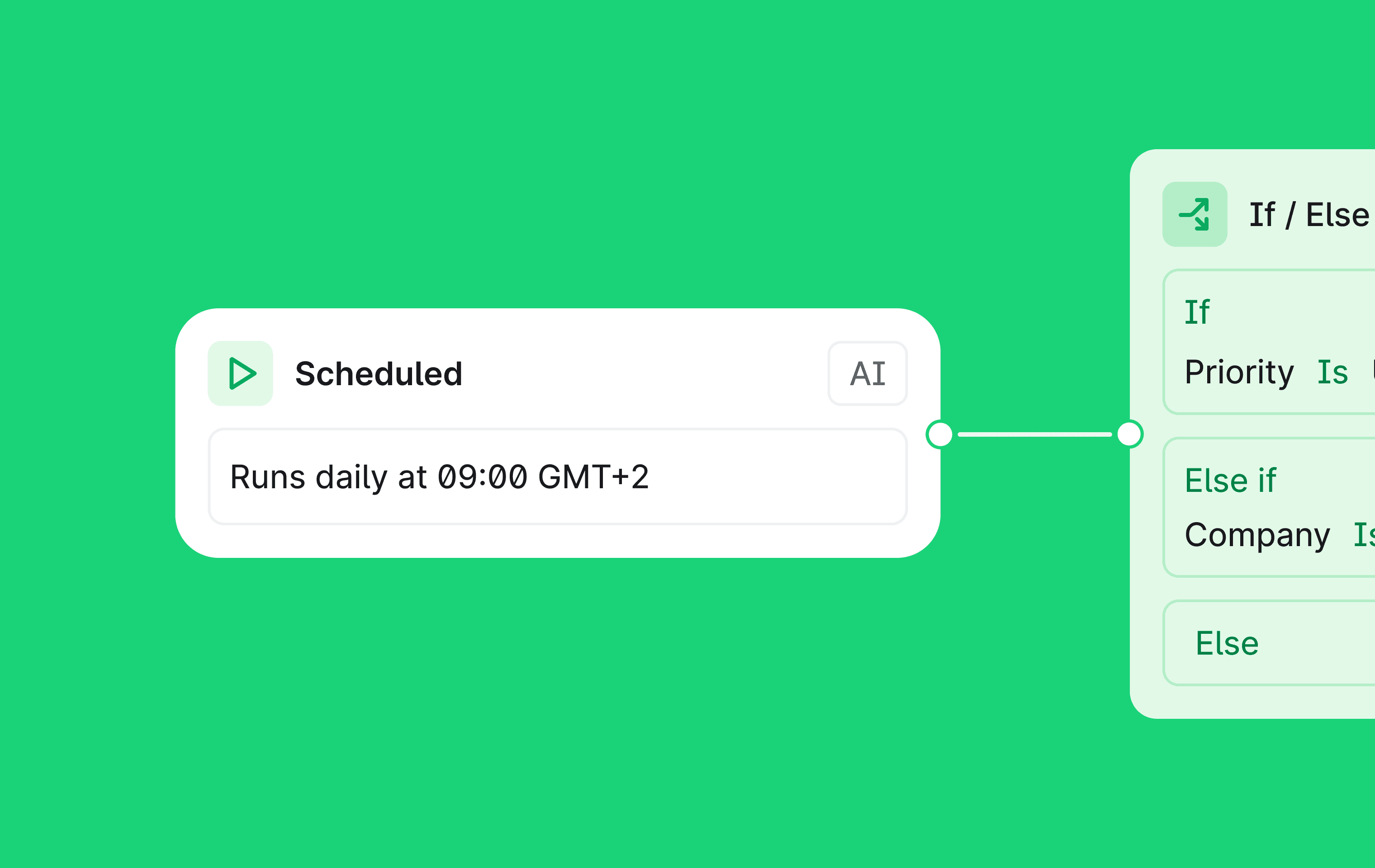
Set a trigger to fire hourly, daily, on weekdays, or weekly, with no thread involved. Recurring work runs itself: a morning digest of overnight threads posted to Slack, a weekly report on support themes, a daily sweep for threads that have gone quiet.
The action appears in the workflow builder once Plain AI is enabled on your workspace. Sessions use Sidekick credits like any other session.
Designed, built and written by

Preslav Mihaylov
Engineering