
Smarter handling of messages from user employees
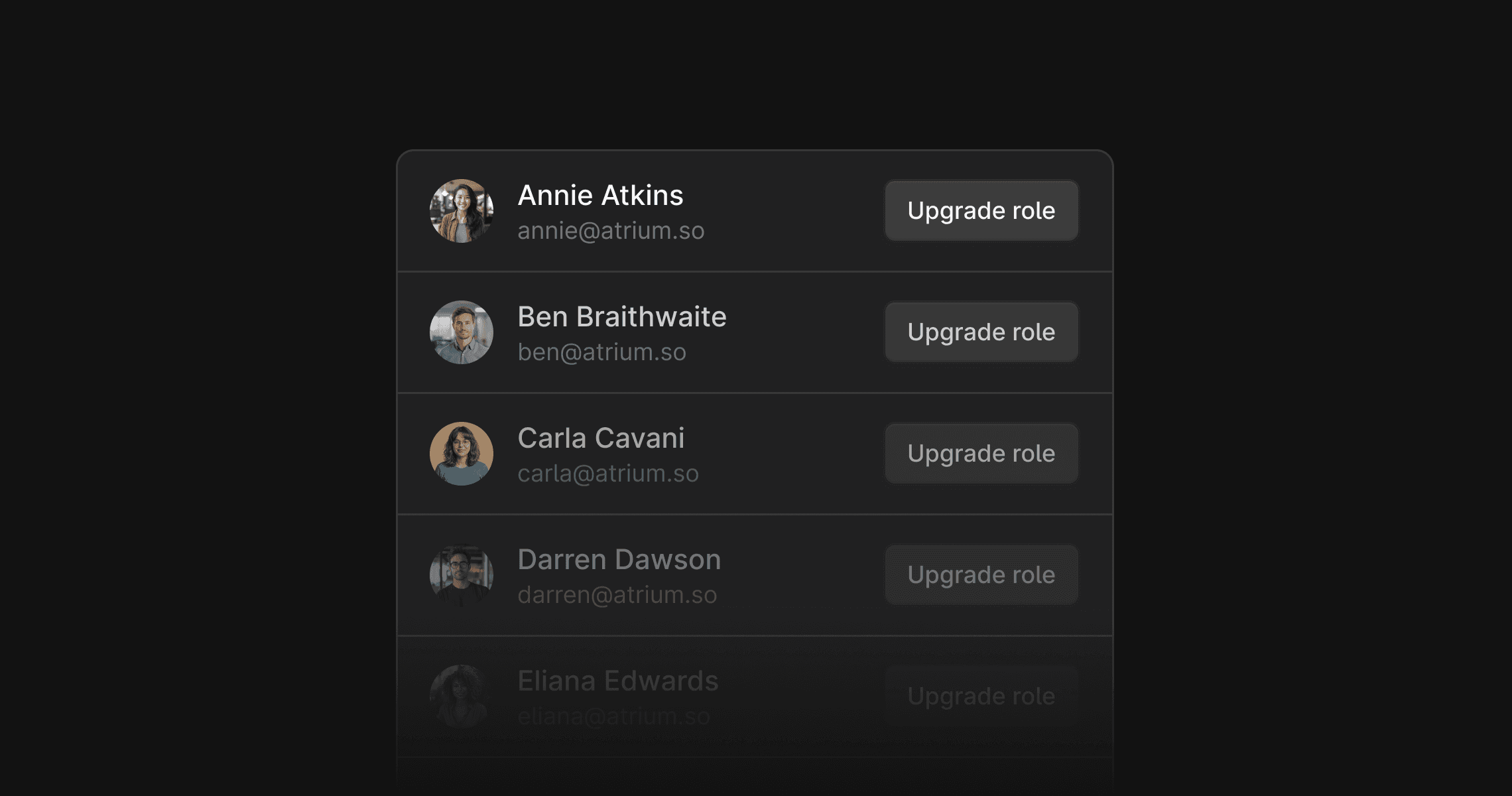
Messages from people at your company now automatically create internal users in your Plain workspace – even if they’re not Plain users yet. These users have no workspace permissions until you upgrade them from Settings.
This helps keep your support queue clean. Internal replies via Slack or email no longer appear as customer threads, so threads stay correctly assigned and in the right state.
It also means there’s no need to manually invite colleagues. If someone messages from a company email address, they’ll be added automatically. Once you upgrade their permissions, they’ll see the correct workspace right away when they sign up.
To manage these users, go to Settings → Members → Other workspace users.
Improvements
Added 6 month and 1 year timeframes to reporting pages for more flexible insights.
Reporting pages now include links to relevant thread lists, including on team member pages. These respect the selected time range.
Designed, built and written by

Dimitra Zuccarelli
Engineering