
Plain's MCP Server: Connect Any AI Tool to Your Support Data

Published On
A customer writes in. You open the thread, read through the back-and-forth, check their profile, pull up their company's other threads to see if there's a pattern, then dig through your help center to find the article you half-remember updating last quarter.
By the time you've assembled enough context to respond, ten minutes have passed and you haven't actually helped anyone yet.
That's the problem MCP solves.
What we shipped
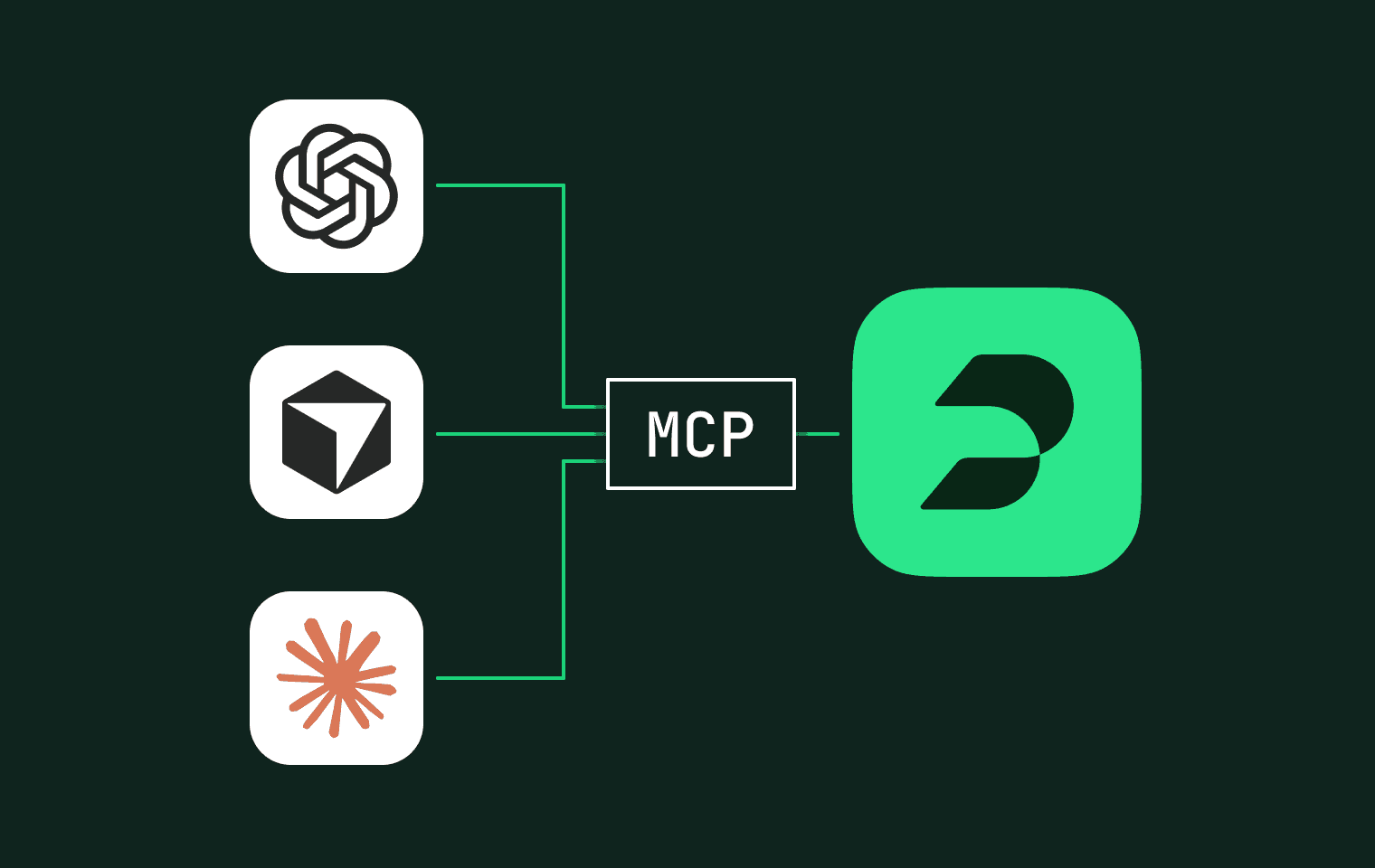
Plain now has an MCP server. If you use Claude, ChatGPT, Cursor, or any other AI tool that supports the MCP standard, it can talk directly to your Plain workspace. Your threads, your customers, your help center, all accessible from the AI tools you already have open.
Here's the same scenario with Plain's MCP server connected:
You open Claude, type "What's going on with this customer?", and it pulls their recent threads, looks up their profile, checks the tenant's other threads, finds the relevant help center article, and drafts a response with the right details. One prompt instead of ten minutes of digging.
(If MCP is a new term for you, we wrote a plain-language guide to what it is and how it works for support teams.)
What your AI can actually do
With Plain's MCP server connected, your AI tools can do the same things you do in Plain's UI, on your behalf. We built 30 tools across five areas:
Threads. Fetch, search, reply, assign, snooze, change priority, add labels, mark done, create internal notes. The daily workflow stuff that eats your time when you're doing it manually across dozens of threads.
Customers. Look up profiles, search by name or email, pull a customer's full thread history.
Tenants. Search and manage company-level data. Spot patterns across all of a company's threads. Useful when you're trying to figure out whether an issue is a one-off or part of something bigger.
Help center. Browse articles, find stale content, create or update articles directly. You can flag articles that haven't been updated in 90 days and draft new ones from recurring questions.
Workspace. Access your user profile, workspace settings, and available labels.
BYOA and MCP: two sides of the same idea
Last month we launched Bring Your Own Agent: connect any AI agent to Plain's infrastructure. This month, MCP.
BYOA is about what happens inside Plain. Your AI agent triages threads, replies to customers, manages queues. It works autonomously within your support workflow.
MCP is about what happens outside Plain. The AI tools your team already uses (Claude, ChatGPT, Cursor) can now reach into Plain alongside your other work tools. Support data lives in the same conversation as your code, your bugs, and your team chat.
Where the real value shows up
Plain on its own gets you thread lookups and customer context. Add GitHub, Linear, Slack, and other platforms through MCP and the AI can trace a customer issue from ticket to pull request to deploy to team channel without you opening any of them.
A support agent asks about a customer issue. The AI checks thread history in Plain, finds the related pull request in GitHub, confirms the fix shipped in Linear, and posts an update to Slack. No tab-switching. No reassembling context from four different tools.
That removes the manual glue work that makes support feel like an information logistics job instead of a customer job.
A good starting prompt: "show me what's assigned to me and summarize the top five by urgency." It works immediately because it's read-only and obvious. From there, try pulling in customer context alongside threads so the AI can draft replies with the right details, and start approving write actions.
You stay in control
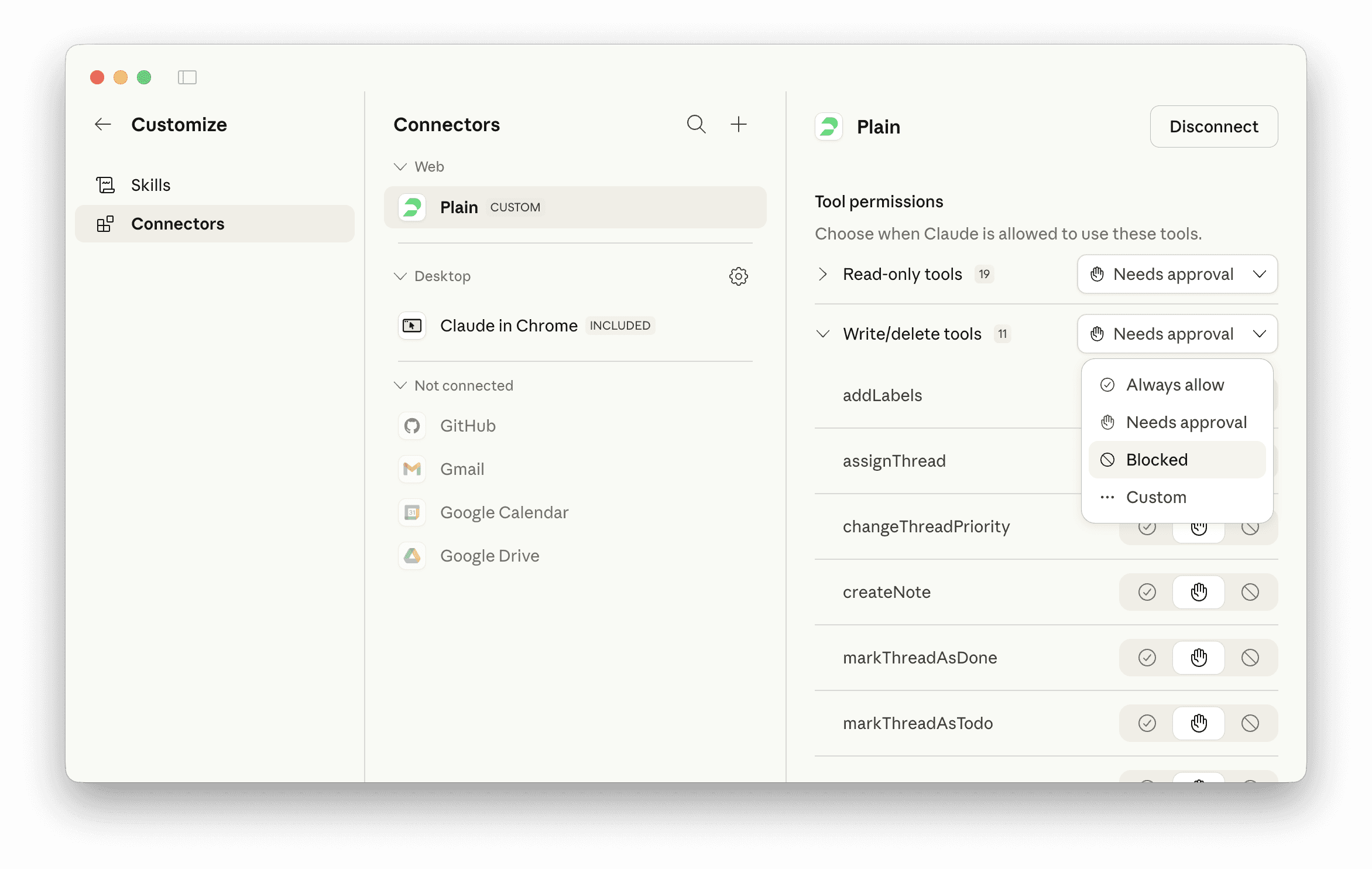
The server includes both read and write tools. Most AI clients will ask for your confirmation before executing write actions like replying or assigning. You can start with read-only prompts and work your way up to writes as you build trust in the workflow.
Authentication uses your existing Plain account. No separate API keys to generate or rotate. The AI inherits your permissions, so it can only access what you can access in Plain.
Get started
The MCP server is live at mcp.plain.com/mcp.
Setup instructions for Claude.ai, Claude Code, Cursor, and ChatGPT are in our help center guide. If you're new to MCP entirely, start with our plain-language explainer.
We built Plain's MCP server because we believe support tools should work with any AI, not lock you into one vendor's ecosystem.