
Set business hours for each of your teams
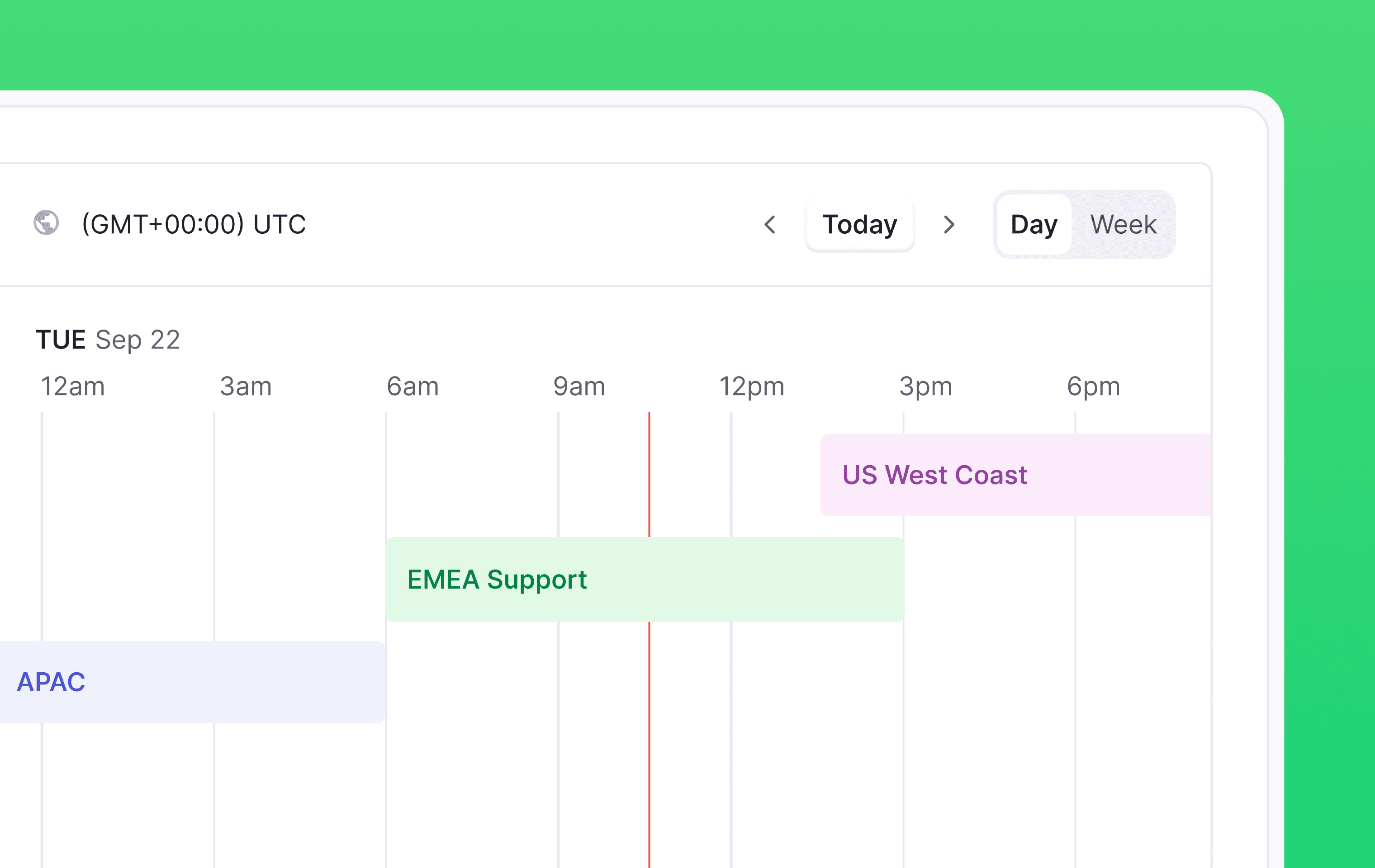
You can now create more than one business hours schedule in your workspace, each with its own name, timezone, and working hours.
Name each schedule for the team or region it covers, set its timezone, and give it weekly hours. A schedule can hold more than one range in a day, so split shifts work.
SLA targets then reference one or more schedules, and timers pause outside those hours. That means a customer who writes in at 9pm London time doesn’t impact first response time for a team that's asleep, and your SLA numbers reflect your commitment.
Workflows can branch on whether a specific schedule is open, so you can route or auto-respond differently depending on who's working. Your chat widget shows your team as online or offline against the right hours too.
Designed, built and written by

Nico Domino
Engineering