

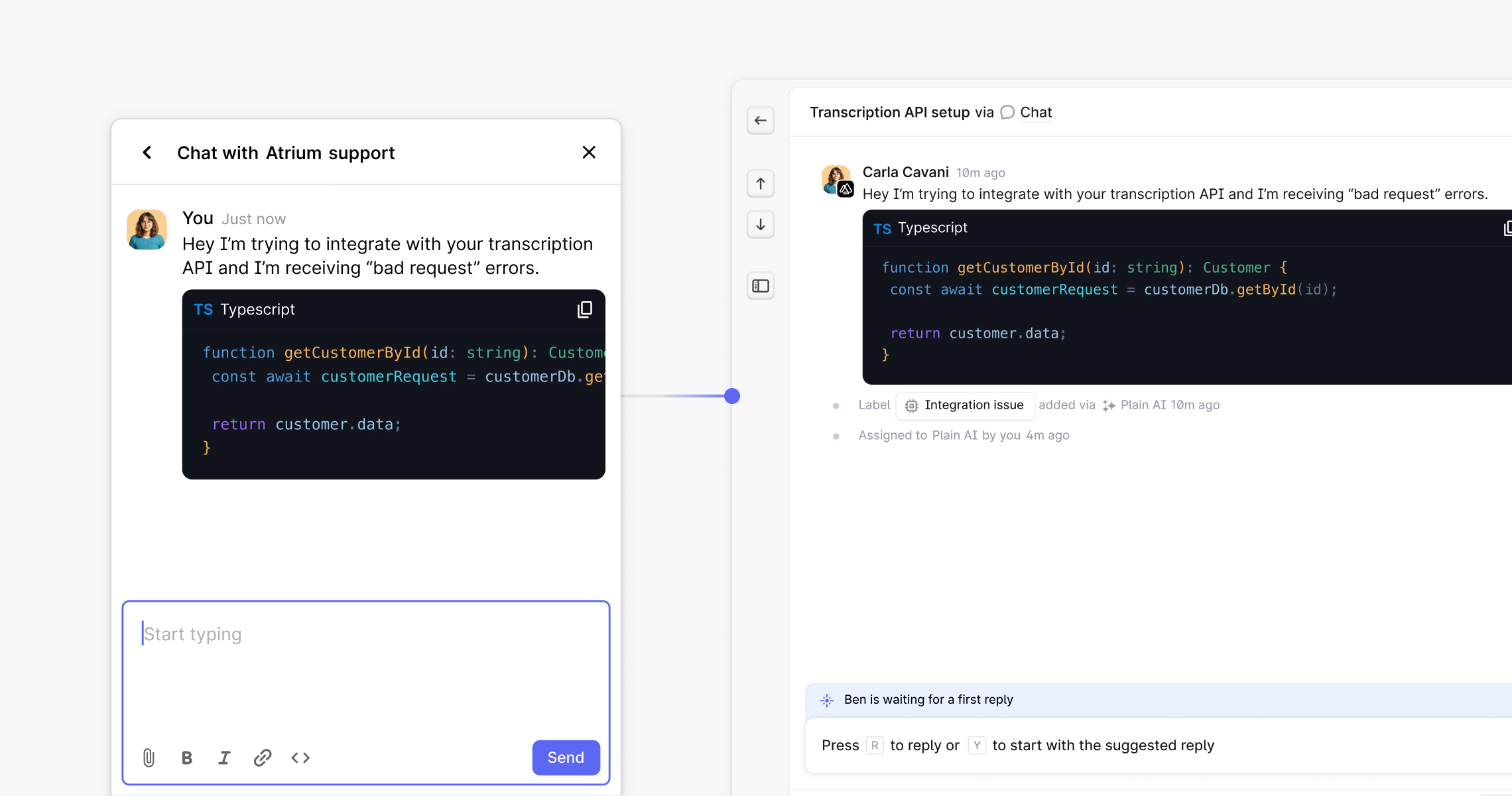
Set up and customize chat
1. Create your chat app
In Plain, go to Settings → Channels → Chat. Press Create a Chat App.2. Add chat to your webpage(s)
After creating your Chat app, you will be provided with a snippet of code that you can embed in your website or app. This will add the chat widget to your site. We recommend adding this to all pages of your site.3. Customize your chat experience
You can customize some aspects of the Chat widget by providing additional information to thePlain.init function.Learn more about customization here.
Configure your customer’s experience
There are multiple settings you can configure once you click into your chat app, including:- Show business hours to users.
- Show agent status to users.
- Enable unread messages notifications.
Content security policy (CSP)
If you are using a Content Security Policy on your website, you need to add the following to your CSPi0.wp.co