

Foundation includes Ask AI on 1 Help Center. Horizon and Frontier include it on unlimited Help Centers. See plans and pricing.
How it works
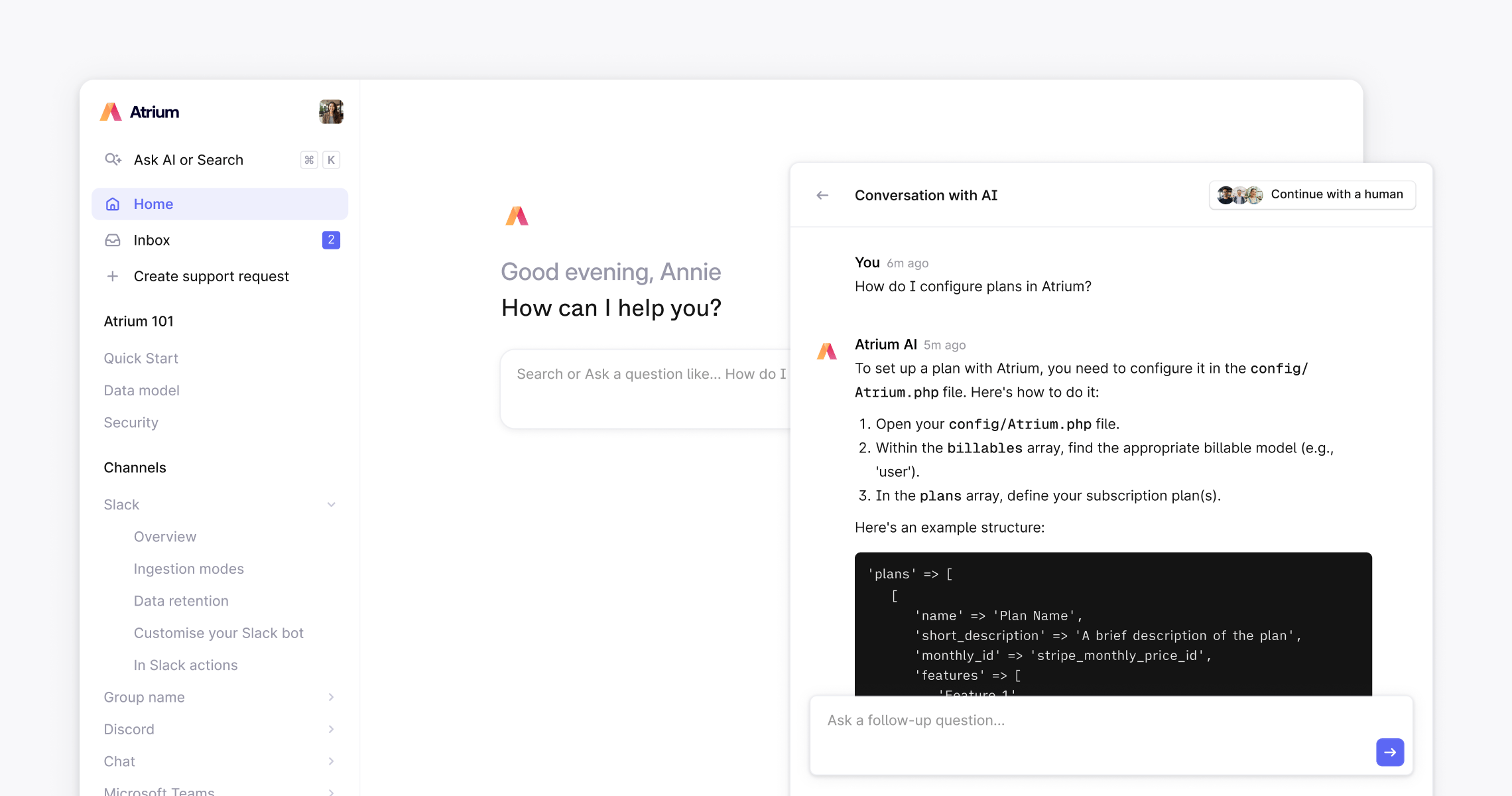
When a customer visits your Help Center and asks a question, Ask AI searches your published articles and generates a synthesized answer, referencing the relevant articles so customers can read further if they want to. If a customer isn’t satisfied, they can either type “Talk to a human” or click Continue with a human in the top right corner. Either way, a new thread is instantly created in your Plain workspace with the full Ask AI conversation attached, so your team has complete context and never asks the customer to repeat themselves. Every Ask AI conversation is logged and visible to your team in Plain, so you can spot recurring questions and find gaps in your knowledge base.Getting the best out of Ask AI
Ask AI is only as good as the articles behind it. If customers are getting vague or incorrect answers, the most common cause is the quality or structure of the underlying content. A few things that help:- Write one article per topic: Ask AI retrieves and cites tightly scoped articles more accurately than long, multi-topic pages
- Use clear, descriptive titles: Ask AI uses article titles to understand relevance
- Write in plain language: Straightforward prose works better than heavily technical or jargon-heavy content
- Keep articles up to date: Outdated content leads to outdated answers