

Getting started
1
Connect your Discord server
Go to Settings → Channels → Discord and click Connect to Discord. Choose the server you want to use, then complete the Discord authorization.Check that the Plain bot shows as online in your server before continuing.
2
Add the bot to each forum
Add the Plain bot to every forum you want support coverage in. It only ingests from forums it has been added to.
3
Connect your profile
On the Discord integration page in Plain, click Connect your profile. Each person on your team does this once, so their replies post to Discord under their own name.
How it works
- Thread ingestion: You can configure which channels to ingest from the Discord settings page in Plain. All channels will be off by default, and you can toggle on the ones you’d like to ingest threads from. Only threads from forum channels are ingested. Text channels and private threads are not supported.
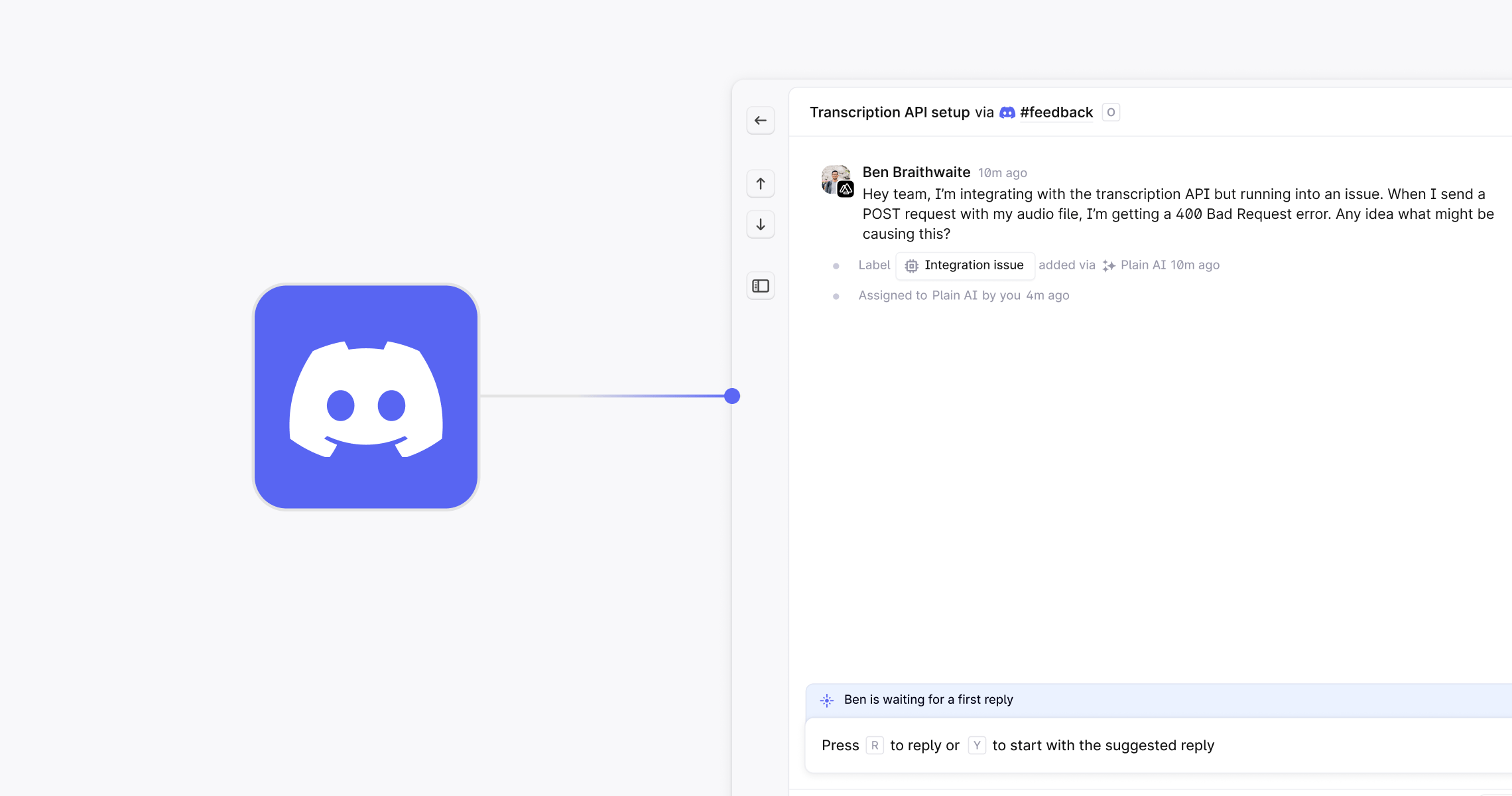
- Responding to threads: You can reply to Discord threads directly from Plain. Responses appear in the associated Discord thread under the Plain bot, keeping the communication loop connected.
Reporting for Discord
Discord threads are included in your workspace’s Reporting section. Metrics include total volume, time to first response, time to close, and team performance, filtered by Discord as a channel.Auto-responders for Discord
Auto-responders can be configured to reply automatically to Discord threads based on conditions like time of day, channel, or message content. To create one, go to Settings → Auto-responders, select “Discord” as the channel, and define your message and criteria.Webhooks for Discord
Webhooks support Discord events, enabling advanced workflows and integrations. The Discord-specific event types you can subscribe to are:-
thread.discord_message_received -
thread.discord_message_sent -
thread.discord_message_updated
thread.created and thread.status_transitioned are also available. Common use cases:
- Routing threads to specific users
- Auto-labeling based on message content
- Triggering incidents from high-priority messages
- Syncing support metrics with internal dashboards
CSAT for Discord
You can natively send CSAT surveys to customers who have submitted a request through Discord. See the CSAT article for more information.Known limitations
- Support for showing and sending mentions and reactions in Plain
- Displaying avatars from Discord as the customer avatar in Plain
- Verifying and connecting Discord users to existing Plain customers via their email addresses
Discord is available on the Frontier plan.