

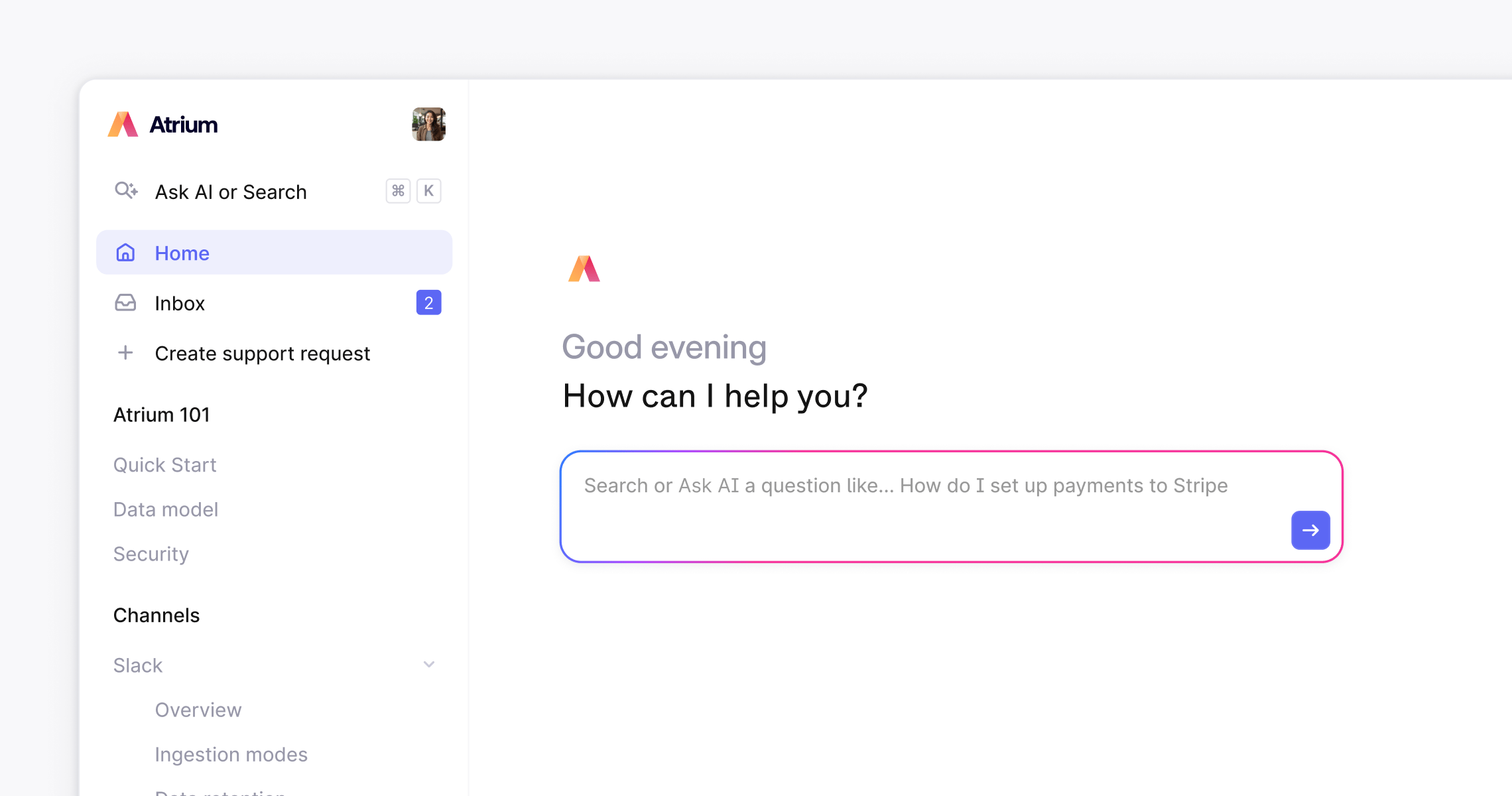
One workspace, multiple Help Centers
You can create multiple Help Centers from a single Plain workspace, each with its own domain, branding, access rules, and content. They all feed into the same support queue, so your team works from one place regardless of which Help Center a customer came from.Foundation includes 1 Help Center. Horizon and Frontier include unlimited Help Centers. See plans and pricing.
- A public Help Center for general documentation, indexed by search engines and open to anyone
- A customer-facing portal requiring login, scoped to specific tiers or tenants (e.g. Enterprise customers only)
- An internal knowledge base for your support team, not visible to customers at all
- A sales or onboarding hub with content tailored to a specific audience
What’s included
Ask AI
Let customers ask questions in their own words and get instant, accurate answers, powered entirely by your published knowledge base articles.- Native to your Help Center, no extra tools or integrations needed
- Smart handoff to your team when the AI reaches its limit, with full conversation context passed through
- Every Ask AI interaction is logged, so your team can spot gaps and improve documentation over time
Knowledge base
Write and maintain help articles in a WYSIWYG editor. Use AI to generate articles directly from support thread answers, or to tidy, expand, and rewrite existing context.- Organize articles into groups with drag-and-drop structure
- Draft, publish, and unpublish articles instantly
- Highlight any section and click ✨ to rewrite, shorten, expand, or fix the tone with AI
Customer Inbox
Give your customers a single place to submit, track, and reply to their threads, no matter which channel they used to get in touch: Slack, email, chat, and more.- Configurable visibility: customers see either their own threads or every thread from their company
- No password needed: Customers log in using a 6-digit code sent to their email
- Fully integrated with your Plain queue: new requests land alongside all other channels automatically
- Additional recipients: Customers can CC colleagues into a conversation directly from the portal, keeping multiple stakeholders at an account in the loop