

How it works
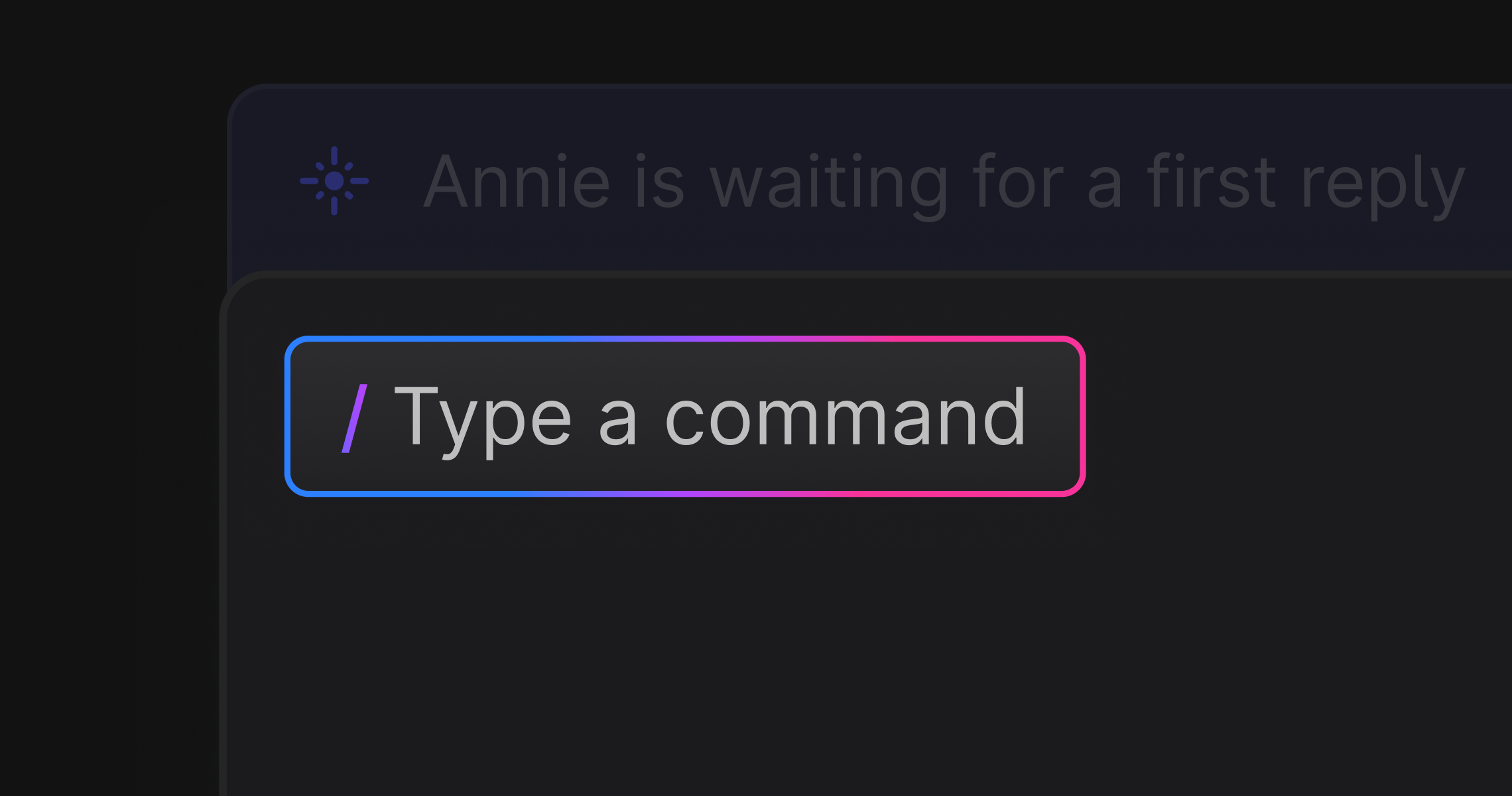
While drafting a reply in a support thread, start a new line with / followed by your instruction, then press Enter. Plain AI will reference the last 5 messages in the thread alongside whatever you have already written in the composer, and replace the composer content with a ready-to-edit draft. Slash commands work for:- Drafting a reply from scratch
- Editing or rewriting something you have already written
- Adjusting tone, length, or clarity
Examples
These are examples. You can give it any prompt:-
/fix typos -
/ask for a screenshot and workspace ID so we can debug -
/ask what version of the SDK they are using -
/rephrase this to sound more helpful -
/summarize and confirm the issue before escalating
Things to know
- The slash command must be on its own line at the top level of the composer. It will not trigger inside a list or block element.
- The AI response replaces the entire composer content, including any text you had written before the slash command.
- Only the last 5 messages in the thread are included as context. Earlier messages in a long conversation will not be referenced.
- If the request fails, you will see a “Failed to generate or edit message” notification. Retry by typing the command again.
- Requires Plain AI to be enabled in your workspace settings.