

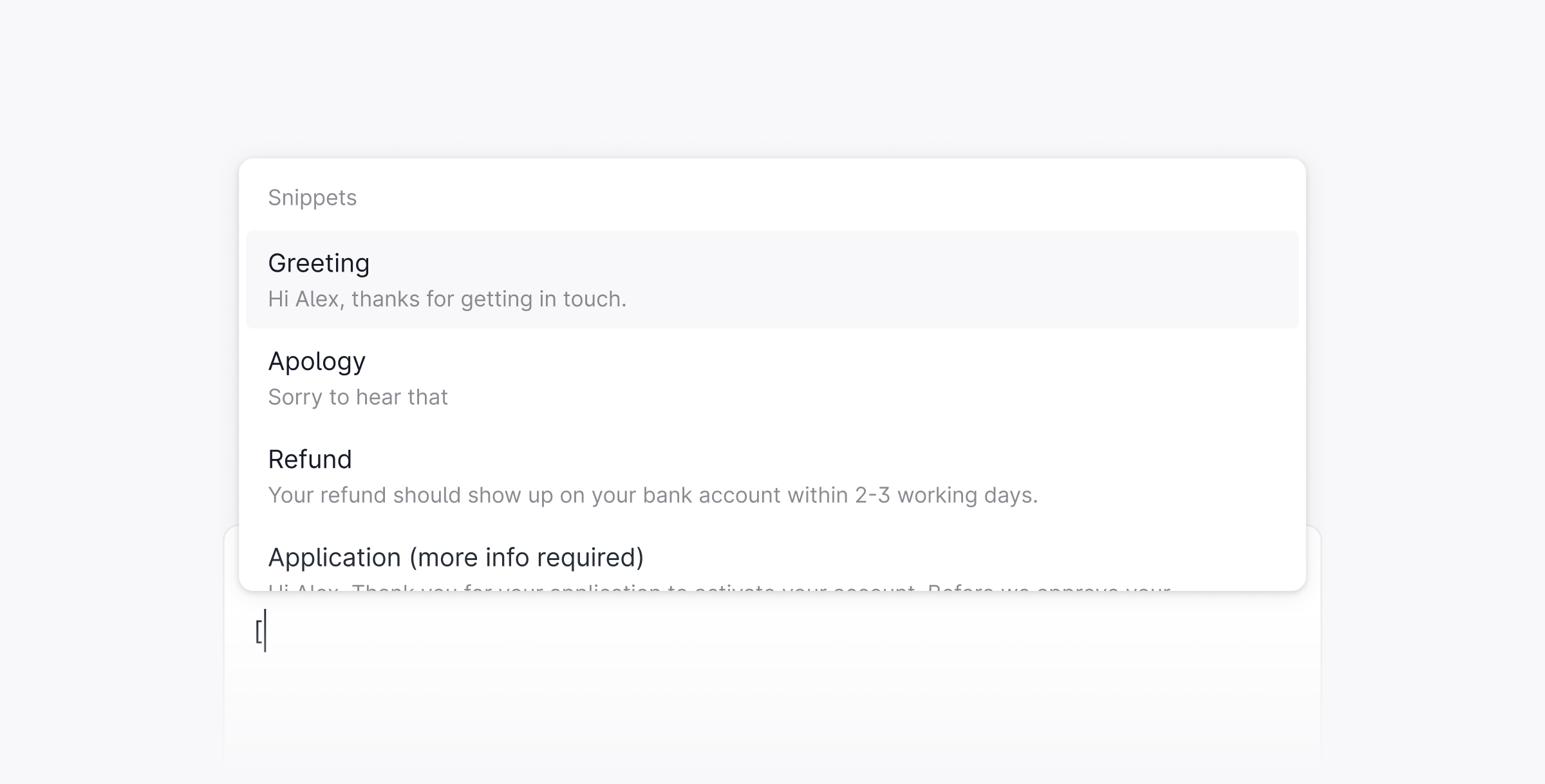
Use a snippet
- Start typing a reply in any thread.
-
Press
[to open the snippet menu. - Search by name or scroll to find the snippet you want.
- Select it to insert it into your reply.
Organize with groups
Snippets can be organized into groups to keep your library tidy as it grows. Groups appear in the snippet menu, so users can find the right template without scrolling. To create a group, go to Settings → Snippets and click New group.Dynamic variables
Snippets support variables that automatically populate with thread or customer data when inserted.
Use variables to personalize replies without extra manual effort.