

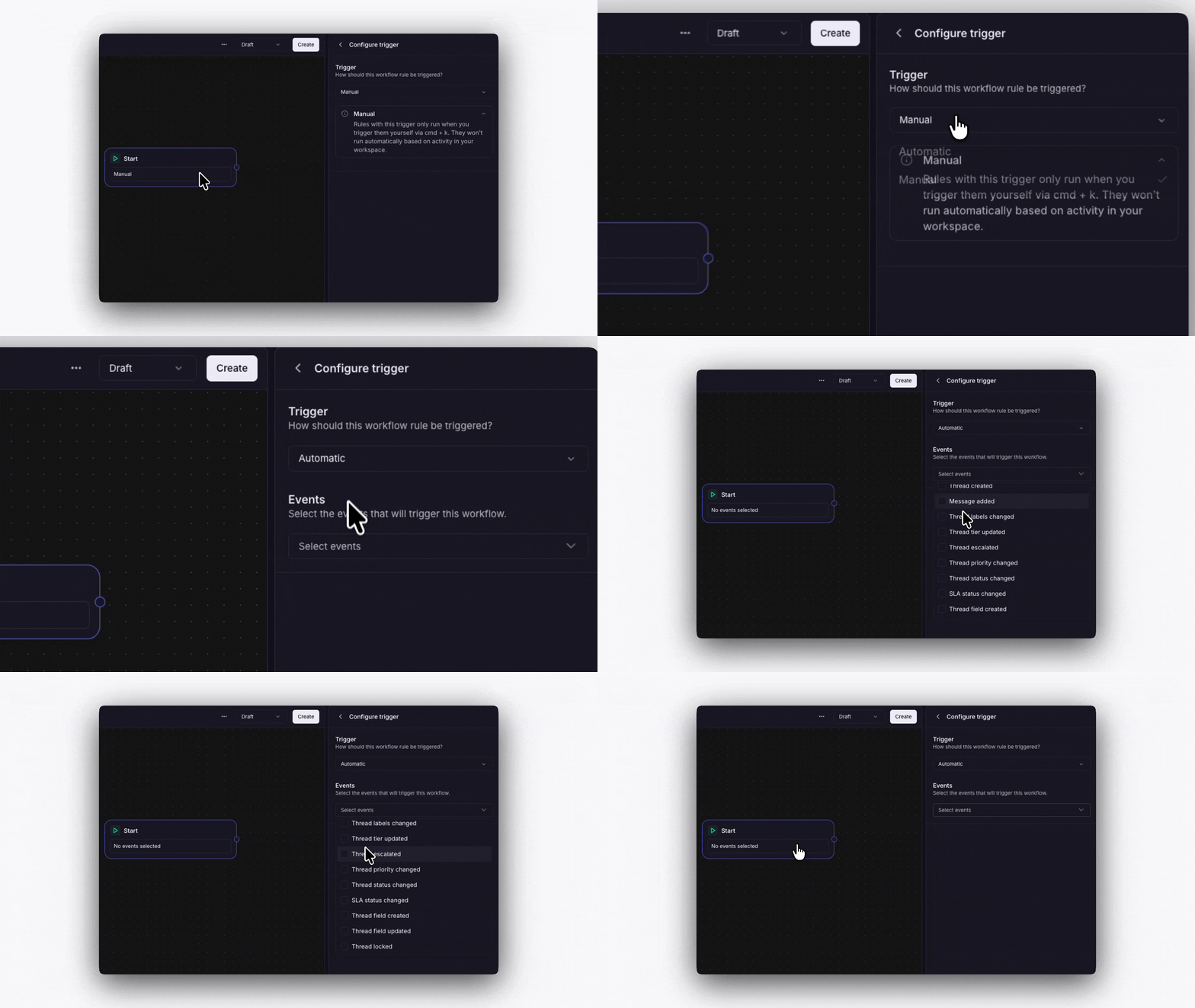
Manual
You run the workflow yourself. Open a thread, click Run workflow, and select which workflow to run. Useful for on-demand processes like escalation procedures.Automatic
The workflow runs automatically when a thread event happens. You choose which events during setup:- Thread created
- Message added
- Labels changed
- Tier updated
- Thread escalated
- Priority changed
- Status changed
- Thread field created
- Thread field updated