

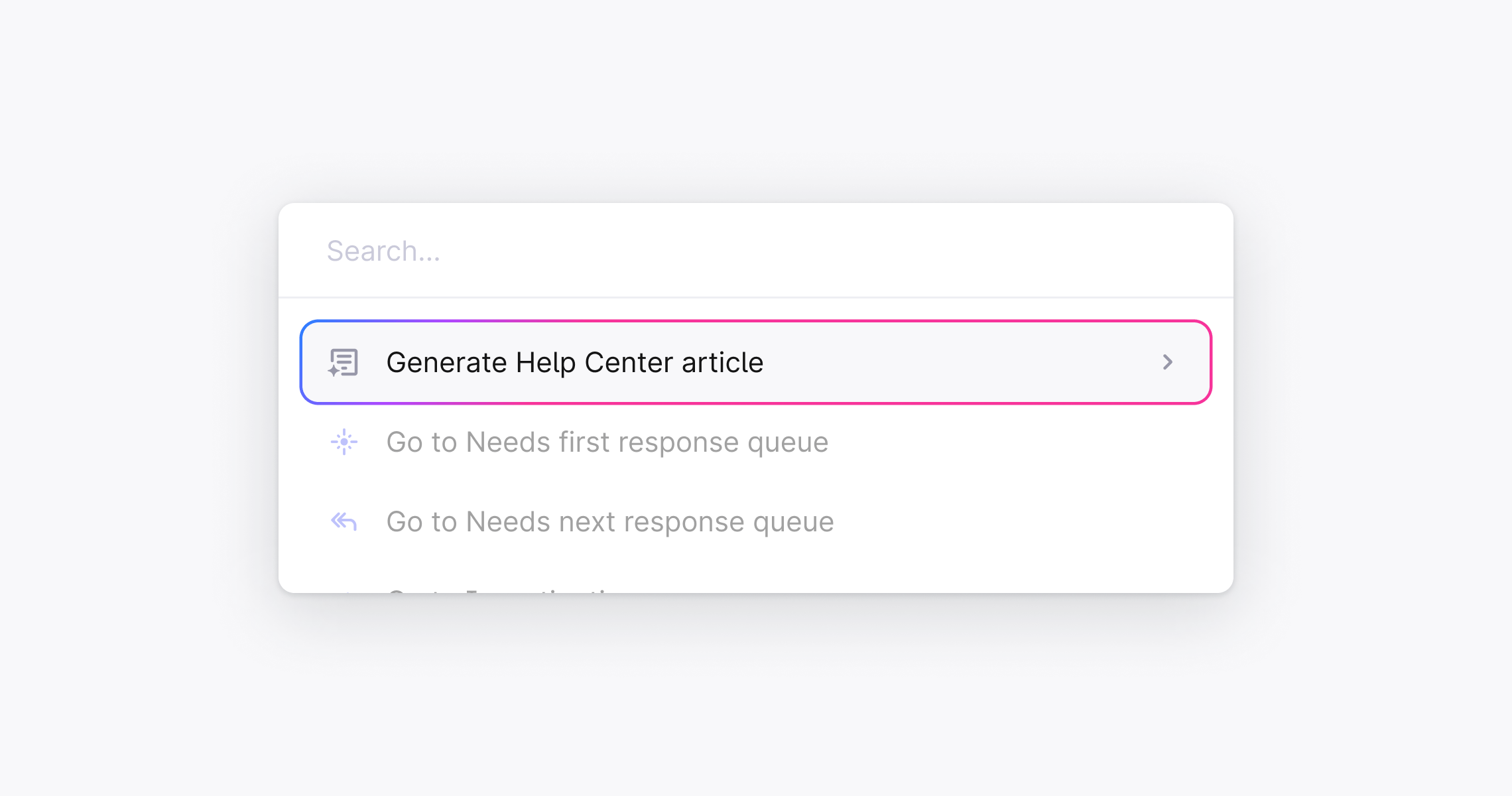
Generate an article from a support thread
- Open any thread in Plain
- Press ⌘ + K (or Ctrl + K on Windows) to open the command palette
- Type “Generate Help Center article” and select it
- Choose the Help Center you want to publish to
- Plain opens the Knowledge Base editor with the article already generated, including a suggested title and structured content drawn from the thread
Review and publish
Once the article is generated, review it before publishing:- Highlight any text and click the ✨ icon to refine it with AI, rewrite, shorten, expand, simplify, or enter a custom prompt
- Edit manually as you would any article
- When you’re happy, change the status to Published and click Save