

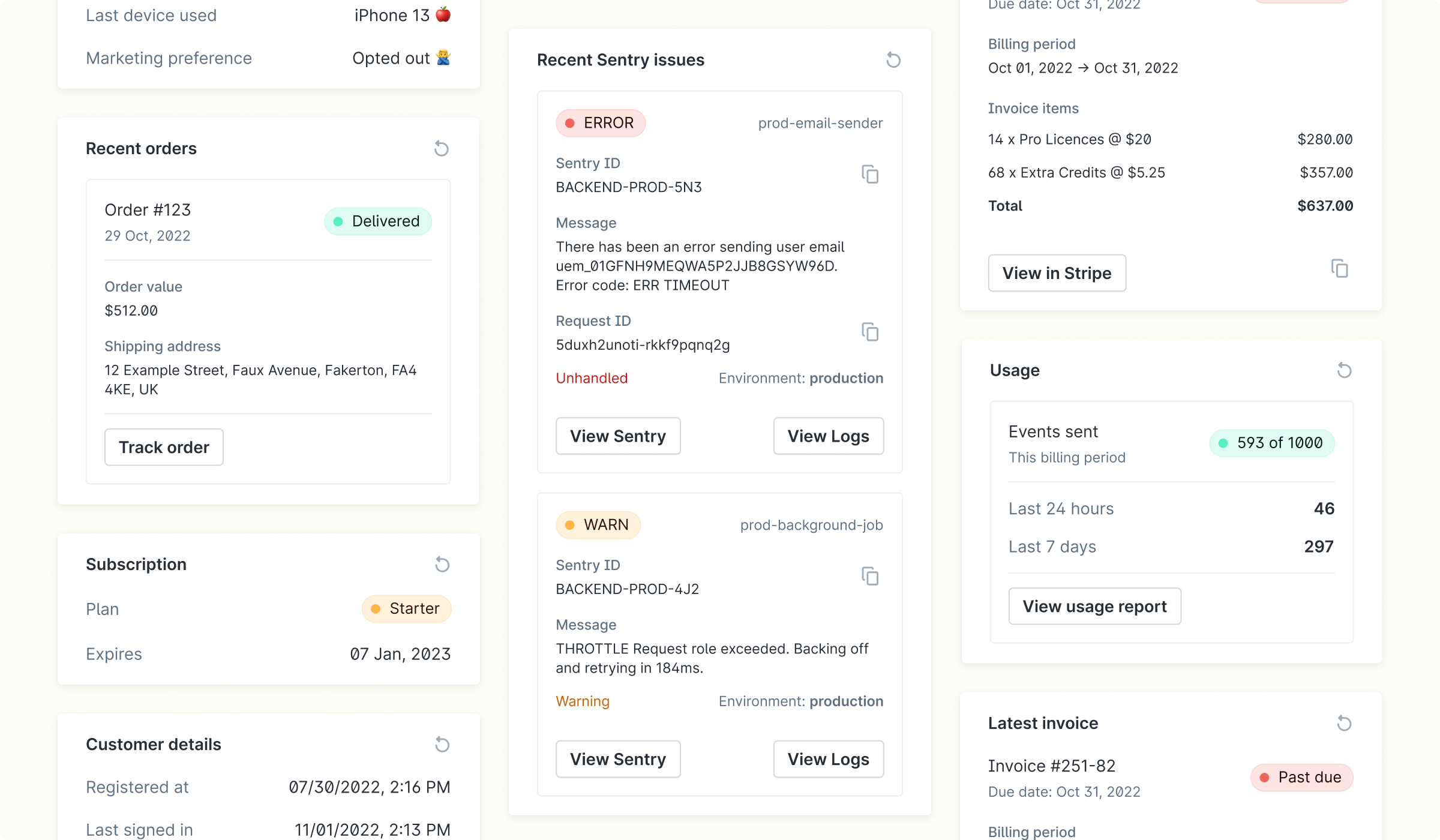
How does data from my system get displayed in customer cards?
Customer cards:- Pull from your backend, so you do not have to sync your customer data to Plain.
- The data is short-lived, so it isn’t permanently stored in Plain beyond the time frame you set. The minimum cache time is 15 seconds.
- Defined in JSON, so you do not write any styling.
- Automatically reloaded if a user is viewing a customer and the data expires.
Workflow triggers from customer cards
When a thread is opened and your customer card API is called, you can include acomponentWorkflowButton in your card response. Plain renders this as a button inside the card. When a team member clicks it, Plain runs the specified workflow in the context of that thread.
Setting up workflow triggers:
This requires your engineering team to update your customer card API. Here’s the two-step process: Step 1: Create the workflow in Plain. Go to Workflows in the sidebar and create the workflow you want the button to trigger. Your developer will need the workflow ID, which is visible in the workflow settings. Step 2: Add the button to your customer card API Your developer adds acomponentWorkflowButton to your card API response, pointing it at the workflow ID. Your API can also include logic to only show the button in certain situations. For example, only when a customer’s billing is in an error state.
Use cases:
- Billing operations: resync a billing record, apply a credit, or trigger a refund
- Account operations: rename a team, allowlist a user, reset a rate limit
- Escalation: escalate a thread to the right team with a single click
- Debugging: trigger a diagnostics workflow tied to that customer’s account
Examples:
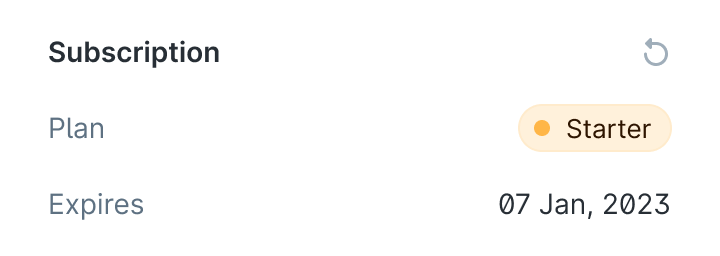
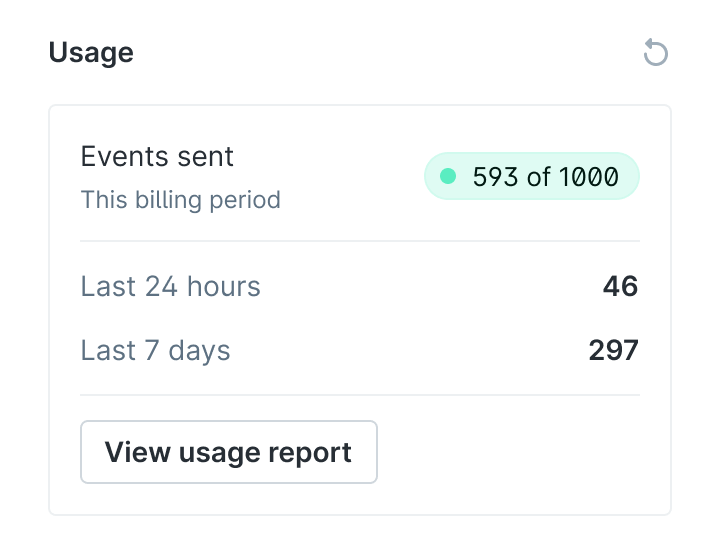
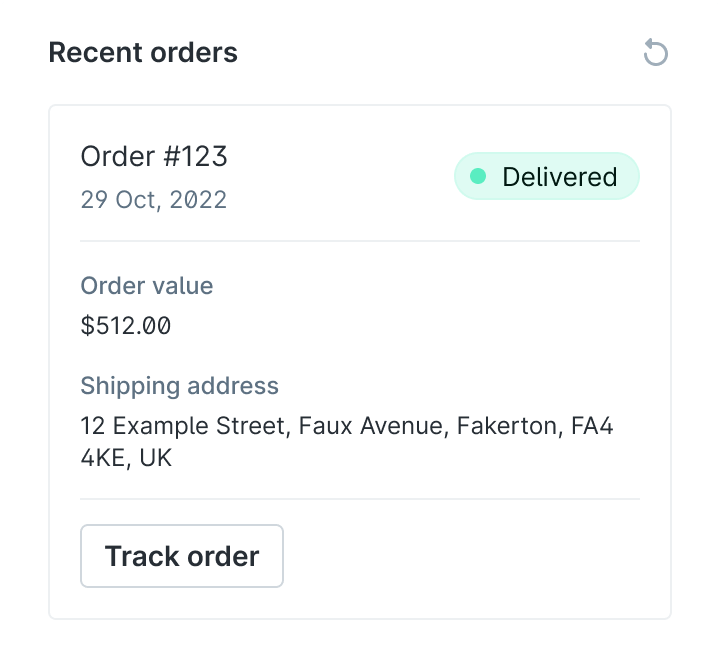
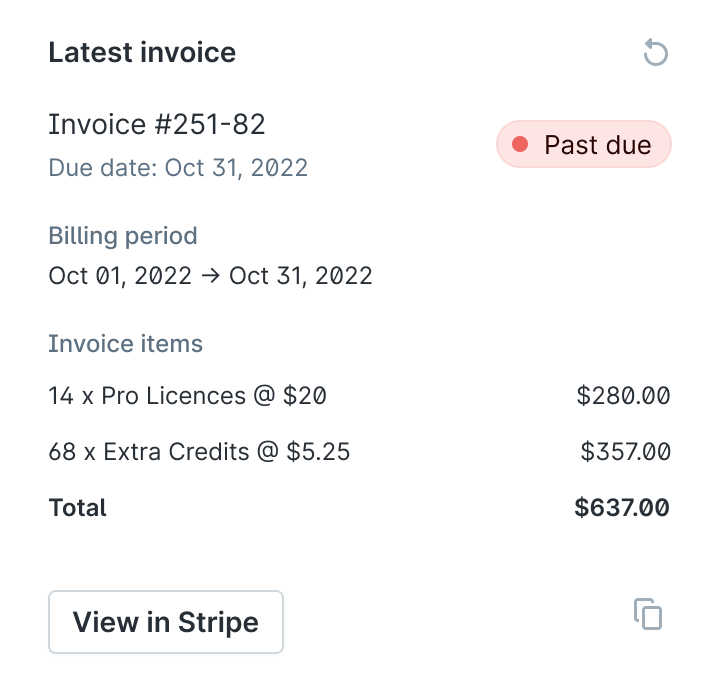
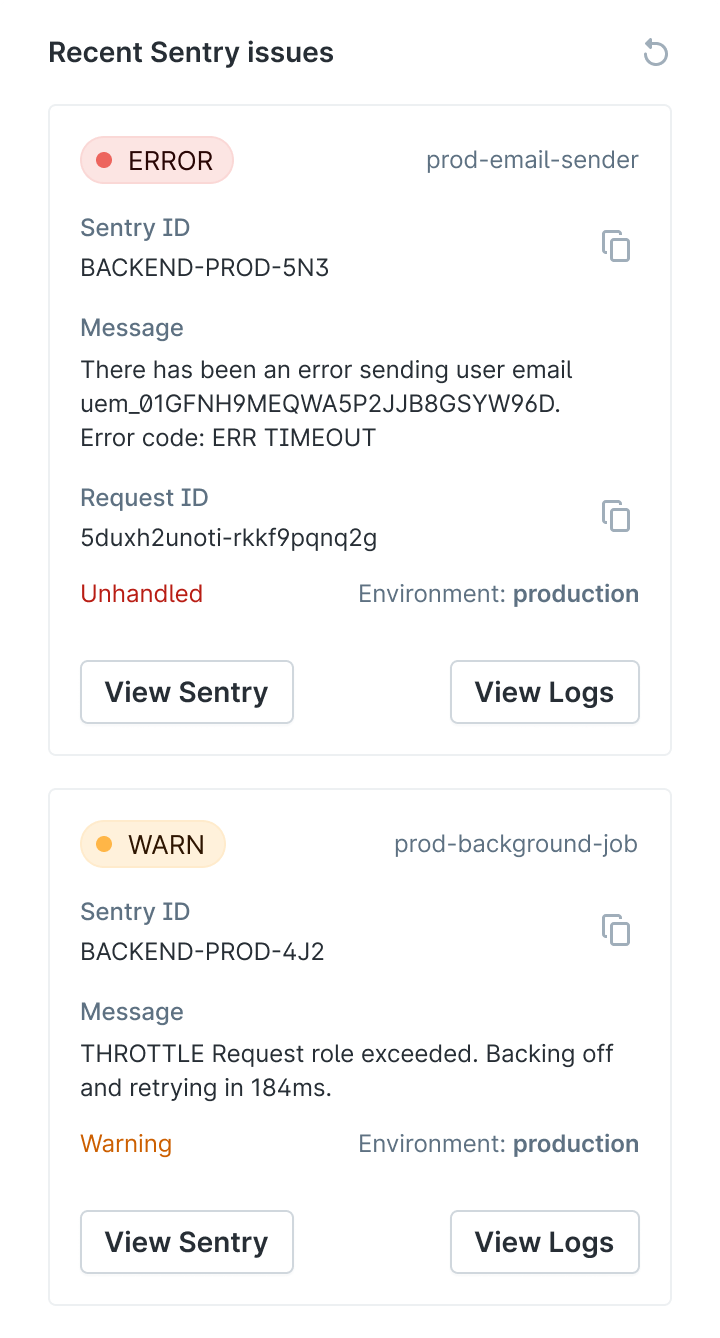
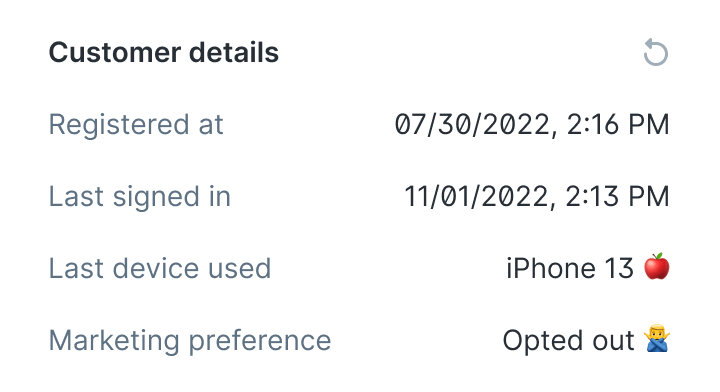
Try the examples
The example cards repo is a working API you can point at your workspace. Each card is available at:
To add one: go to Settings → Customer Cards, click Add card, enter the URL above with the relevant key, and open any thread to see it load.