

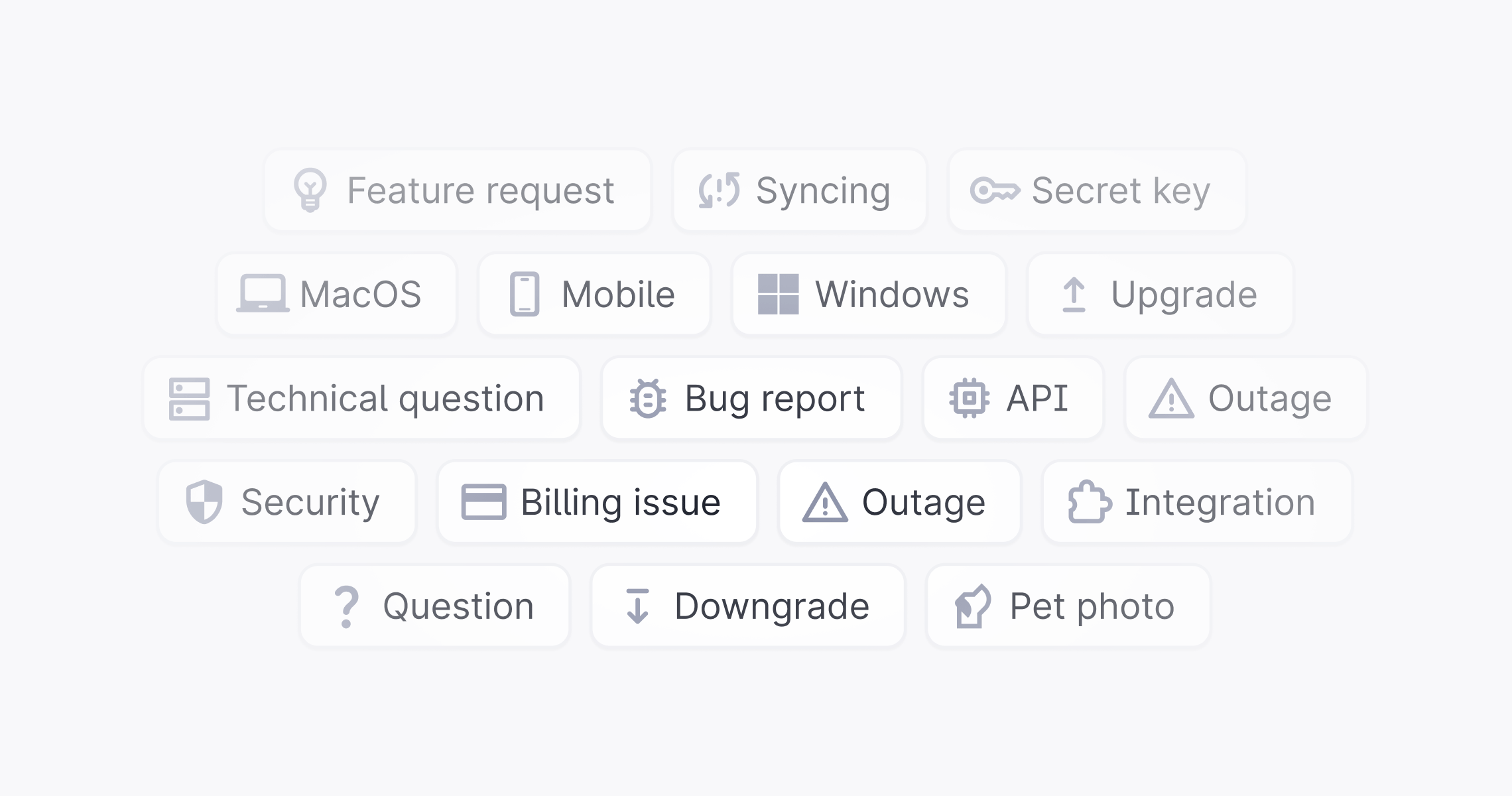
Apply a label
- Open the thread.
- Click Labels in the thread sidebar.
- Search for or select a label from the list.
Organize labels
Nested labels
Labels support up to three levels of hierarchy. When a label is applied, all of its parent labels are applied automatically. Use nesting to group related labels: for example,Billing > Refund or Bug > Critical.
Team labels
In Plain, teams are defined through labels. A team label represents a team or functional group in your workspace, applying it signals ownership and enables team-based routing, filtering, and assignment. Common examples:Support, Payments, Onboarding, Enterprise.
Automate labels
AI auto-labeling
In the Add labels workflow action, set Mode to AI selected to let AI choose labels. AI selects from the labels with Can be applied by Plain AI turned on. Turn the setting off when creating or editing a label to exclude it from AI selection. See AI triage.Workflows
Labels can be set to automatically apply based on conditions using Workflows. For example, you could automatically apply a label likeChurn risk whenever a thread mentions cancellation.