

Migrating from the zip to the app store version of Plain
Migrating to the App Store version requires no changes on the Plain side. While the old app is removed, and before you’ve installed the new one, your channel will not be sending any messages to Plain. The gap is short, but do this outside peak hours.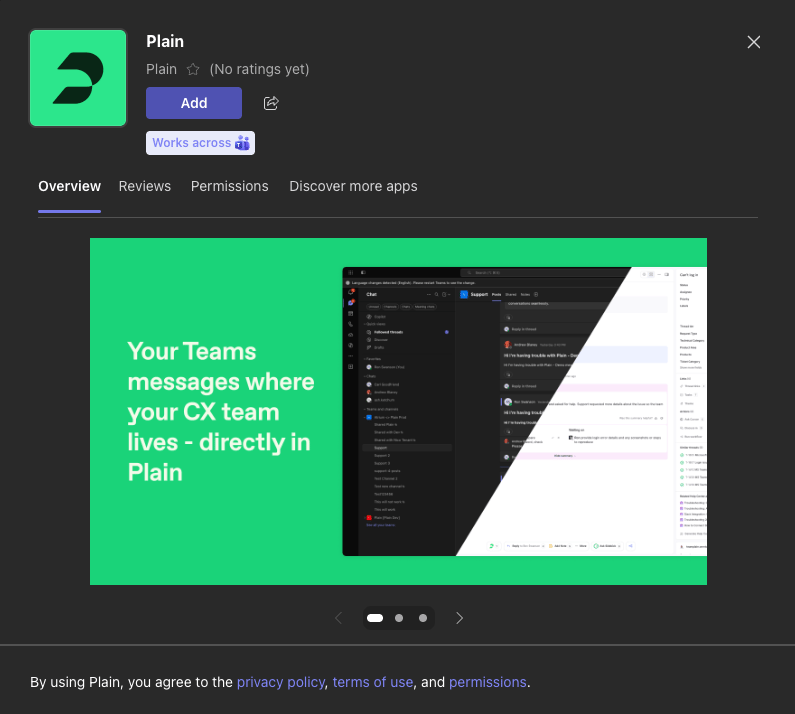
The Teams Store version has screenshots in its listing, as shown above. The manually uploaded .zip version does not.
- Go to the ”…” overflow menu next to each Team or Channel name and select “Manage Team / Channel” and then selecting the “Apps” tab. There you can remove the old application and add the new one
- After adding the new Store-based application to all of your channels, your administrator can uninstall the custom application in the Teams Admin portal.