

Configuration
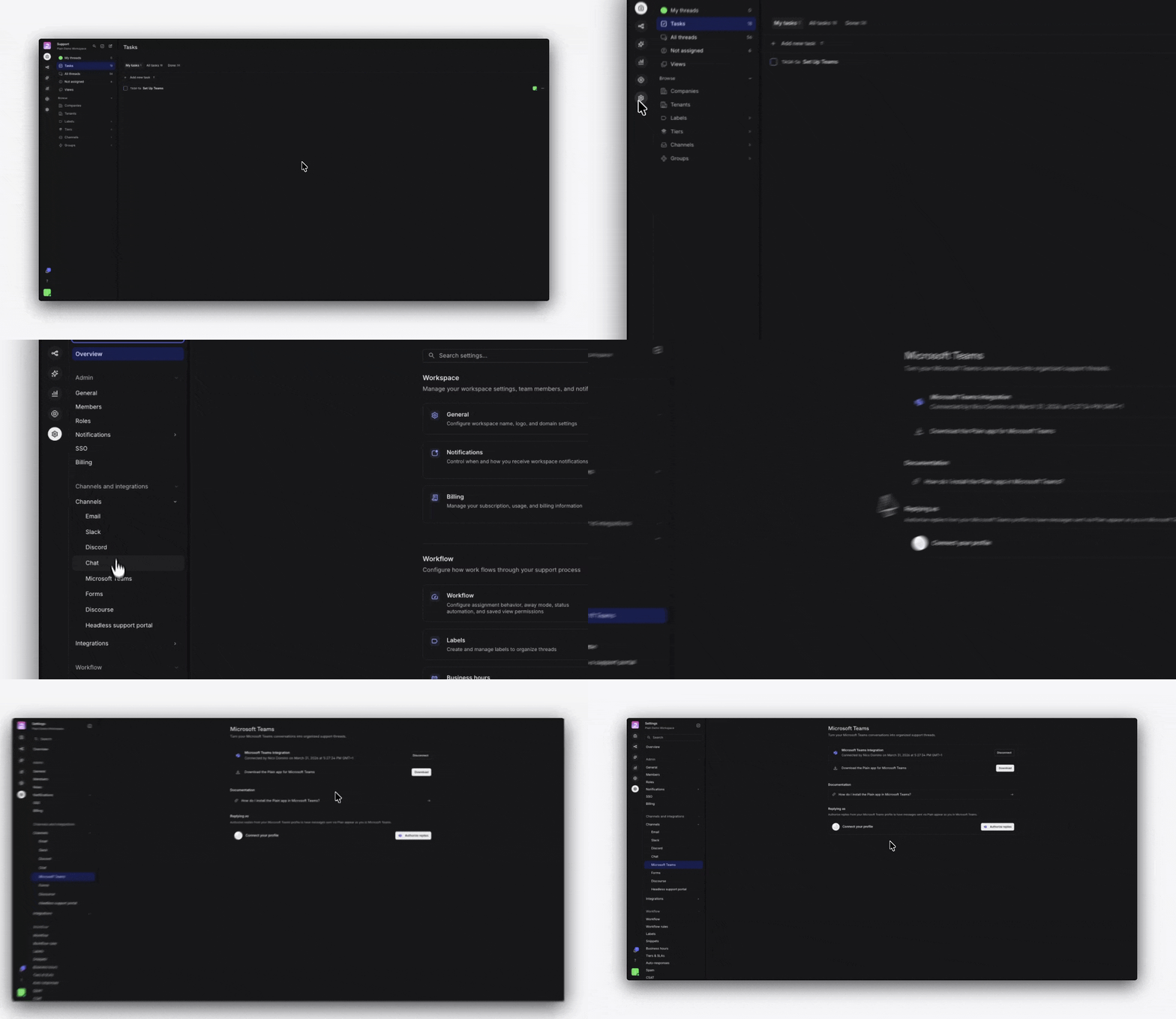
- In Plain, go to Settings → Channels → Microsoft Teams.
-
Press
Connect to Teams. - You will be redirected to Microsoft to complete an OAuth admin consent flow. Sign in with a Microsoft 365 administrator account and grant the requested permissions.
Add Plain to channels
Next, add the Plain app to Teams by installing it from the Microsoft Teams App Store. Plain can be added to standard channels, chats channels, as well as shared channels. The app can be added to channels by navigating to the ”…” overflow menu in the channel list next to either an individual channel name or a whole Team group of channels. From there, select “Manage Team / Channel” and then go to the “Apps” tab. Next, select “Get more apps” and search for and select Plain.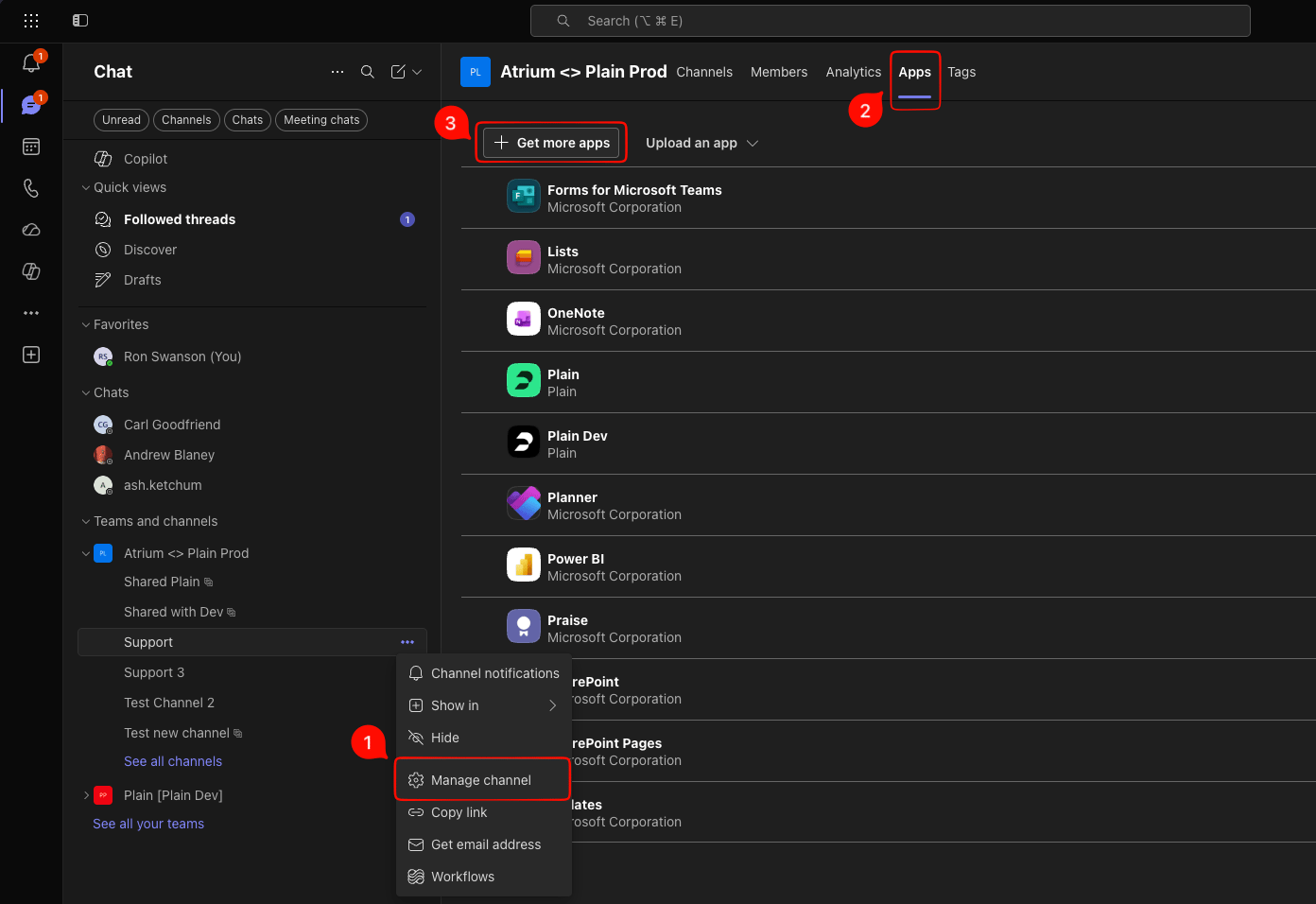
How Plain threads are created from Teams
Plain creates threads differently depending on whether a message comes from someone with an account who’s email address matches the domain you’re using in Plain, or any other user.- Team member messages: Top-level posts from members of your team do not create a Plain thread on their own. A thread is created, however, if someone not on your team replies to that post: at which point Plain backfills the entire conversation (the original post and all replies) into a new thread.
- Other messages: Any top-level message from a user not on your team will immediately create a new thread in Plain.