
Sidekick Actions
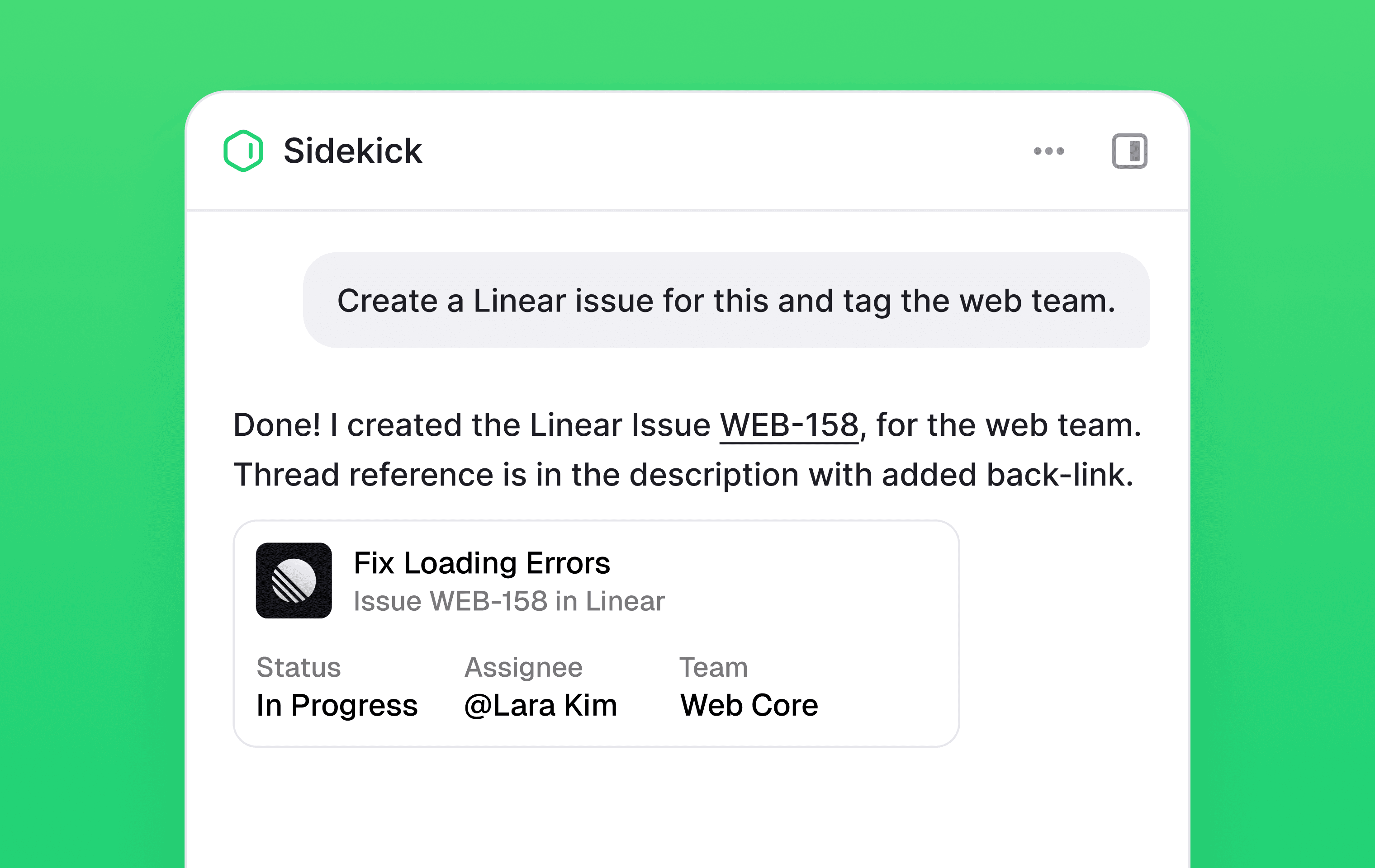
Sidekick can now take actions on your behalf across connected tools and inside Plain.
Write tools give Sidekick the ability to take actions across connected integrations: creating Linear issues, updating Notion pages, acting on threads in Plain. Whatever tools are connected in your workspace are now available for actions, not just lookups.
Approvals give you control over when those actions run. Before Sidekick makes a change, it pauses and shows you exactly what it's about to do. Approve or deny directly in Plain or from the Slack message.
To review what tools are connected, go to Settings → AI → Sidekick → Integrations.
Learn more in www.plain.com/sidekick
Designed, built and written by

Preslav Mihaylov
Engineering

Jacob Cutts
Engineering