
Workflow Improvements: else-if conditions and AI prompts
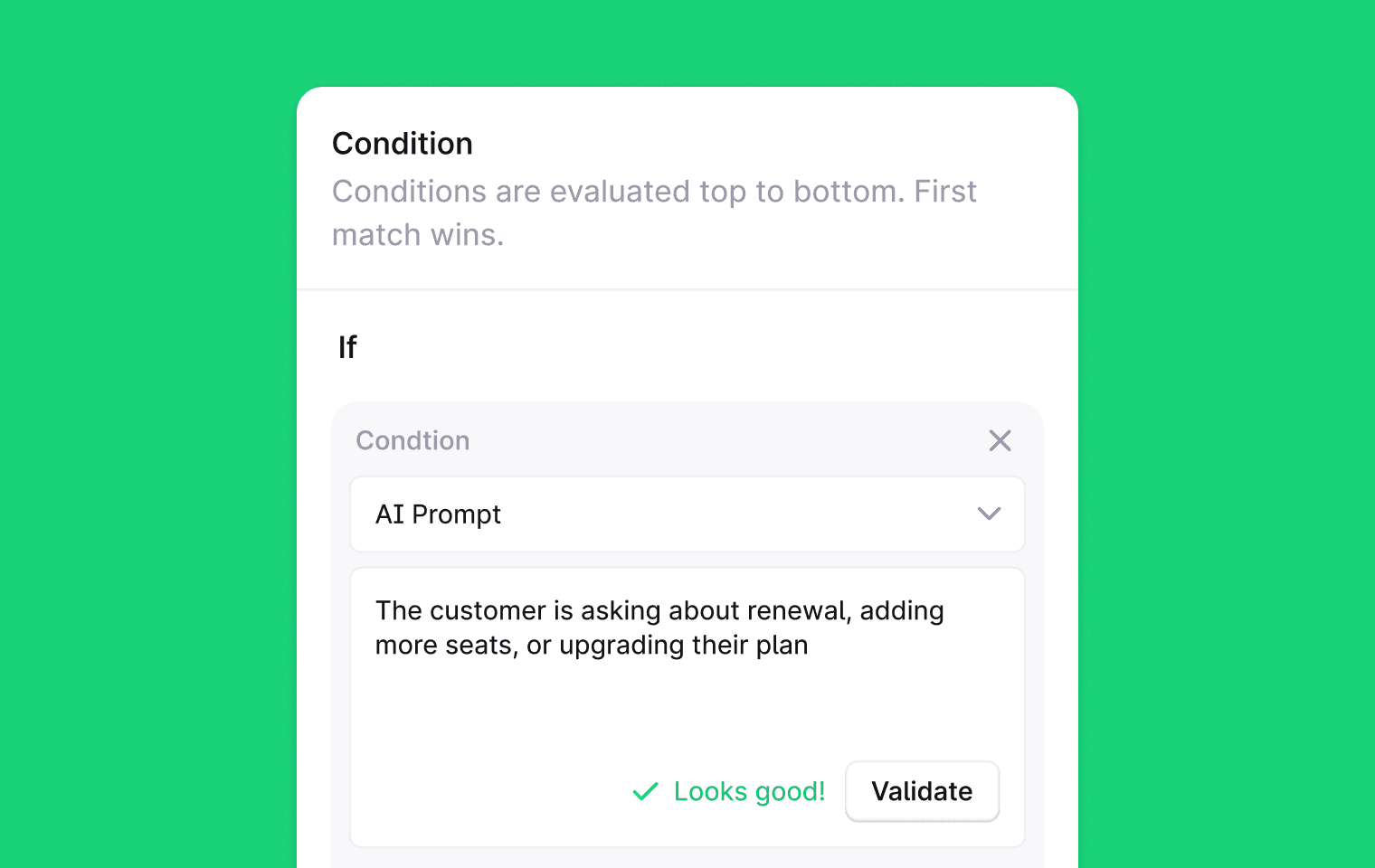
Condition blocks now support multiple branches:
Add else-if branches to a single condition step and route threads across as many paths as you need, without chaining separate nodes together. To add a branch, open any condition step in the workflow builder and click Add else-if branch in the condition panel.
The AI prompt condition now evaluates against a structured view of the thread:
The full message timeline with direction and timestamps, thread status and priority using the labels you see in the app, labels, thread fields, assignee, channel, and customer details. You can now write conditions that reference assignee type, thread fields, label descriptions, channel source, and message direction. These weren't reliably available before.
We also published a full guide covering how the condition works, what context Plain provides, how to write effective prompts, and common mistakes to avoid: AI prompt condition
Designed, built and written by

Freddie Hoy
Engineering

David Leyland
Engineering

Emanuel Danci
Software Engineer