
Workflow Triggers in Customer Cards
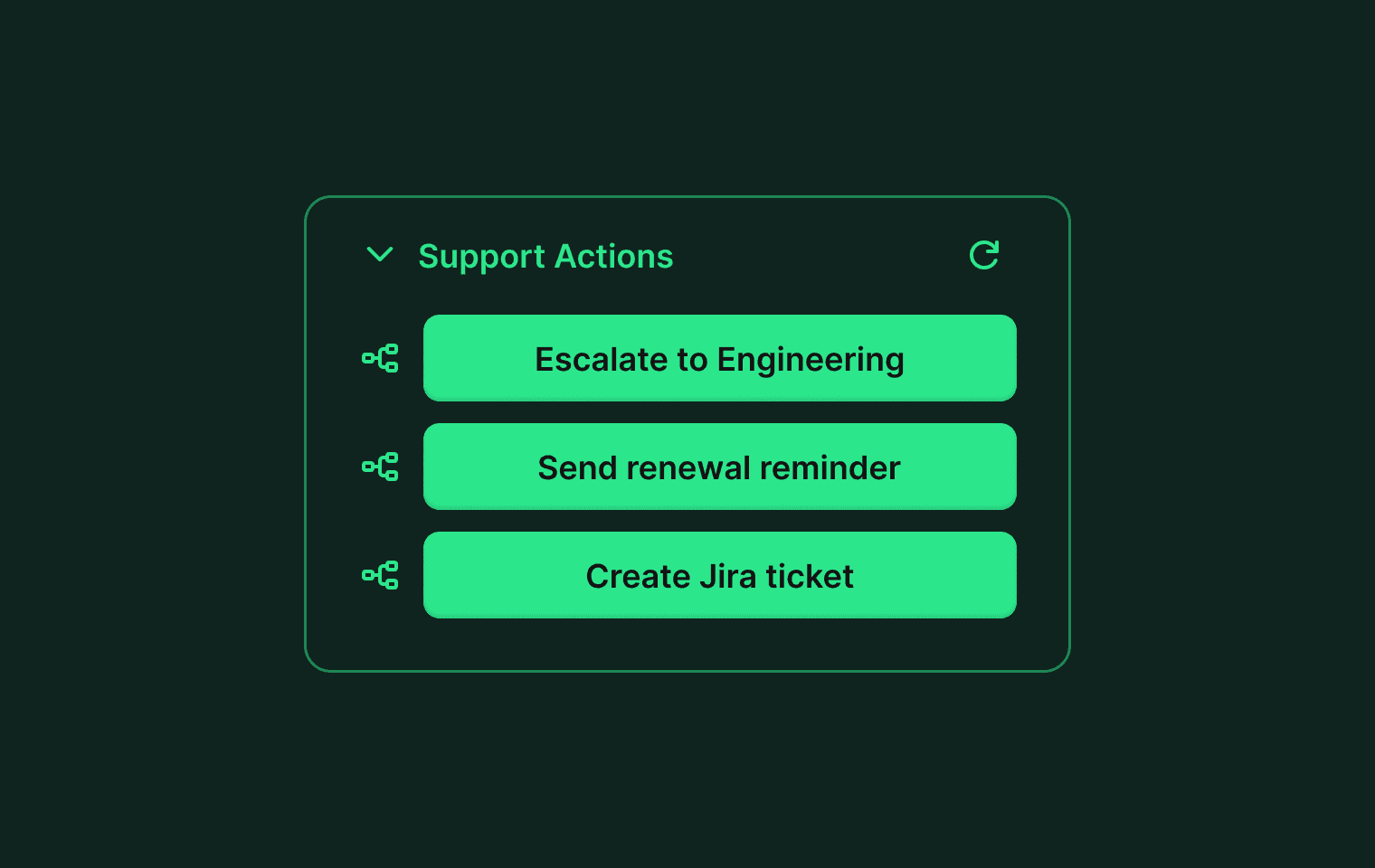
Customer cards now support workflow buttons. Add a button to any card that triggers a Plain workflow in one click, without leaving the thread.
Your API controls when a button appears and which workflow it runs. The button shows a loading state while the workflow executes and displays the result when it finishes.
To set it up, add a componentWorkflowButton to your customer card API response and point it at a workflow ID from Settings → Workflows. Full details in our help center.
Designed, built and written by

Jordan Drake
Engineering

David Leyland
Engineering