
Know any customer in 10 seconds

Published On
Before a big call or a surprise escalation, you need to know what's been going on with a customer. Hit B and ask.
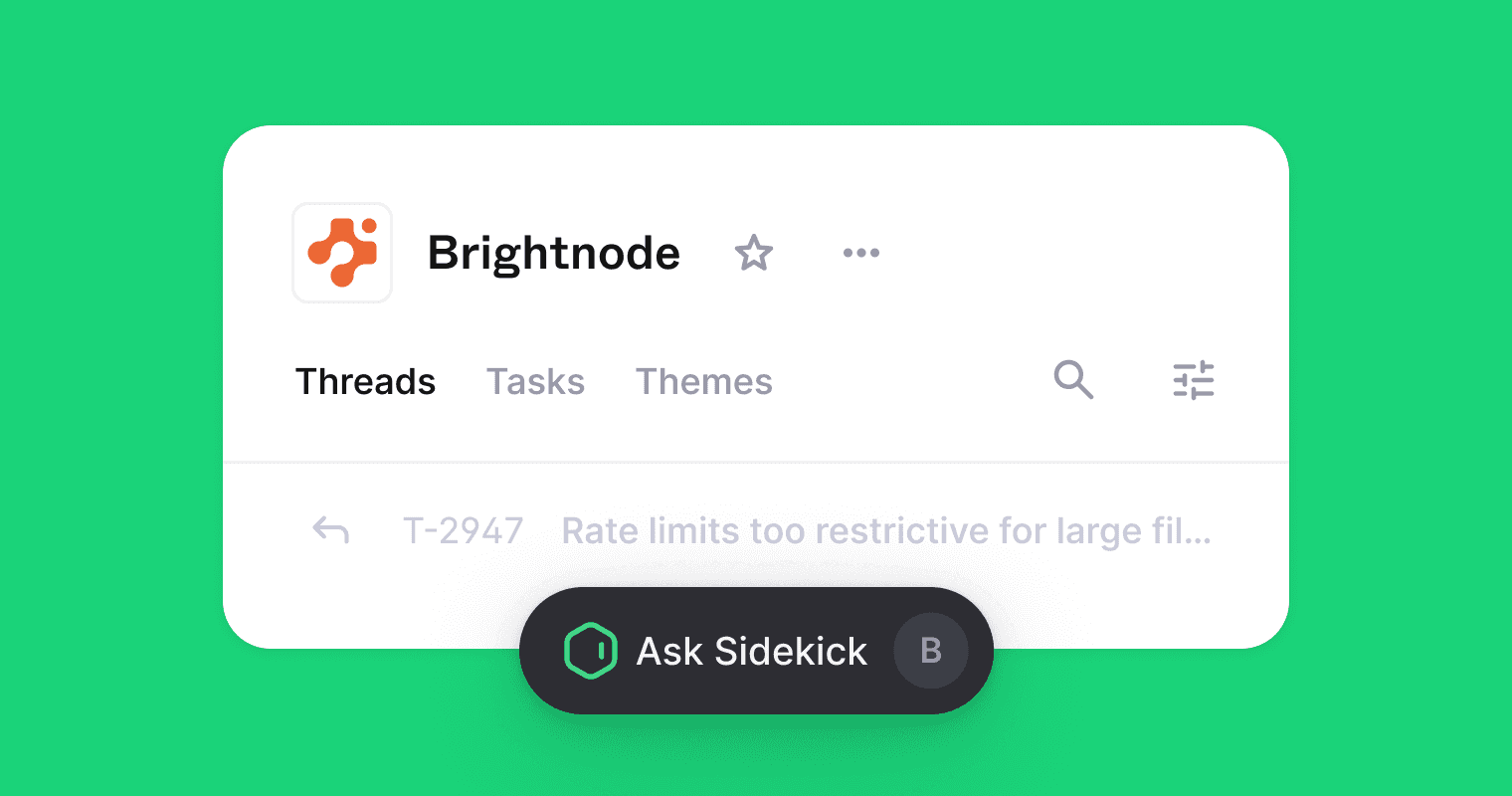
Sidekick started on individual threads. Now it works on Company and Tenant pages too.
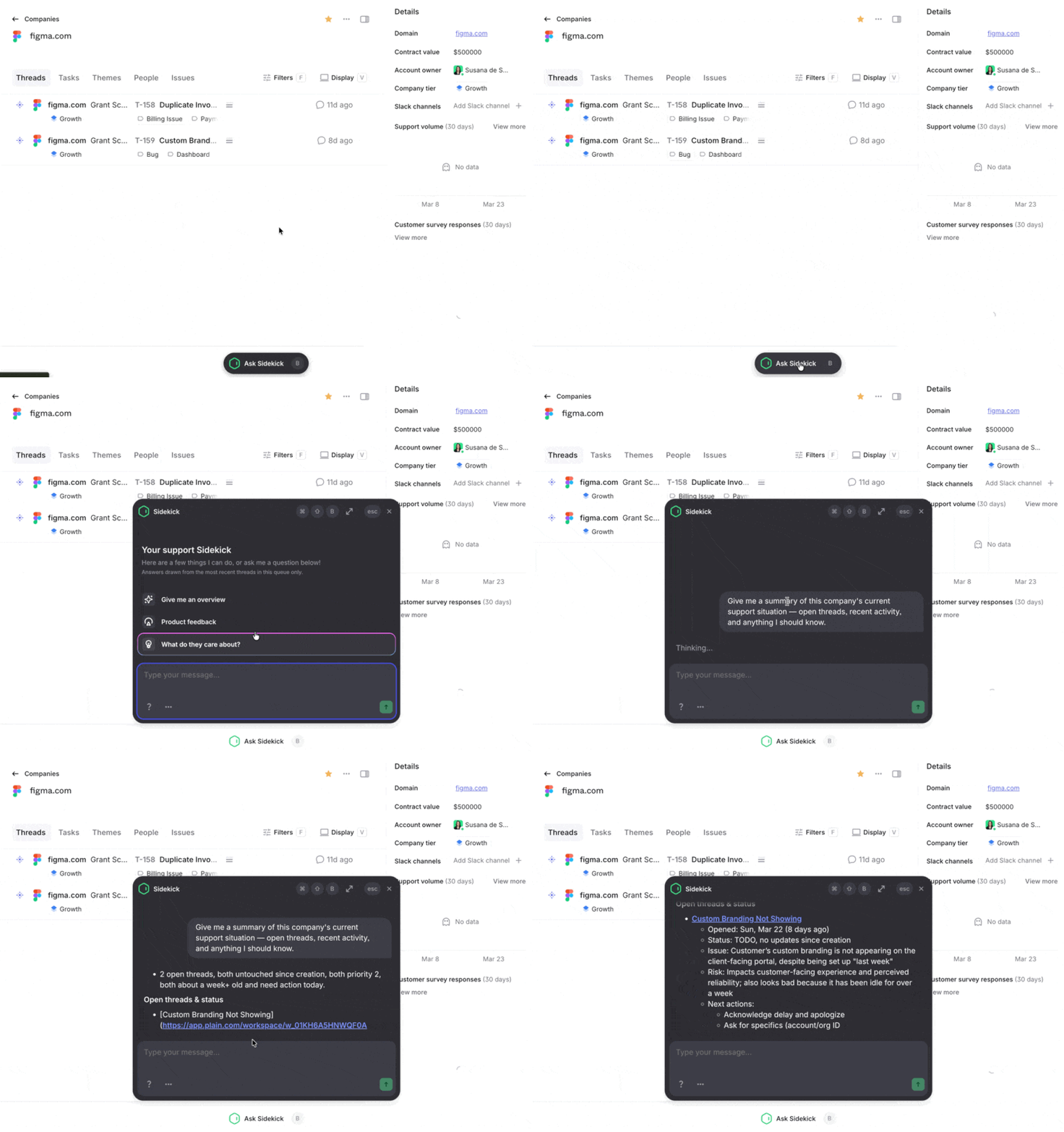
Company pages can have a lot of threads. No one reads through all of them before a call. With Sidekick you just ask.
Open any company or tenant, hit B, and ask anything about previous conversations. Sidekick reads across all their threads in your current view and gets you an answer fast.
Some questions people reach for:
Before a renewal: "What's been frustrating them lately?"
Before a call: "What should I know going into this?"
For a health check: "Which threads still need a follow-up from us?"
For product: "What feature requests keep coming up?"
How it works
Sidekick reads the threads in your current view, with whatever filters you've applied. Filter to open threads, it only sees open threads. Filter to a date range, it stays within that.
Answers come from the threads themselves, not from your Help Center or anywhere else.
Getting started
No setup needed. Open any Company or Tenant page, hit B, and start asking.
Full details in the help article. New to Sidekick? Start here.
Available on Frontier with Plain AI enabled.