

Setup
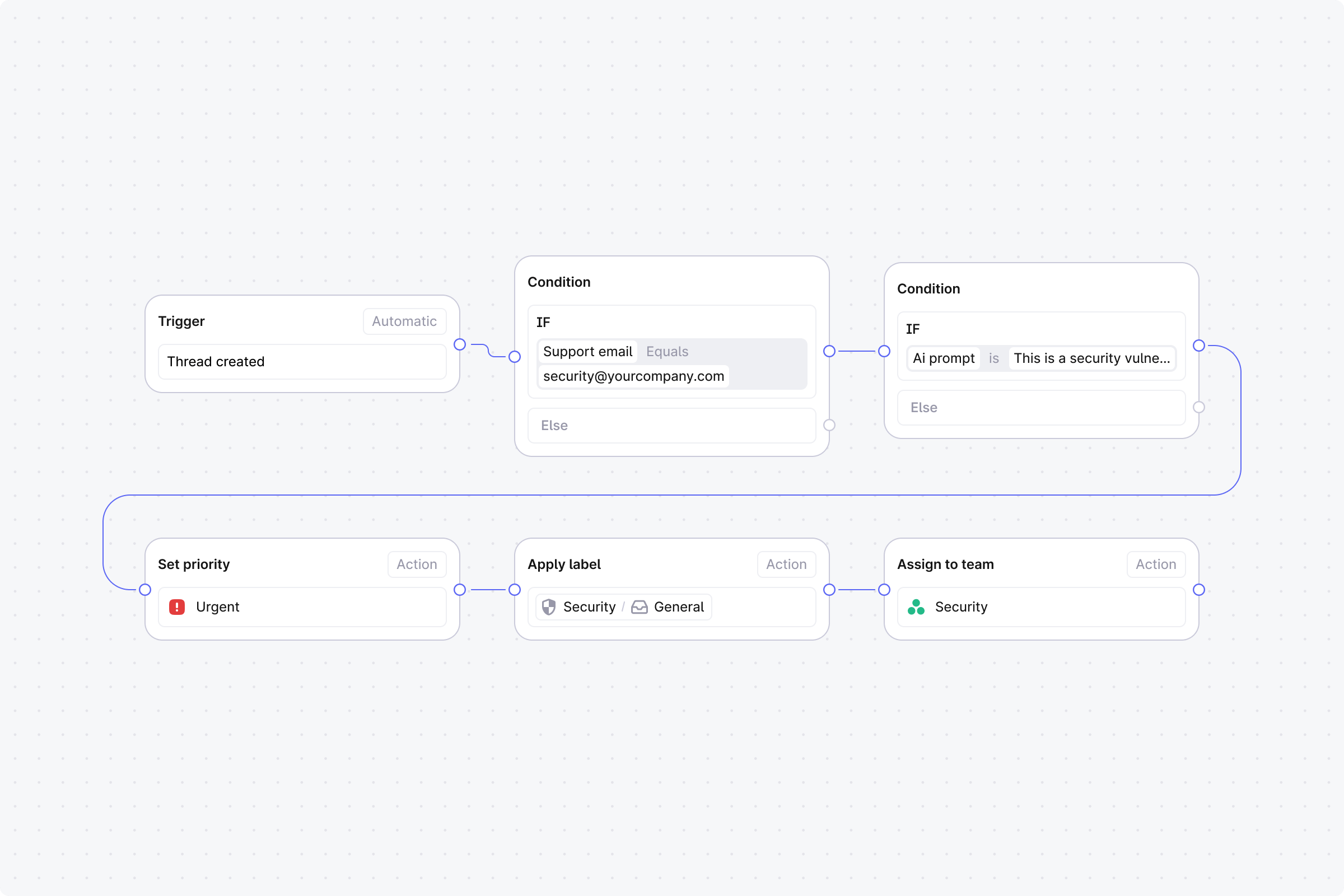
- Trigger: Set to Automatic, event: Thread created.
-
Step 1 (Condition): Support email equals security@yourcompany.com.
- No: End the workflow.
- Yes: Continue.
-
Step 2 (Condition): AI prompt match with: “This is a security vulnerability report or disclosure”.
- Yes: Continue to Step 3.
- No: Skip to Step 5.
- Step 3 (Action): Set priority. Set Mode to Manual and choose Urgent in Set priority to.
- Step 4 (Action): Assign to user. Select your security lead. End this branch.
- Step 5 (Action): Add labels. Set Mode to Manual and choose Security - General in Select labels.
- Step 6 (Action): Assign to team. Select your security team.