Set up your personal queue
- Go to Settings → Members
- Click your name
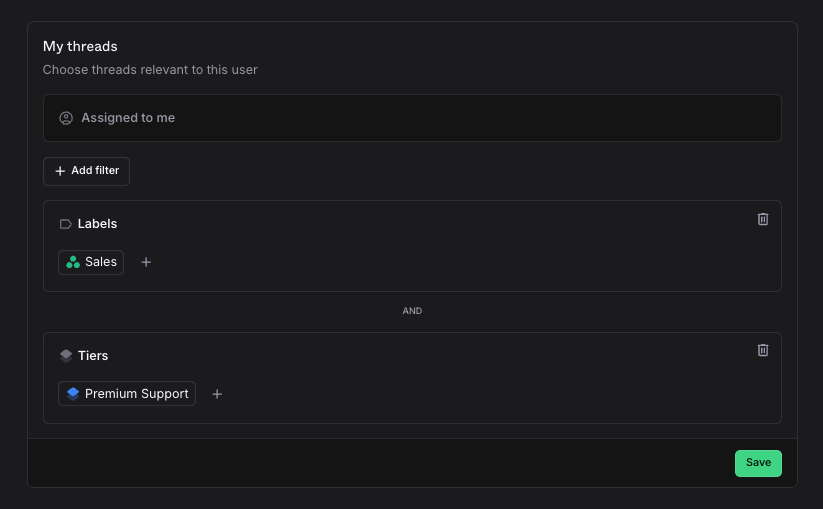
- Configure your queue filters
Queue filters
A personal queue consists of any number of thread filters. The personal queue will always contain “Assigned to me” so that you don’t miss any threads that are assigned to you, regardless of if they match any of the following filters or not. The remaining filters are then joined together to generate your resulting list. For example, if your team is organized by customer or by tier, you can narrow your personal queue to “Threads I’m assigned to and threads from Acme LLC”, or to “Threads I’m assigned to and Premium Support Customers”.