

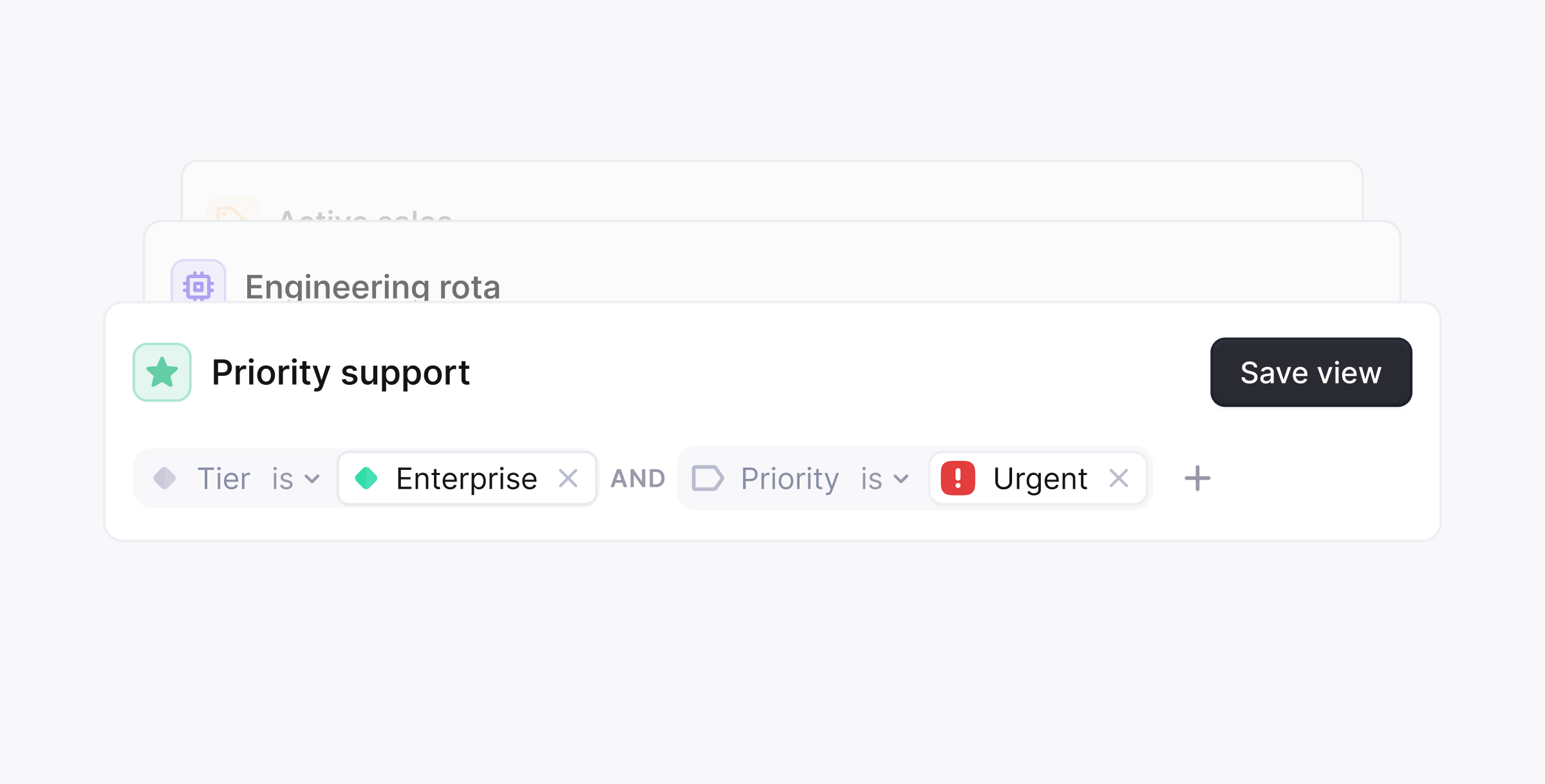
- Triage by Tier, or channel
- Dashboards for Sales or Success teams
- Monitor breaching SLAs
- Shared queue ownership
- Board View: great for visual triage and drag-and-drop workflows
- Table View: ideal for scanning high volumes of threads
- Go to Views in the sidebar
- Click Create view
- Set your filters, sort/group preferences, layout, and fields
- Save and favorite the view
Filters
Saved views support nested filter logic, so a view can be as broad or as narrow as you need. Available filters:- Assignee, Participant, Label, Status
- Tenant, Tier, Priority
- Group, Channel, Thread field
- Created at, CSAT sentiment, tenant field
Filter operators
Each filter supports:- is: include threads that match the value
- is not: exclude threads that match the value
- Label is not
spam
Combining filters
You can choose how filter blocks are combined:- Match all: all filter blocks must match (combined with AND)
- Match any: any filter block can match (combined with OR)
Repeating filter blocks
You can add the same filter block multiple times. This is useful when you want to apply different conditions to the same field. Example logic:- Threads with label
securityAND threads with eitherbugorfeature request
-
One label block containing
bugandfeature request -
A second label block containing
security - The blocks combined with AND
- Status changed (oldest/newest)
- Closest to SLA breach
- Priority or most recent message
- Priority, Status, Tenant, Label
- Tier, Channel, Assignee, Group