

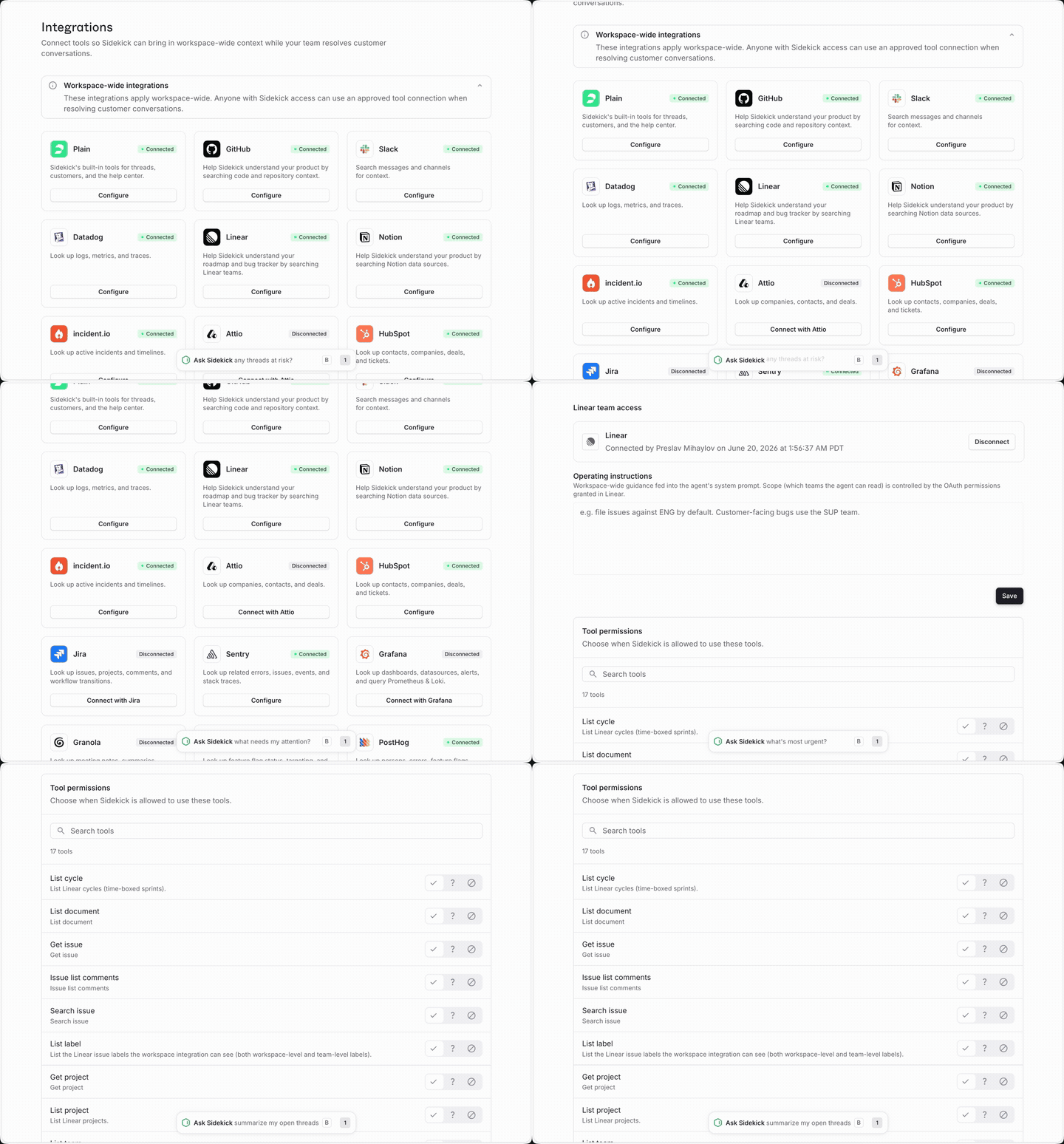
How to connect an integration
You need to be a workspace Admin or Owner to connect integrations.- Go to Plain AI → Sidekick → Integrations
- Find the integration you want and click Connect
- Complete the authentication flow
- Once connected, the integration is available to everyone in your workspace immediately
How integrations work in a session
You don’t configure anything per session. When you open Sidekick, it discovers which integrations your workspace has connected and uses them as needed. As it works, you can see its tool calls on screen in real time, so you always know what it looked up and why.Supported integrations
Every tool is opt-in and connected through Sidekick → Integrations. The catalog spans five categories, plus Slack, GitHub, and custom MCP servers.Knowledge and meetings
CRMs
Issues and incidents
Observability
Analytics
Slack
This Slack integration lets Sidekick look up Slack messages while you work in Plain.
It’s separate from Sidekick in Slack, which lets your team @mention Plain inside a Slack channel.
You can enable each independently.