

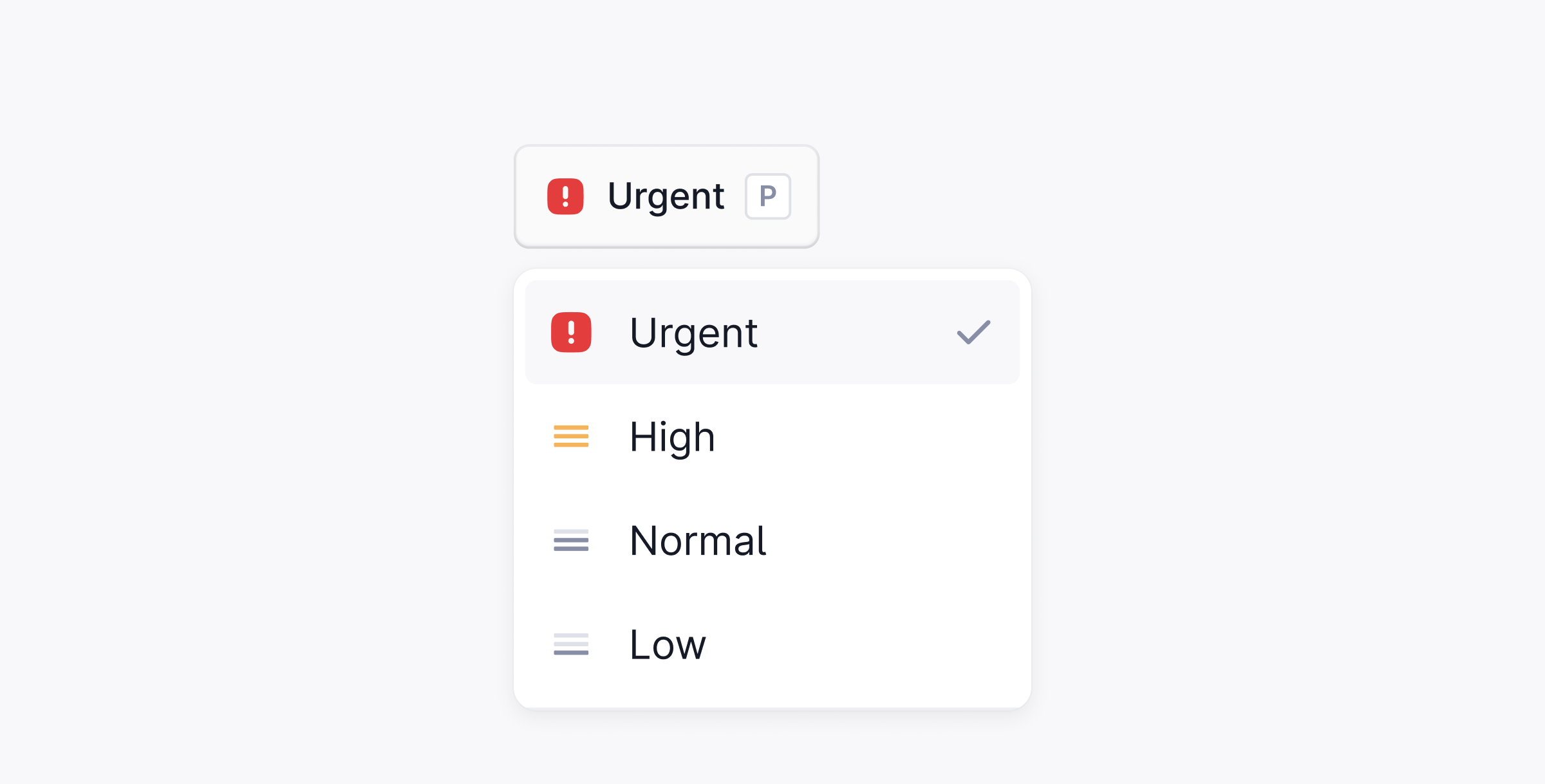
Priority levels
Set priority
There are three ways to set a priority on a thread:-
Press
Pwhile viewing the thread. - Open the command palette with ⌘ + K and search for Set priority.
- Select a priority from the dropdown in the thread header.
Order your queue by urgency, and set SLA targets per priority.
P while viewing the thread.