

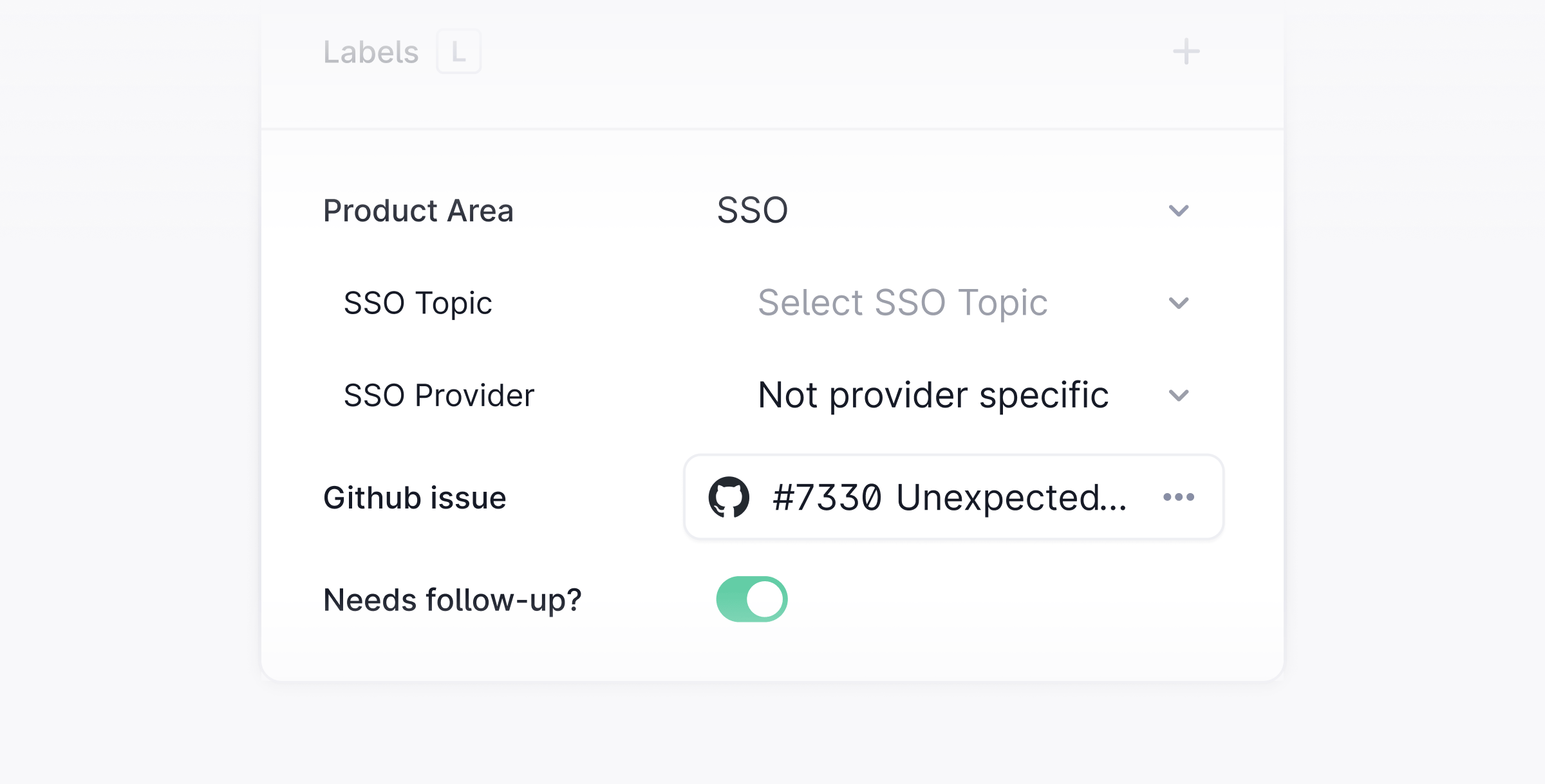
Field types
Number, Currency, and Date fields can be used as queue filters and for sorting.
Additional configuration
- Read-only fields: Mark any field as read-only so agents can see the value but cannot edit it.
- Conditional fields: Fields can be nested so that one field only appears based on the value of another. Use this to build dynamic forms that adapt to what agents enter.
- Label-based visibility: A field can be configured to only appear when a thread has a specific label applied. Set this using the Labels option in the field settings. This is only available for top-level fields. It cannot be combined with the nested conditional field option.
- Required fields: Mark a field as required to ensure agents fill it in before marking a thread as Done.
- AI auto-fill: Plain can automatically fill thread fields using AI. To enable it, open the settings for a field and turn on Autofill via AI.
Agent context
The"Include in Agent context" toggle lets Ari use this field as additional context when handling a thread. It is off by default and set per field.
Fields can hold any data, including PII, so only enable this toggle for values you’re comfortable sharing with Ari.