

How to set it up
Adding Parahelp as a team member
- Contact the Parahelp team to set up your agent. Once you’re ready to connect to Plain:
-
Go to “Settings” → “Members”
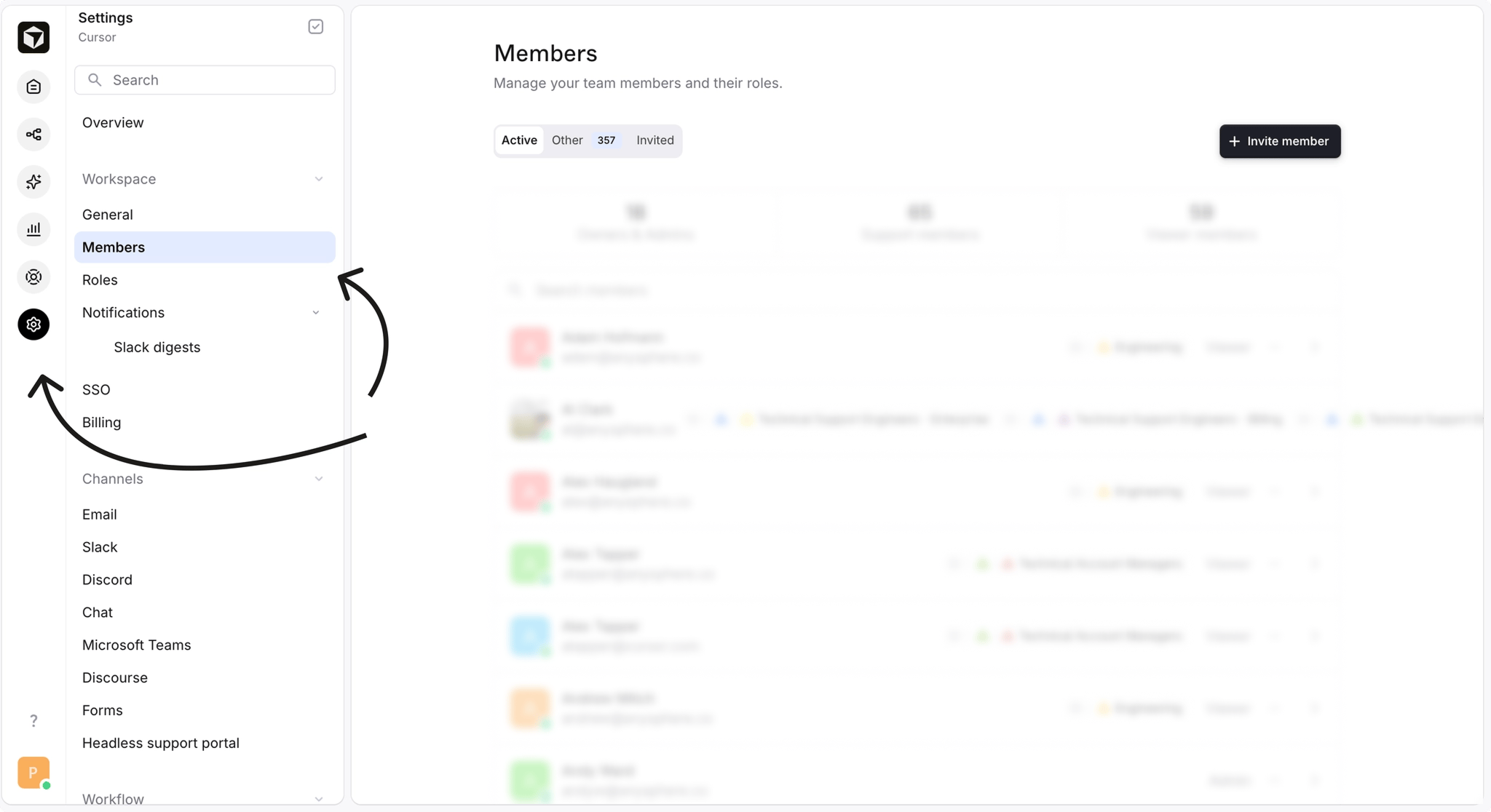
-
Click “Invite member”
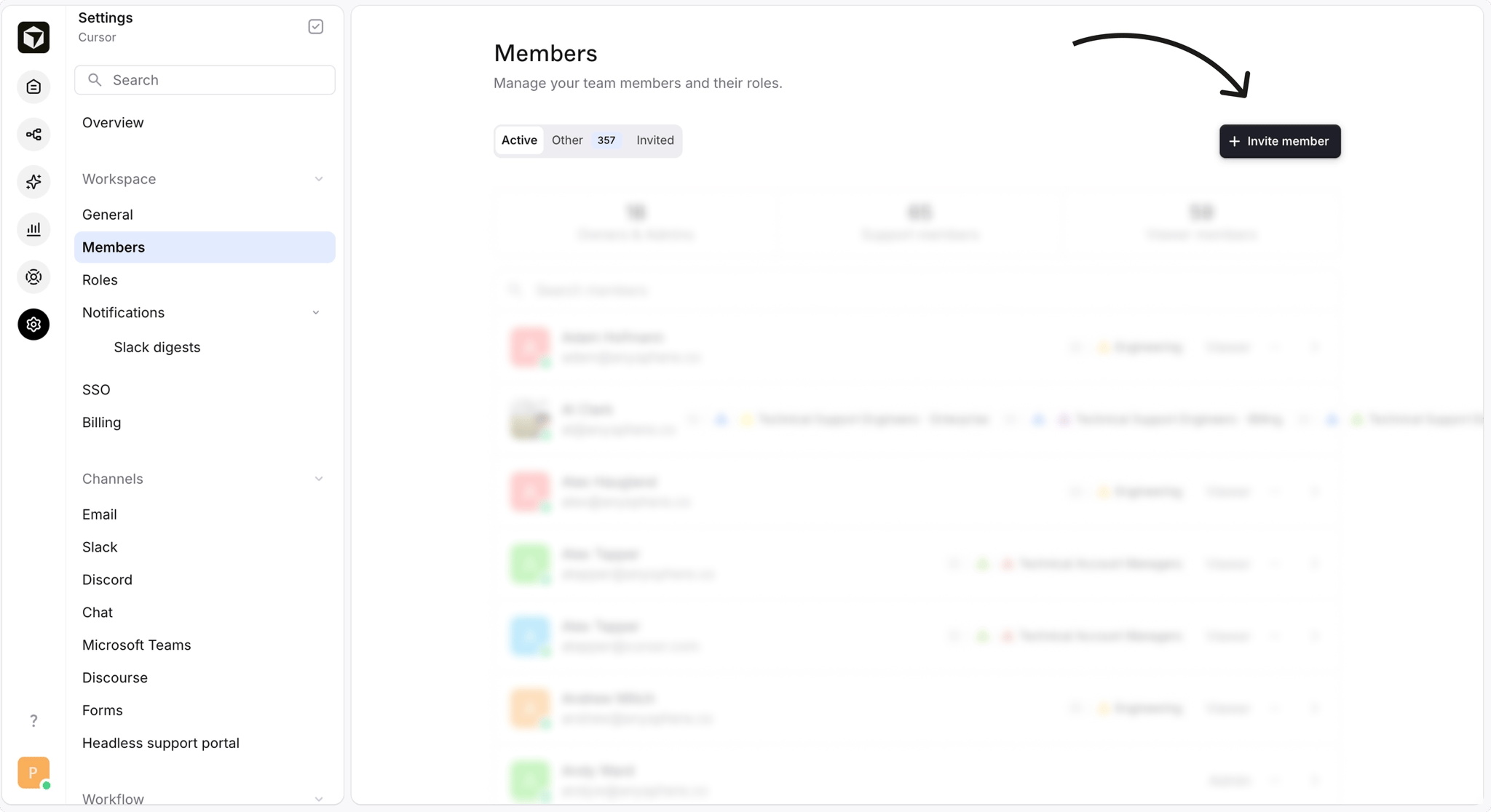
-
Under “Email”, enter
[company]@parahelp.com - Set the role to “Admin”: this permission allows Parahelp to connect to the Machine user.
- Click “Send invite.”