

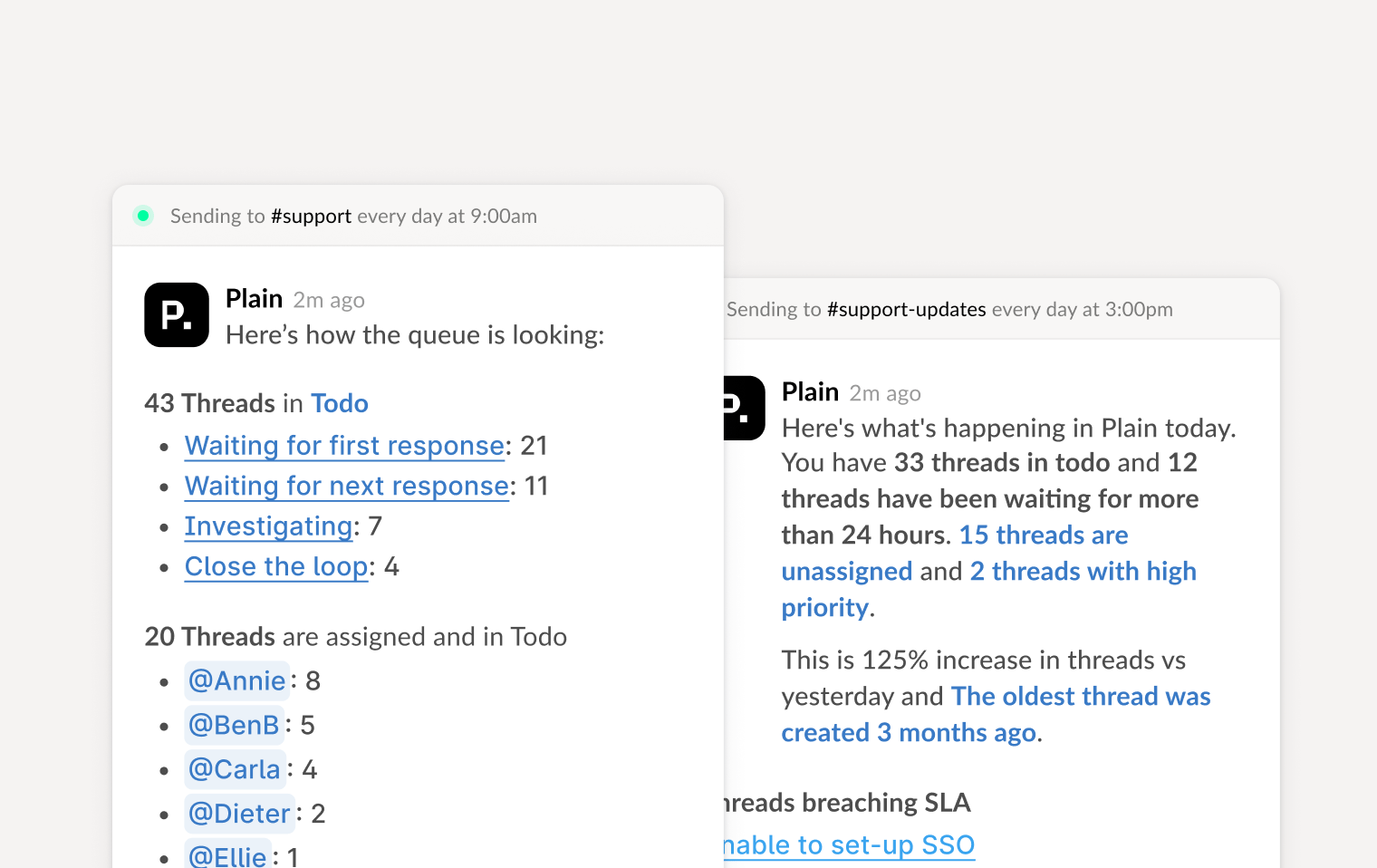
From frontline responders to support leadership, Slack digests help teams to stay aligned and responsive, without constantly checking the queue. Delivered via Slack, they provide clear, timely updates tailored to how different team members work.
Slack digests: update

Setting up a digest

  1. Go to Settings → Notifications → Slack
  2. Choose the Digest type you want to enable
  3. Set the delivery time (UTC)
  4. Toggle it on

Available digests

Daily standup

Gives your support team a focused view of what’s waiting in their queue.

Daily summary

Gives a high-level view of your support queue’s overall health.

Themes

Surfaces the main topics coming up in your support threads.