Use Slack actions to manage threads
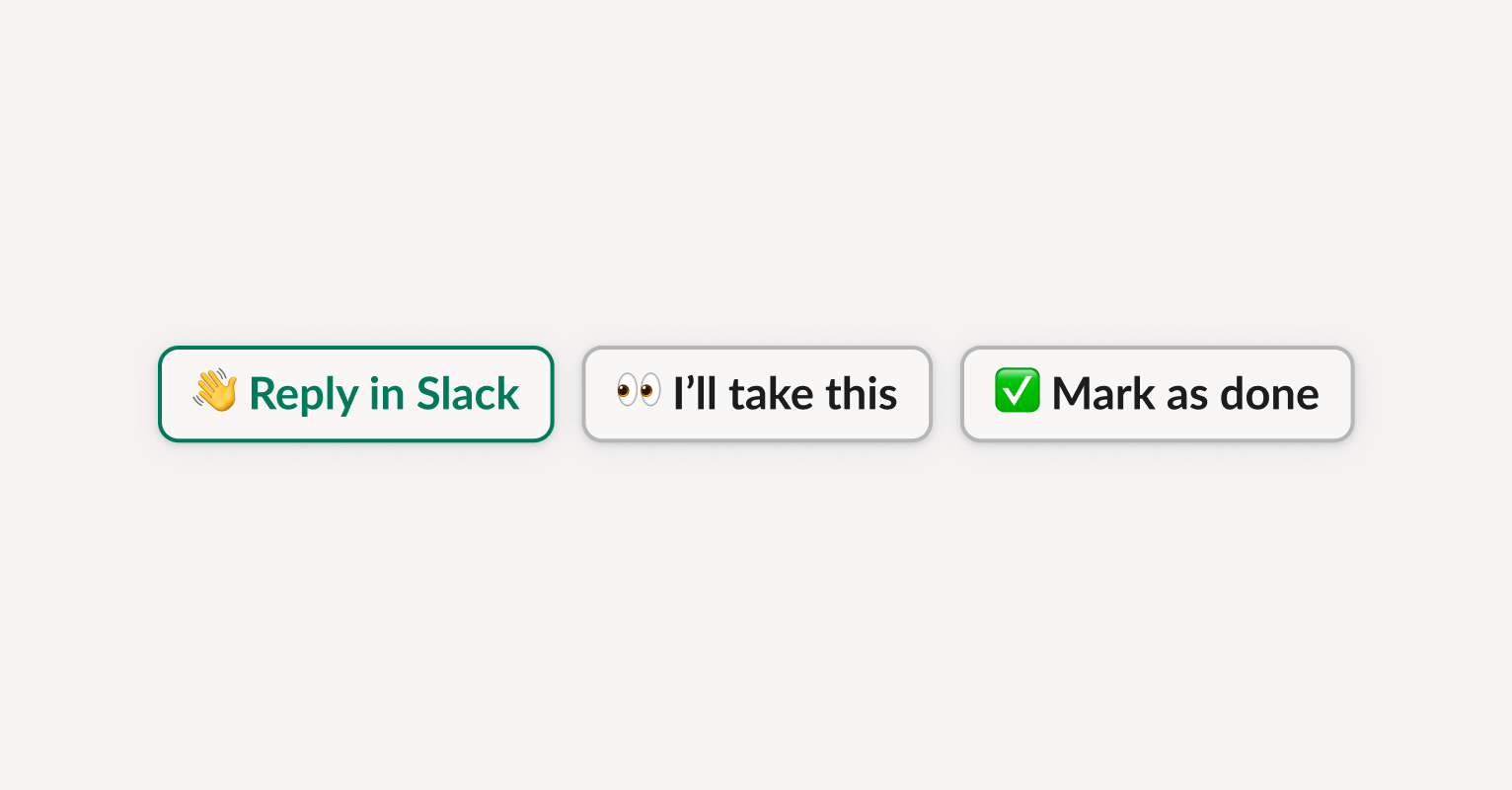
The following actions can be performed directly from a notification in your Slack channel:- Reply in Slack Opens the original customer Slack thread so you can jump in instantly.
- I’ll take this Assigns the thread to you in Plain.
- Status dropdown Lets you update the thread status directly from Slack. All your custom statuses (e.g. Investigating, Waiting on customer) are available in one click.
- Snooze until tomorrow Snooze a thread so that you have a reminder to look at it later.
- Set priority to urgent Automatically change a thread’s priority to signal to your team that it needs immediate attention.
- Open in Plain Go to the thread in Plain, directly from the Slack notification.
Update thread status with emojis
You can also take action directly in the customer’s Slack thread, using emojis on the top-level message.- ✅ → Marks the thread as Done in Plain
- 👀 → Marks the thread as Investigating
Ask Sidekick from Slack
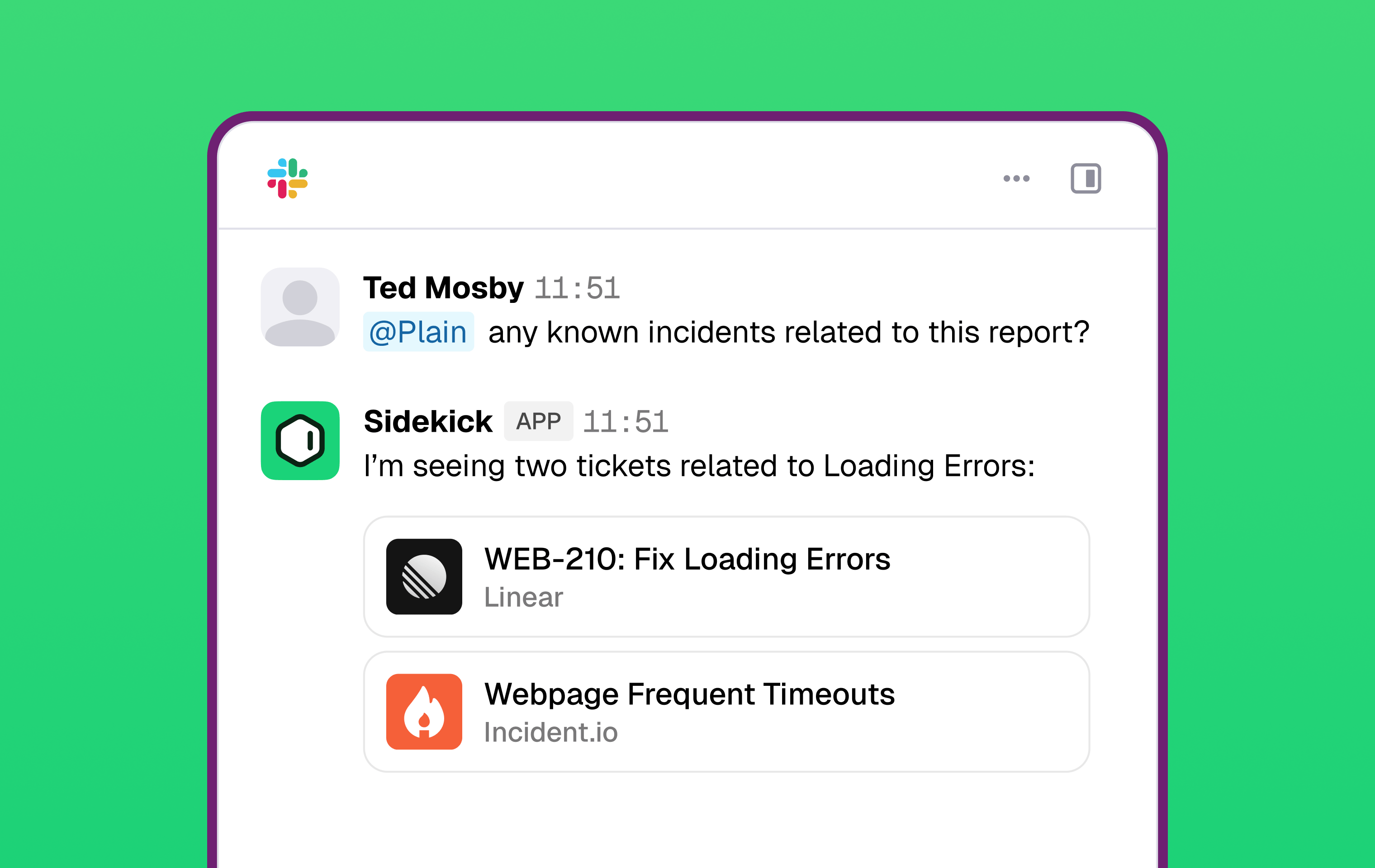
You can invoke Sidekick, Plain’s AI assistant, directly in a connected Slack channel by @mentioning it. Sidekick responds in the thread with full access to your knowledge sources, tool integrations (Linear, Datadog, GitHub, and more), and support history.