

Plain Broadcasts is a free, standalone app built by the Plain team to help you send high-quality updates to specific customer groups directly in Slack. Whether you are announcing a new feature, sharing a changelog, or coordinating around an incident, Broadcasts delivers clear, branded messages right where your customers already are, without needing engineering help or a dedicated marketing platform.
Slack broadcasts in Plain

Getting started

1. Define an audience

Audiences let you control who receives your messages.
  • Group your customer Slack channels into named audiences (e.g. Enterprise Customers, Beta Users, EU Accounts)
  • You can only add channels where the Plain app is installed
  • If a channel is missing, hit the refresh icon next to the search box to update the list

2. Create a broadcast

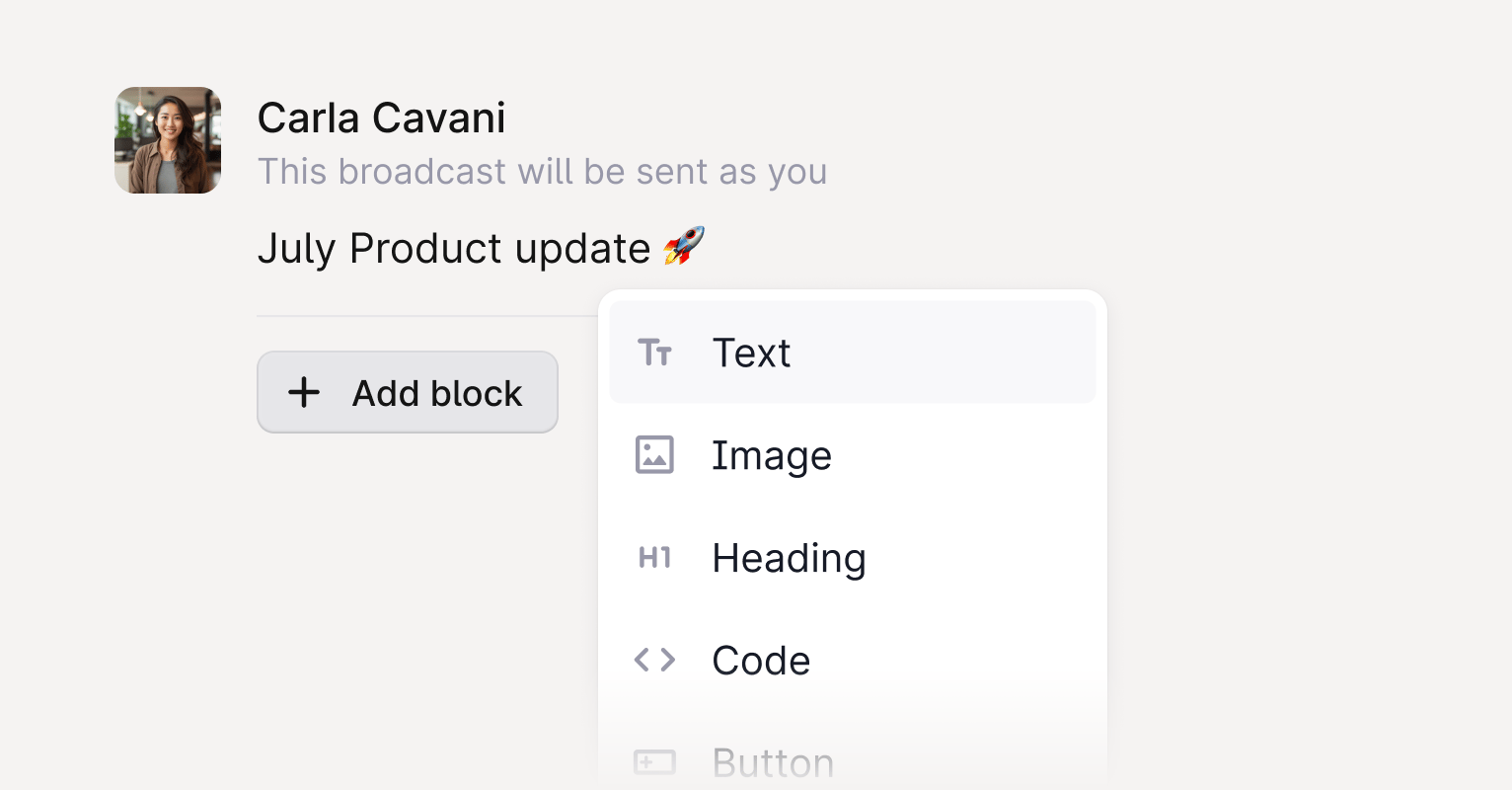
A Broadcast is the message you want to send. Compose it using familiar content blocks:
  • Text
  • Headings
  • Lists
  • Images
  • Code blocks
  • Emojis (use your system emoji picker, for example Ctrl + Cmd + Space on Mac or Windows key + semicolon on Windows)
Once sent, the Broadcast appears as a well-formatted message in each selected Slack channel.

3. Send or schedule your broadcast

Review your audience and message before sending. Broadcasts are delivered directly into each channel as a new top-level message from the Plain bot. Broadcasts is a standalone product separate from the main Plain app. You can access it at broadcasts.plain.com.